Table management
Your own floor plans with status colours, attributes and backgrounds.
Read more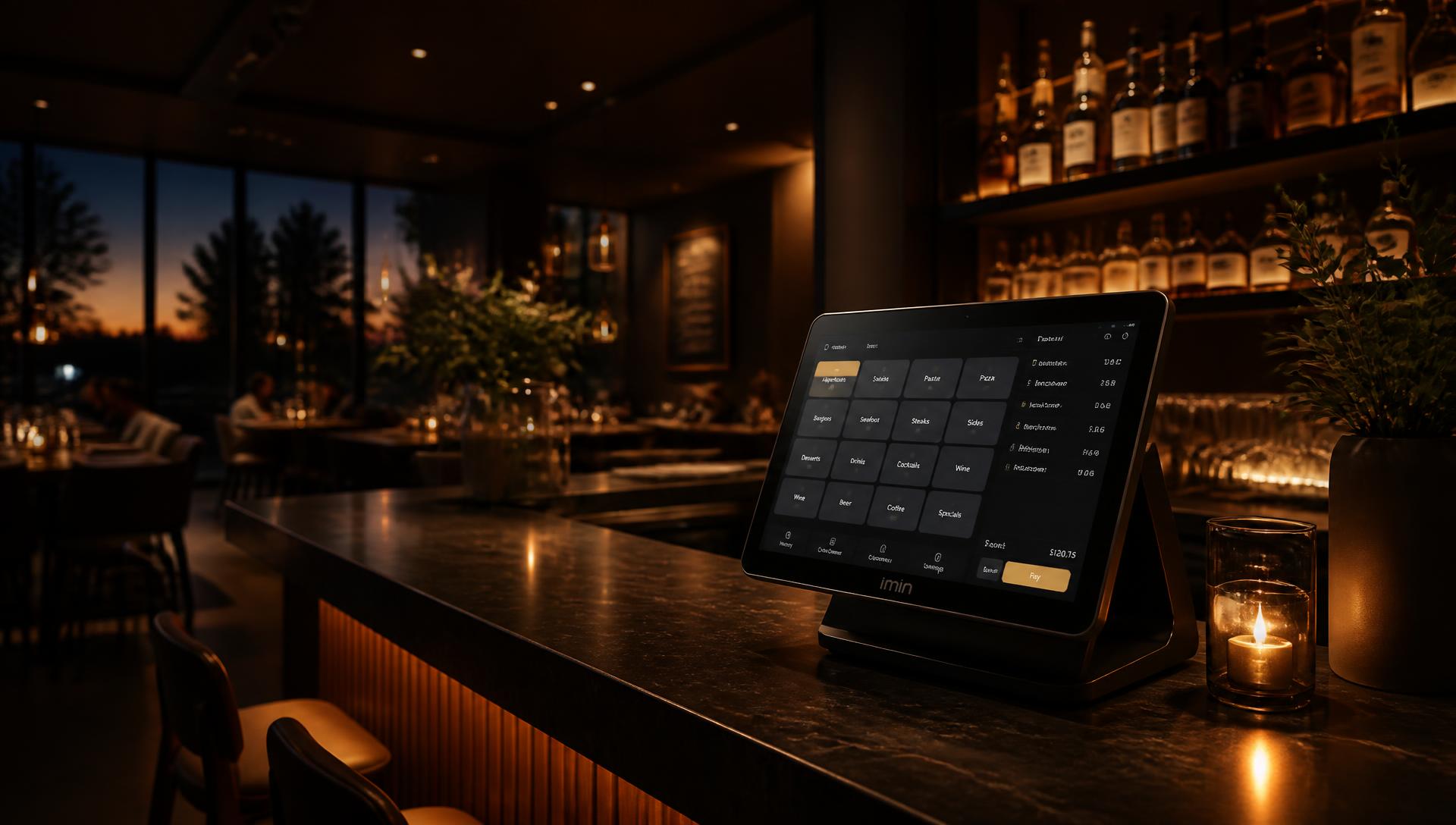
POS system for hospitality and retail
POS stands for Point of Sale: the point where you sell. A POS till system is more than a plain till — it connects products, tables, handhelds, kitchen, stock, staff and reporting in one system. SmartPOSapp is delivered ready to use: we install and set up the system for you.
| Aspect | Classic till | POS system |
|---|---|---|
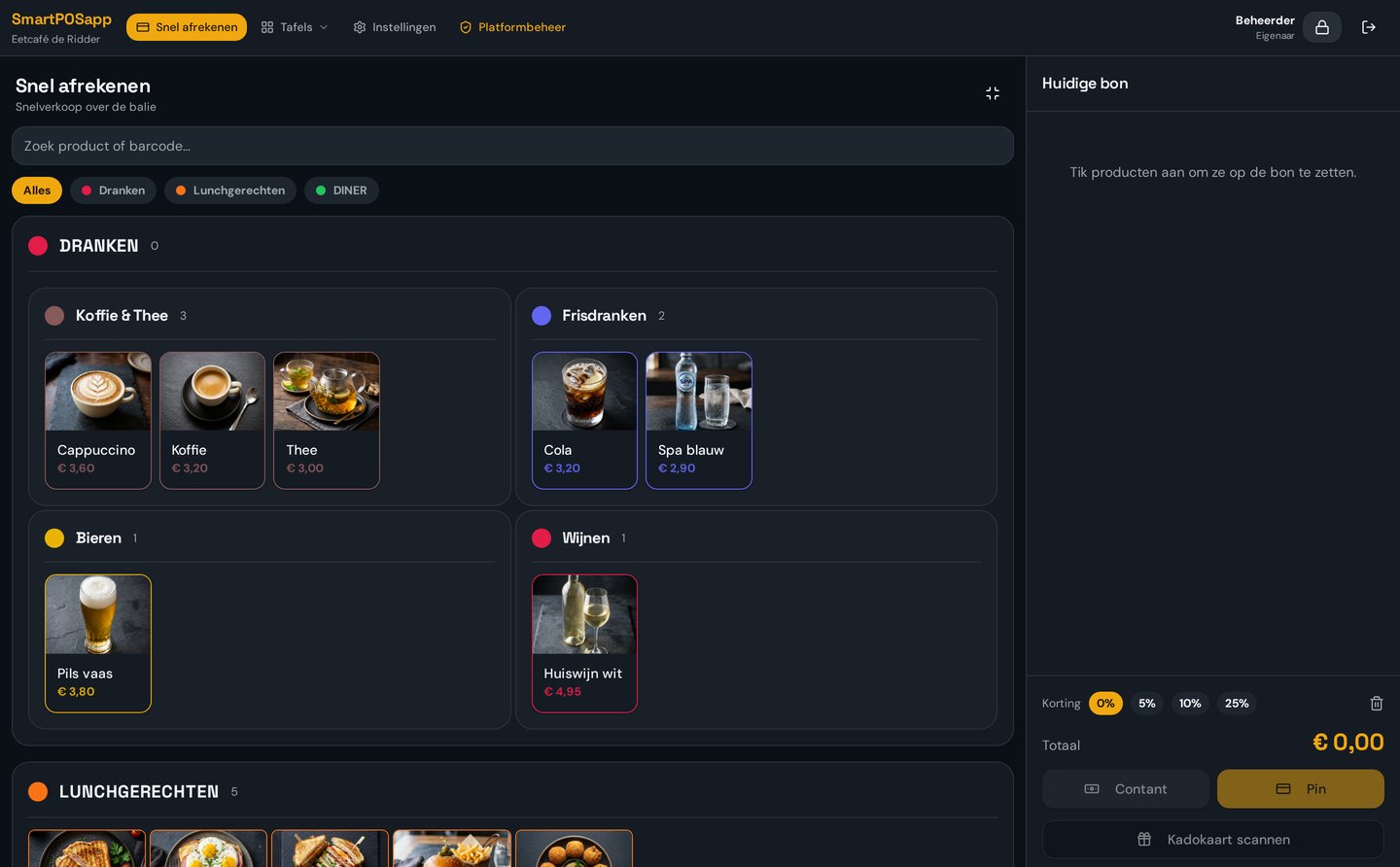
| Checkout | Print a receipt and open the drawer | Checkout, split bills, scan gift cards, keep remaining balance |
| Products | Fixed buttons | Categories, subcategories, colours, draggable tiles and images |
| Service | Only at the counter | Handhelds for service and QR ordering at the table |
| Kitchen | Paper ticket | Kitchen display per category or product, with courses |
| Staff | One shared login | Roles, PIN login, clocking in/out and hours overview |
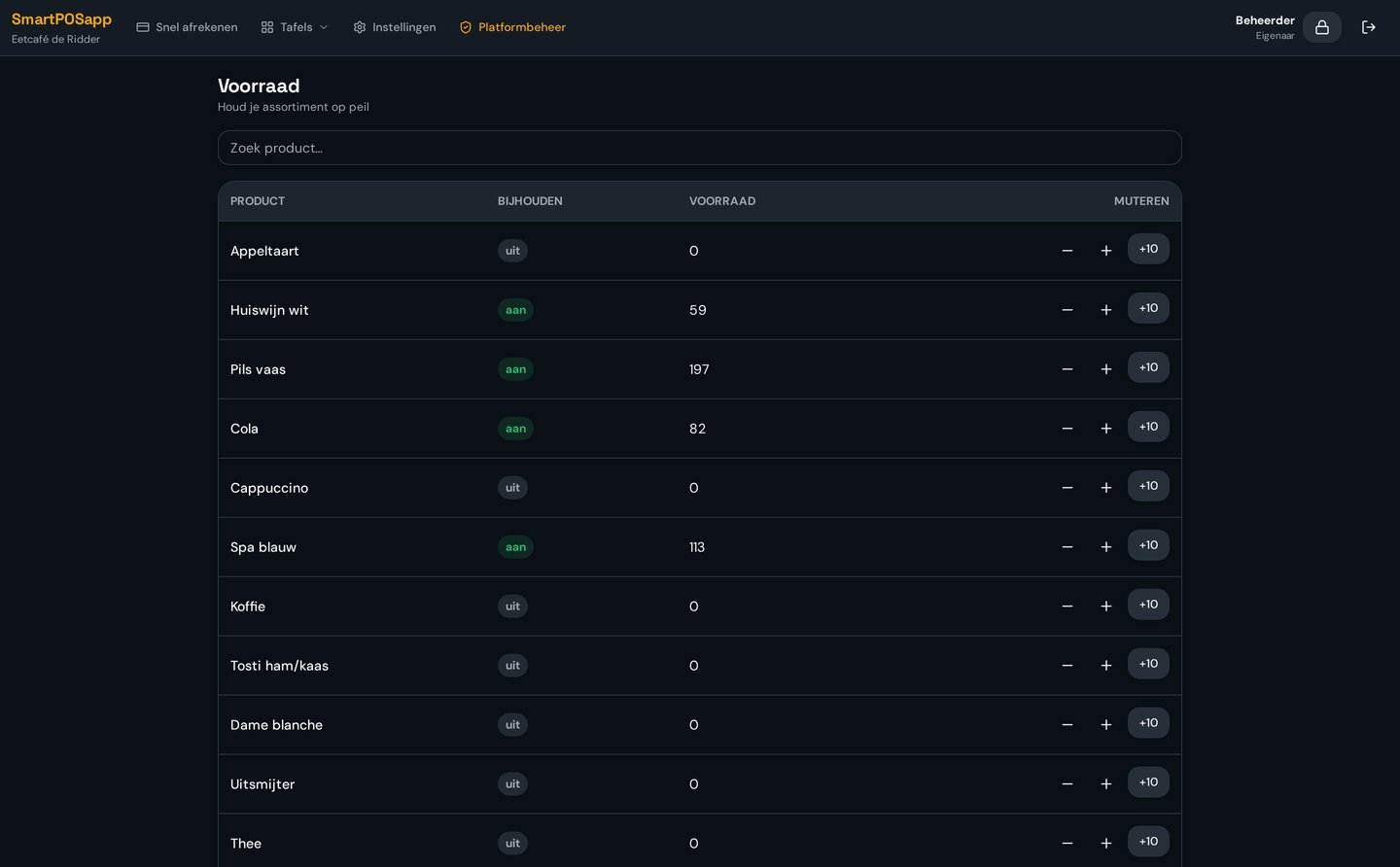
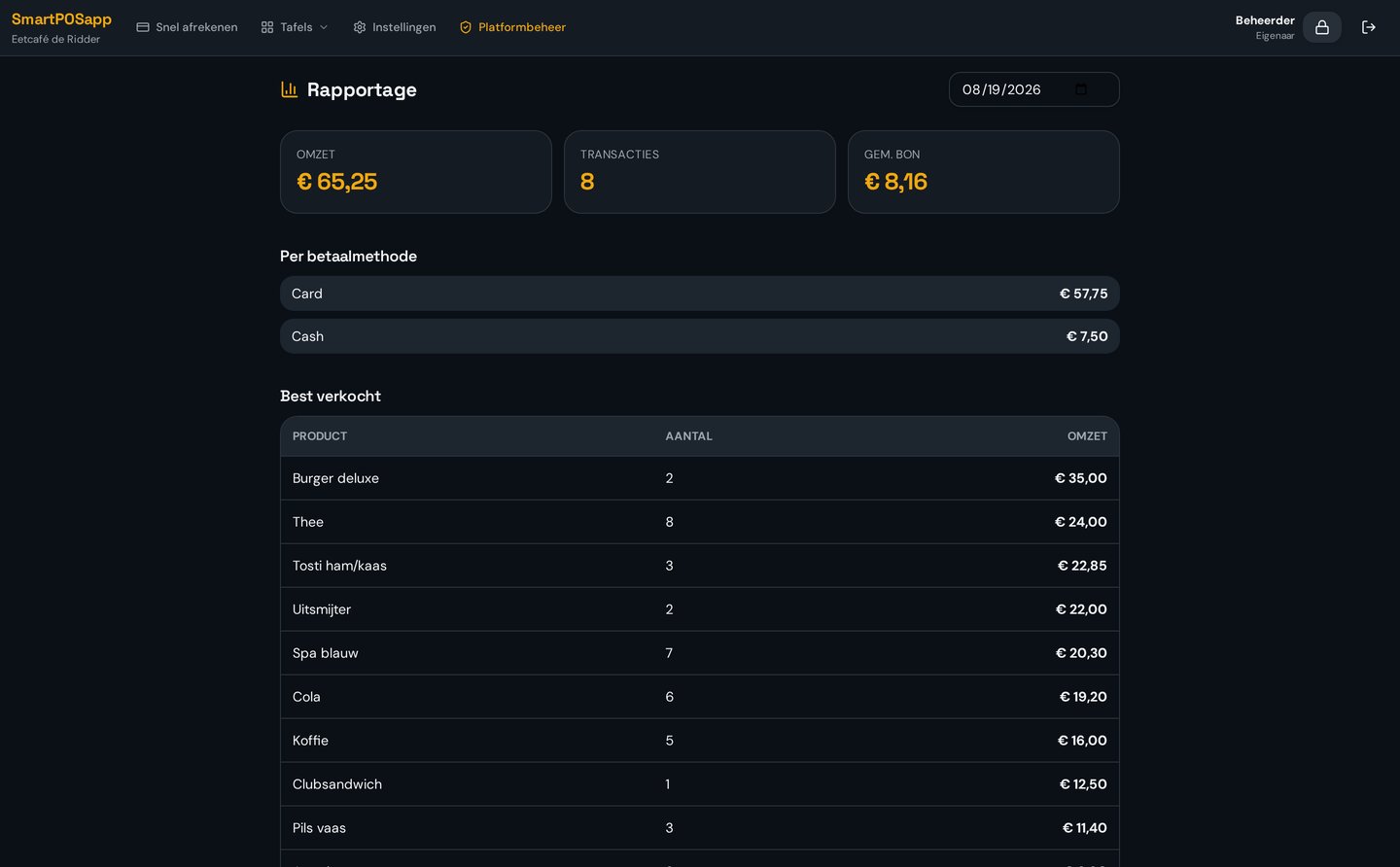
| Insight | Daily total | Revenue per day, shift, staff member and product plus stock |
Your own floor plans with status colours, attributes and backgrounds.
Read moreOrder on your staff's phones, first handheld included.
Read moreGuests order themselves via a QR code at the table.
Read moreAutomatic printing and orders sent digitally to the kitchen.
Read moreBarcode scanning, variants and live stock for shops.
Read moreReservations as an extra option within your plan.
Read moreSmartPOSapp is an all-in-one POS system in the cloud. You pay one fixed amount per month, with no set-up costs. Updates, support and one handheld are included with every plan.
Plan
€ 39.95
per month
Most popular
€ 69.95
per month
Plan
€ 99.95
per month
Amounts are indicative and exclude VAT. Want to know exactly which plan is best value for you? See the full pricing page.
POS stands for Point of Sale: the point where the transaction takes place. A POS system is the software and hardware you use to take orders, check out, print receipts and record your revenue.
A till registers a sale and prints a receipt. A POS system does that too, but also links products, stock, staff, tables, handhelds, kitchen displays, reporting and payment methods together in one system.
With SmartPOSapp you pay a monthly fee from €39.95, including updates, support and one handheld. You only buy hardware you don't already have. See the pricing page for all plans and modules.
Yes. SmartPOSapp runs in the cloud on the till we install at your business. Your data is stored centrally, so you can see your turnover even when you're not on site. Handhelds work on the same wifi as the till.
SmartPOSapp is used in restaurants, cafés and bars, snack bars, lunchrooms, sports canteens and clubs, food trucks and events, and retail such as clothing shops and specialty stores. Each type of business switches on different modules: table plan and handhelds in hospitality, barcode scanning and stock in shops.
Most businesses are up and running within a day. You create an account, import or type in your categories and products, choose your tile layout and connect your receipt printer. The printer is found automatically on the network, so no technician is needed.
We deliver the complete till set ready to go: a touchscreen till with the software already installed, a network receipt printer and, if needed, a cash drawer. We can also supply a barcode scanner for retail and Android handhelds for service staff.
Yes. Your product list can be carried over. During installation we set up your system, and if you like you can run it alongside your old system for a while. That way you can check prices, VAT rates and receipt layout before switching for good.
Yes. Request a demo and we'll show you how the system works for your type of business. If you choose SmartPOSapp, we deliver and install the system ready to use.
Would you rather compare costs first? See what a POS system costs or the buying guide.
We set up your products, tables and printers for you during installation, so you can start checking out right away.
Aanslaan op grote tegels, barcodescanner, cijferblok en gesplitst betalen.