SmartPOSapp
Classic and chalkboard menus made with SmartPOSapp

Menu maker add-on

Design and print menus, straight from your till

Pick a ready-made design and your dishes, prices and photos are on it right away. Edit everything on the menu itself: drag, type, add. Then download a print-ready PDF.

Different menu designs

Menu maker add-on

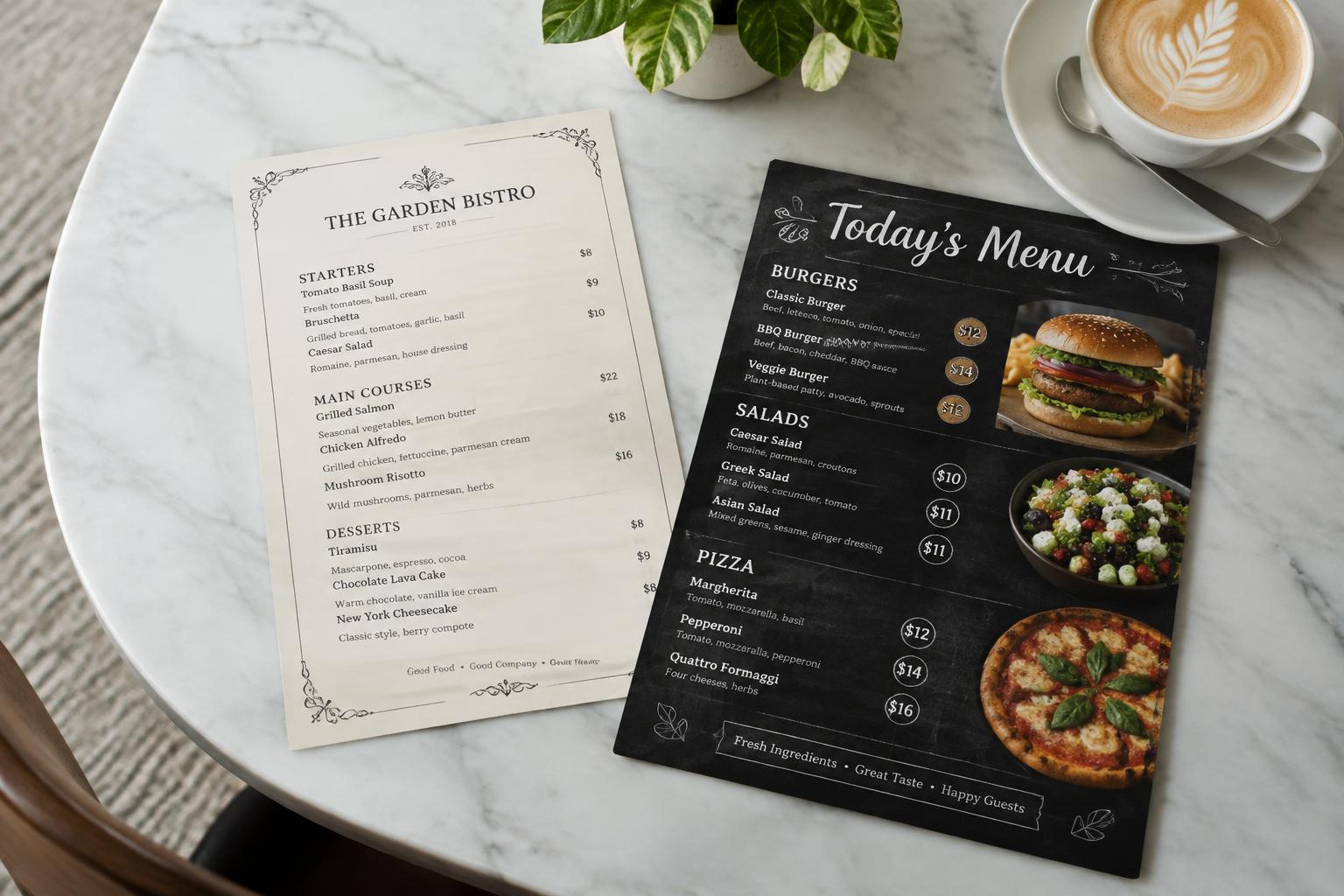
Dozens of designs, classic to modern

Chalkboard, wood, marble, botanical, baroque, grand café, urban burger, pizzeria and more. See every design with your own dishes before you choose.

  • Frames, ornaments and hospitality illustrations
  • Eight font pairings and price badges
  • Logo, paper texture and allergen legend
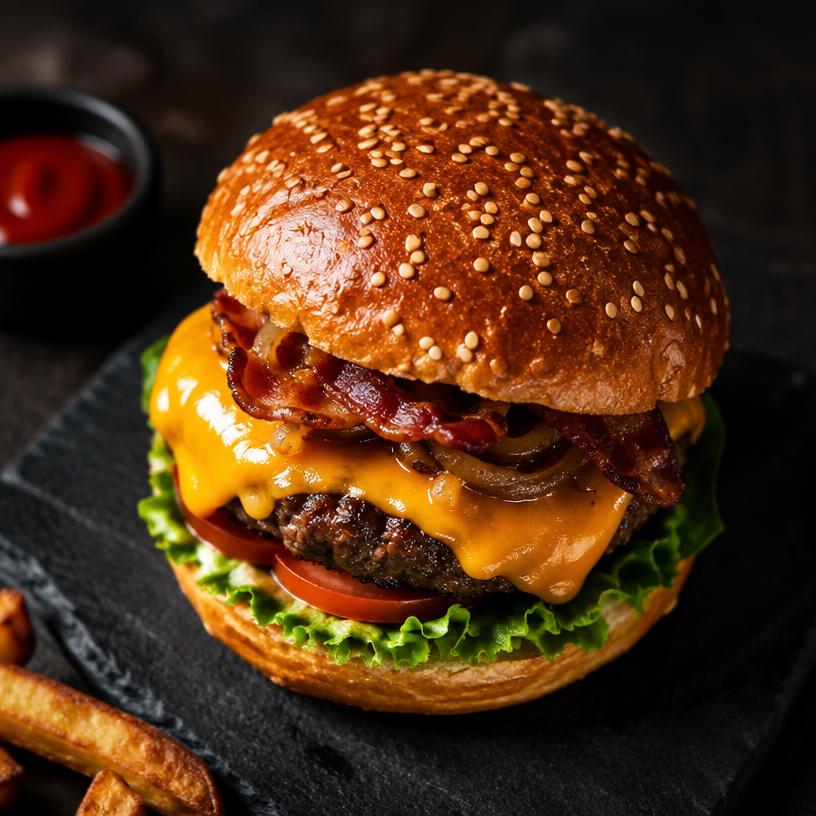
Burger as a product photo on the menu

Menu maker add-on

Real product photos

Photo cards and large hero photos make your menu appealing. Your own till photos come first; the built-in mood photo library fills the gaps.

  • Photo cards, list or large hero photo
  • Round price badges on the photo
  • Featured dishes and stamps
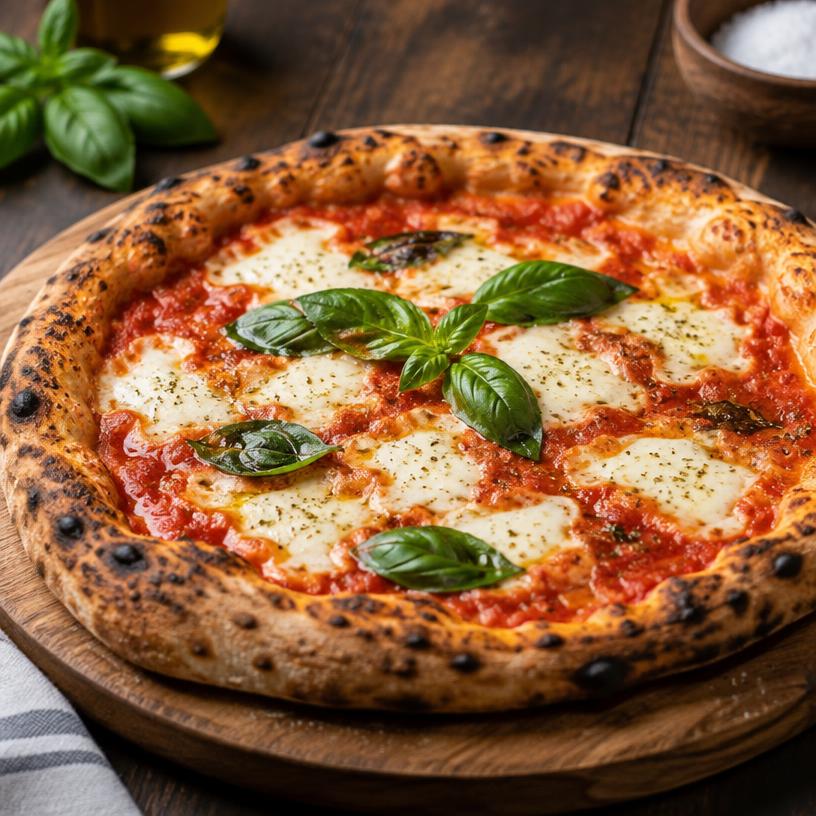
Pizza on a multi-page menu

Menu maker add-on

Automatically split over pages

Lots of products? The menu is spread over as many pages as needed, then you move categories and dishes into place yourself.

  • Up to 20 pages per menu
  • Type and drag directly on the preview
  • Exclude products or add your own lines

Menu maker add-on

QR codes and price check

Add a QR code to your Google reviews, website or online ordering. When till prices change you see it on your menu right away.

  • QR to reviews, website or your own link
  • Notice for changed till prices

Menu maker add-on

Print-ready PDF

Download your menu in A4, A5, A3 or as a table card, with crop marks and bleed for the print shop, or print it yourself.

  • High quality for the printer
  • Crop marks and bleed
  • Each page printed separately

Frequently asked questions about the menu maker

Do I have to retype all dishes and prices?
No. Categories, products, descriptions, prices and allergens come straight from your till. When a till price changes you get a notice to update your menu.
Which designs can I choose?
From classic and baroque to chalkboard, wood, marble, urban burger, pizzeria and summer specials. Every design is fully customisable: fonts, colours, frames, price badges and layout.
What if my menu doesn't fit on one page?
The menu maker spreads your products over as many pages as needed (up to 20). A large category continues on the next page marked '(continued)'.
Can I use photos of dishes?
Yes. Your own product photos from the till are used; if a product has no photo you can use matching mood photos from the built-in library.
Can I have the menu printed?
You download a print-ready PDF in A4, A5, A3 or table-card size, optionally with crop marks and bleed for the printer.
What does the menu maker cost?
The menu maker is an add-on to your SmartPOSapp subscription. The current monthly price is shown at the top of this page and on the pricing page; cancel monthly.

Never retype your prices again

Order your SmartPOSapp till and switch on the menu maker whenever you like.

Buy a POS system — instalments available

Buy the complete till set with touchscreen till, cash drawer and receipt printer. With a yearly contract you pay in monthly instalments. We install and set everything up on site.

View hardware