SmartPOSapp
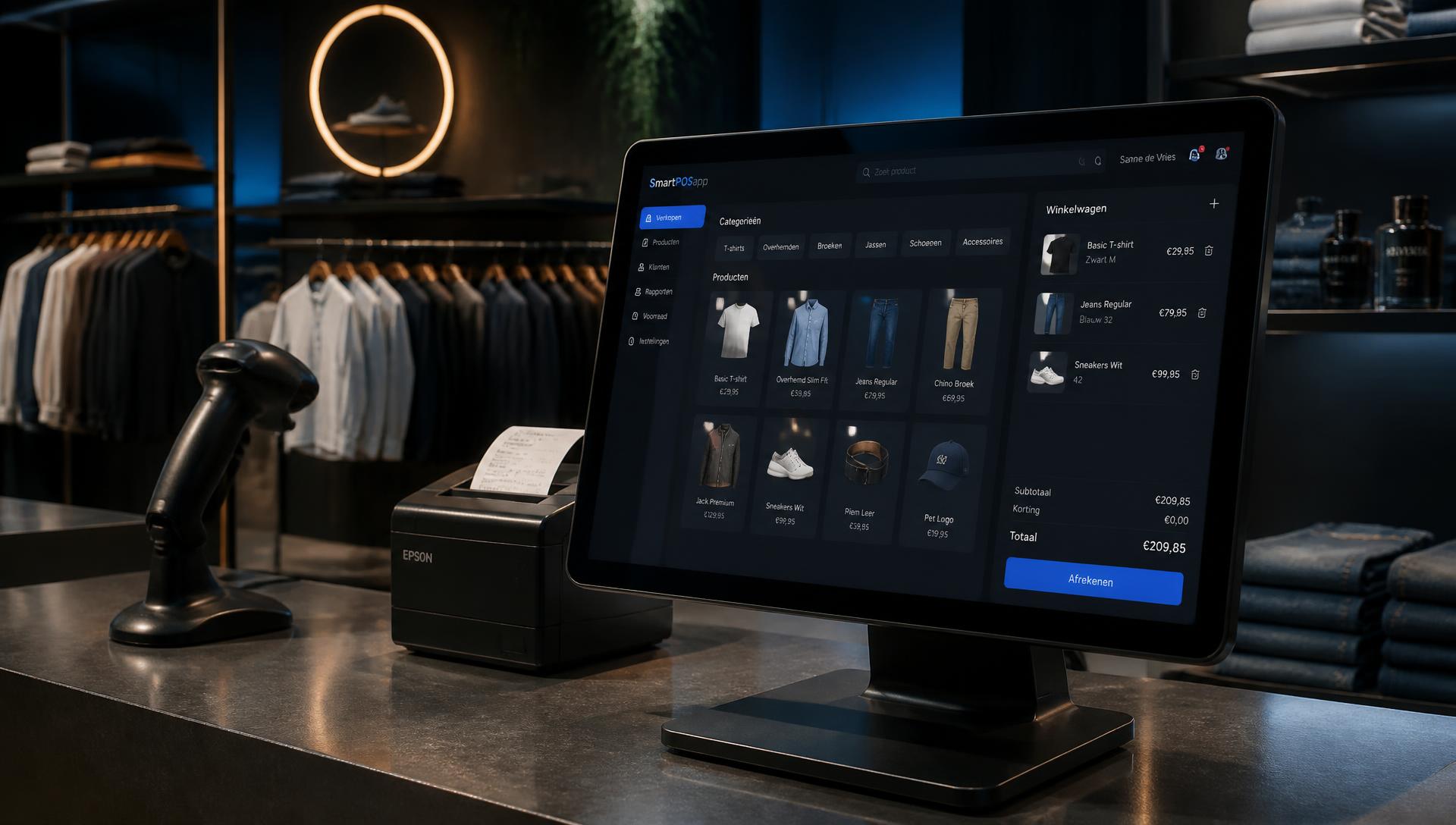
Store with a till and products that are also sold online

Retail web shop add-on

Your own web shop, linked to your retail till and stock

Sell online with the same products, prices and stock as in your store. No double admin: what you change in the till is instantly correct in your web shop. Requires the Business website add-on.

Till with stock in a store

Retail web shop add-on

Stock always in sync

Web shop and till share one stock. When something runs out it can no longer be ordered online, so you never sell what you don't have.

  • In-store sales count online
  • Ordering beyond stock is impossible

Retail web shop add-on

Shipping or pickup

Customers choose home delivery by post or pickup in the store. You set shipping costs and thresholds.

  • Shipping cost and free shipping above an amount
  • Minimum order amount
  • Free in-store pickup

Retail web shop add-on

Orders straight into the till

After a successful Viva payment the order is in your till, with shipping as a separate line. Revenue and VAT are included in your day close.

  • iDEAL, card and more
  • No unpaid orders

Retail web shop add-on

Three channels, managed separately

Switch each product or category on or off with one click for the till, your website or the web shop.
  • Till, website and web shop independent
  • Hide whole categories at once
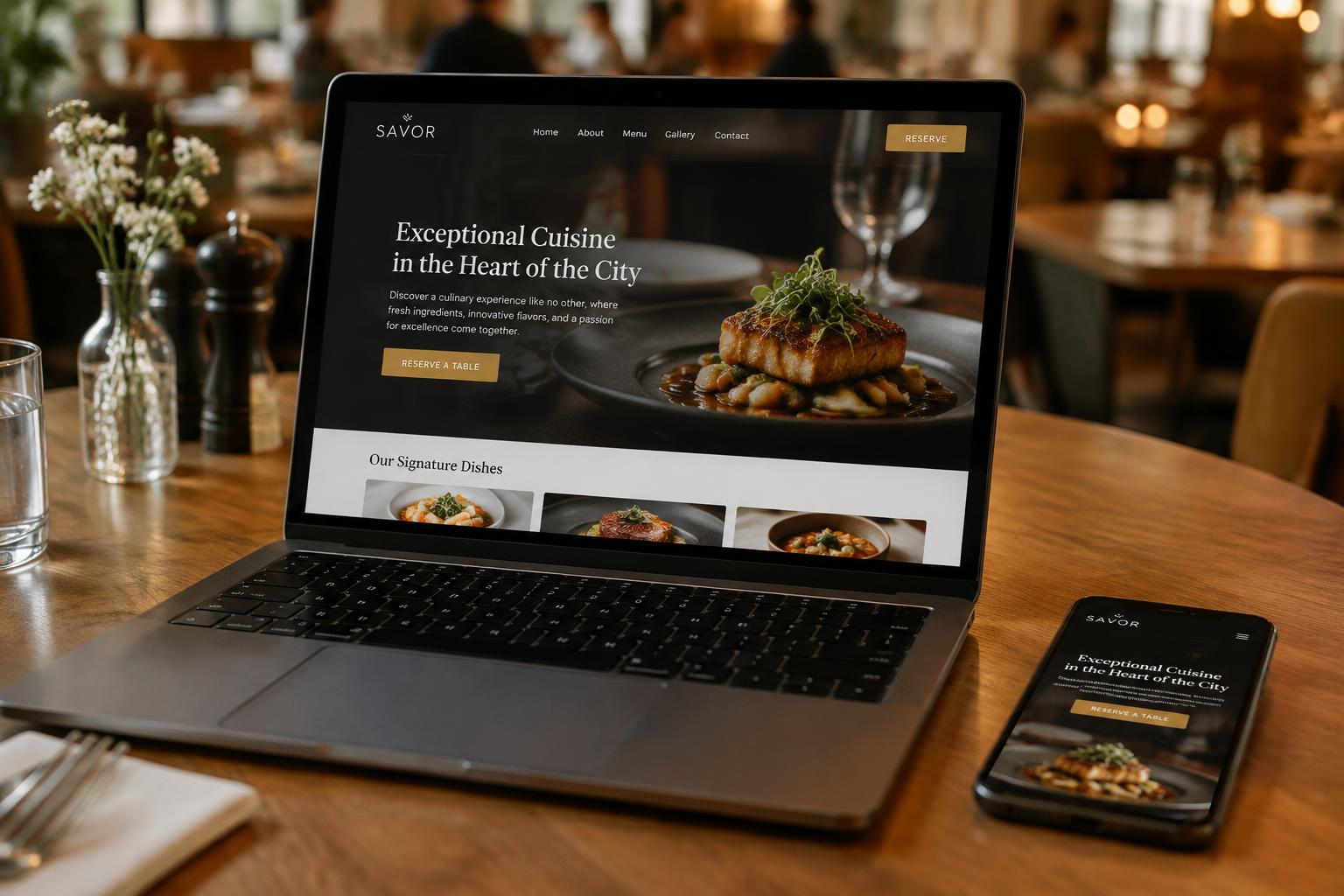
Business website with web shop in the menu

Retail web shop add-on

Part of your business website

The "Web shop" link appears automatically in your website menu on desktop and mobile. You can also share the shop via its own link.

  • Same look as your website
  • Own link to share

Frequently asked questions about the web shop

Do I have to enter my products again?
No. The web shop uses the products, photos and prices from your till. Per product or category you decide with one click whether it appears in the web shop, separately from the till and website.
How does stock work?
The web shop uses the same stock as your till. Sell an item in the store and online stock drops too. Customers can never order more than is in stock.
Can customers choose shipping or pickup?
Both. You set shipping costs, free shipping above an amount and a minimum order. In-store pickup has no shipping cost.
How do customers pay?
By iDEAL, card and other methods through your own Viva account. An order only reaches your till after a successful payment.
What do I need?
The web shop is an add-on on top of the Business website add-on. A "Web shop" link then appears automatically in your website menu. Current prices are shown at the top of this page and on the pricing page; cancel monthly.

Open your store online too

Order your SmartPOSapp till and switch on the web shop whenever you like.

Buy a POS system — instalments available

Buy the complete till set with touchscreen till, cash drawer and receipt printer. With a yearly contract you pay in monthly instalments. We install and set everything up on site.

View hardware