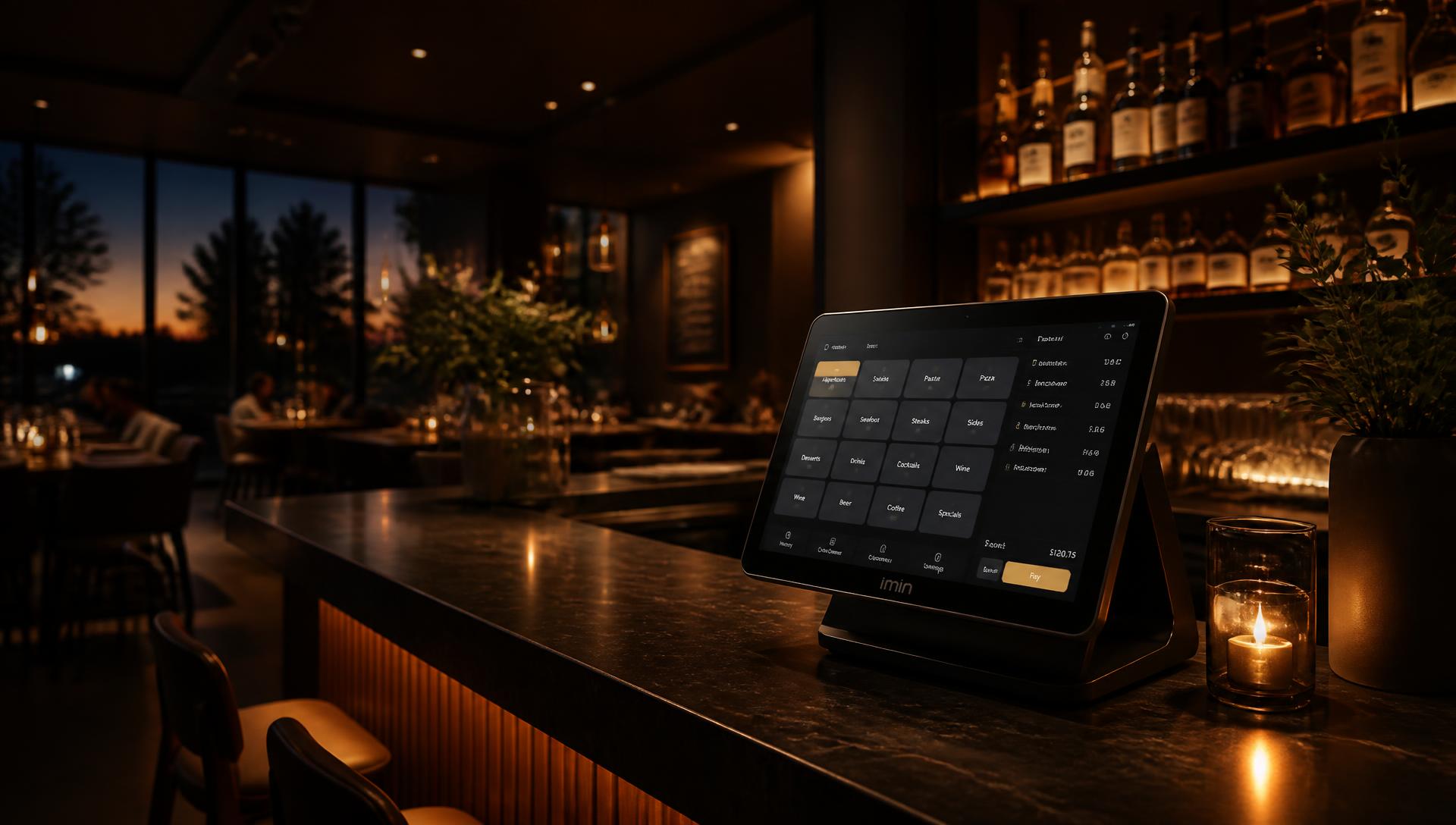
Built for rotating volunteers: log in with a PIN code, a short menu with large tiles, balance cards for members and a clear revenue overview after every shift. A user-friendly POS system for clubs.
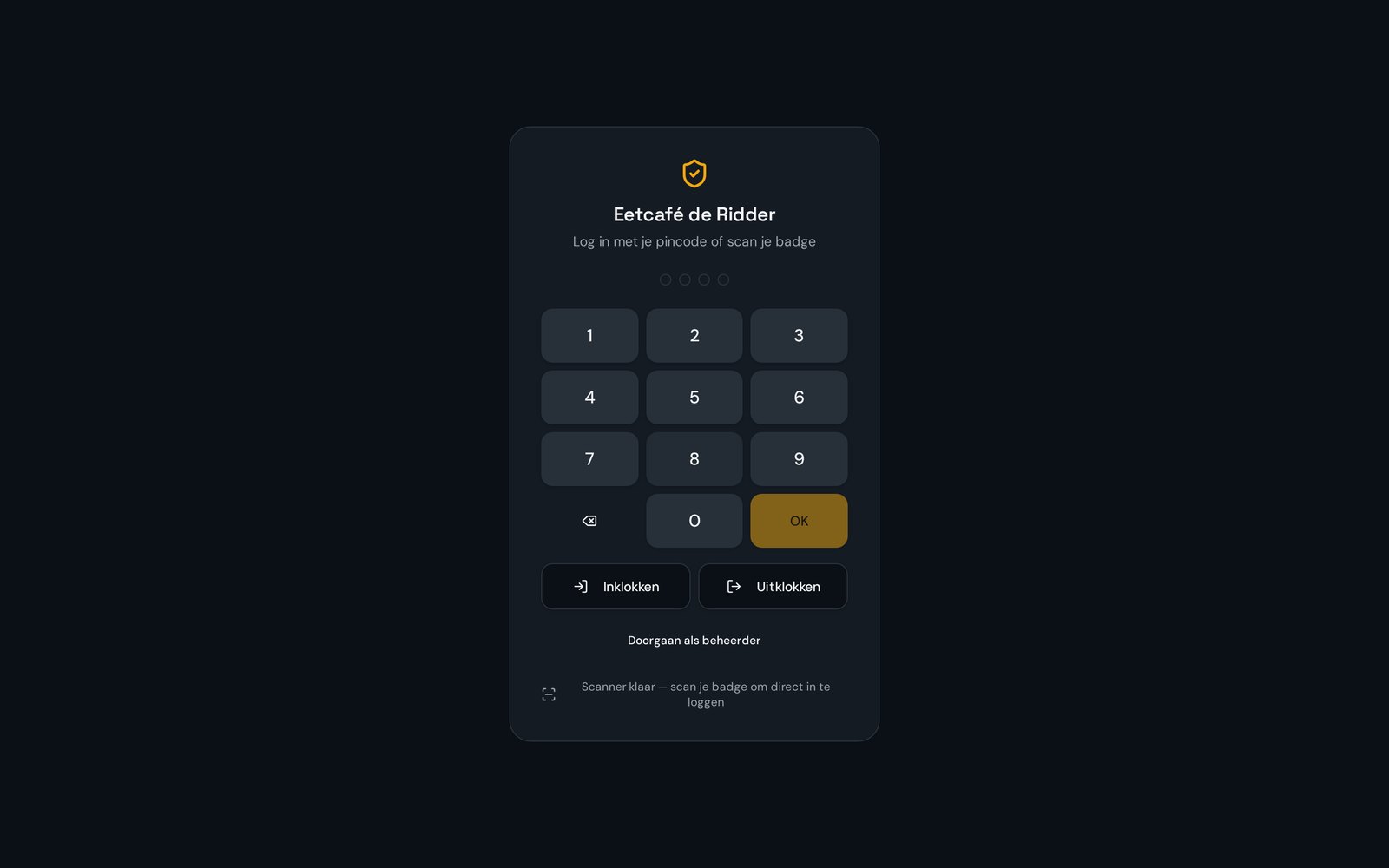
Every volunteer has their own PIN code or badge, so you see who worked which shift.
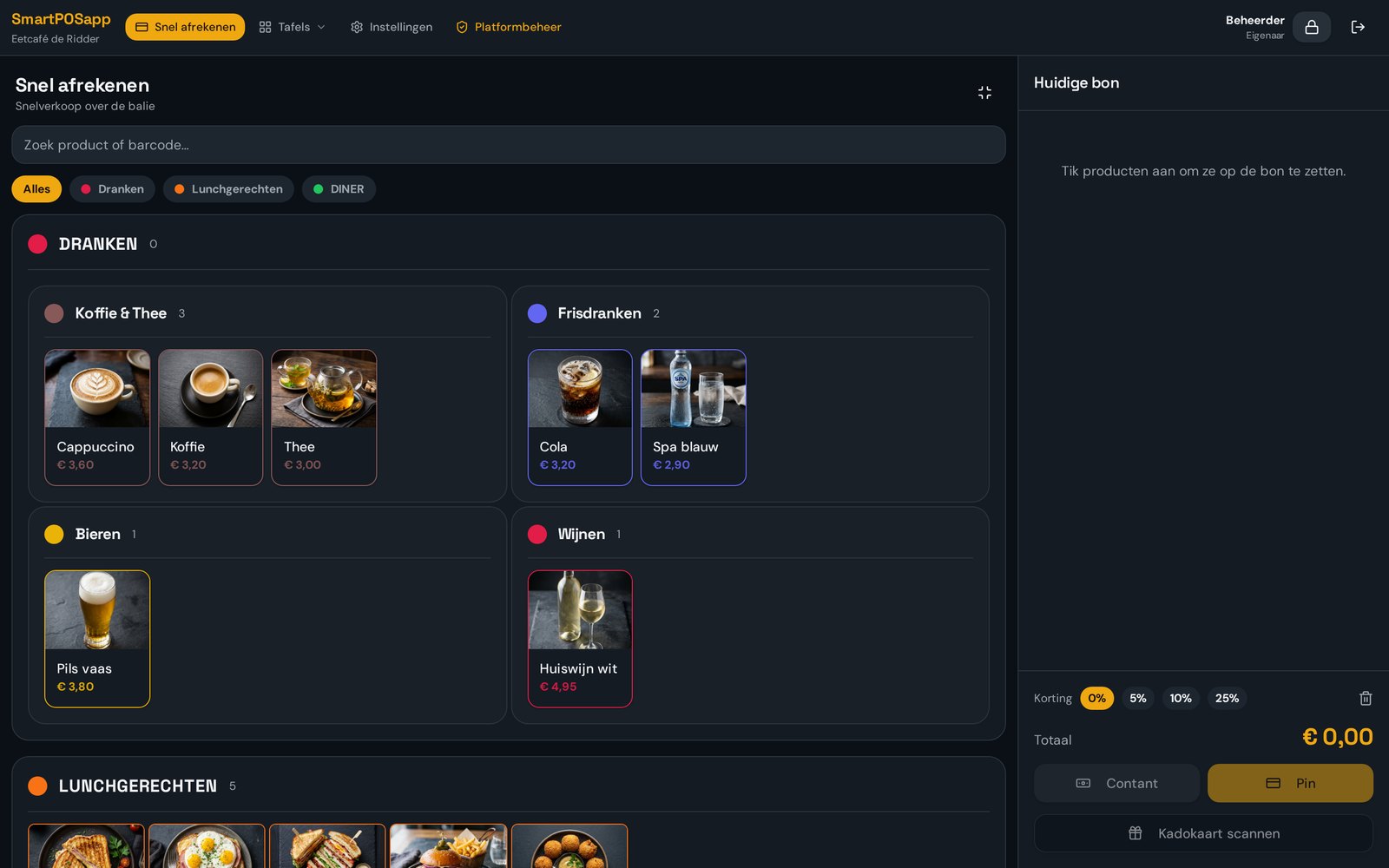
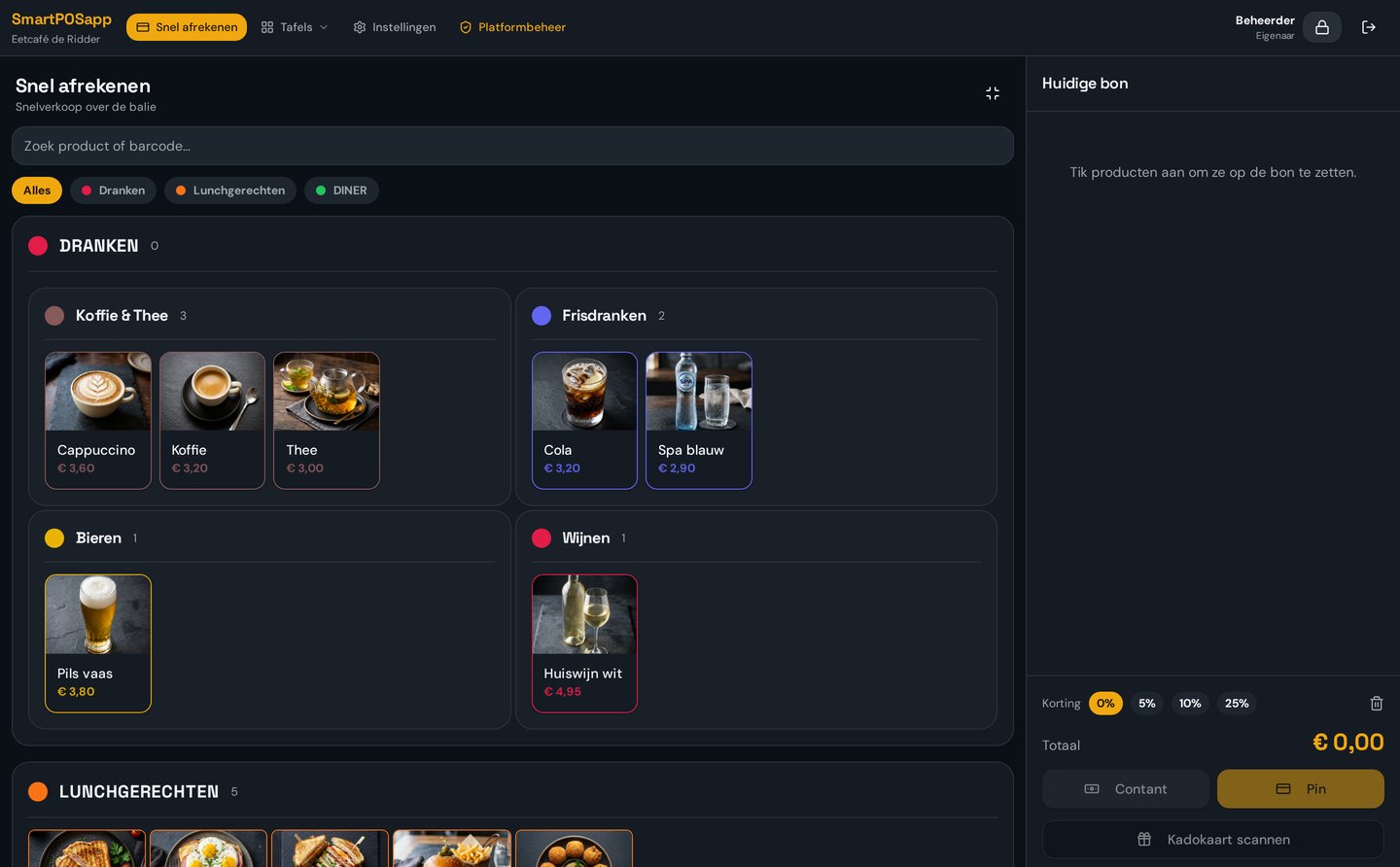
A short, clear menu
Large coloured tiles with only the canteen's products — so everyone can use it right away.
Balance cards
Sell credit or balance cards with a barcode; the remaining amount stays on the card.
What a shift in the canteen looks like
Real screens from SmartPOSapp, from logging in with a PIN code to the revenue after the shift ends. Browse through the steps with the arrows.
Step 1 — Start a shift
Volunteer logs in with a PIN code or badge
Step 2 — Ring up an order
Canteen menu with large tiles per category
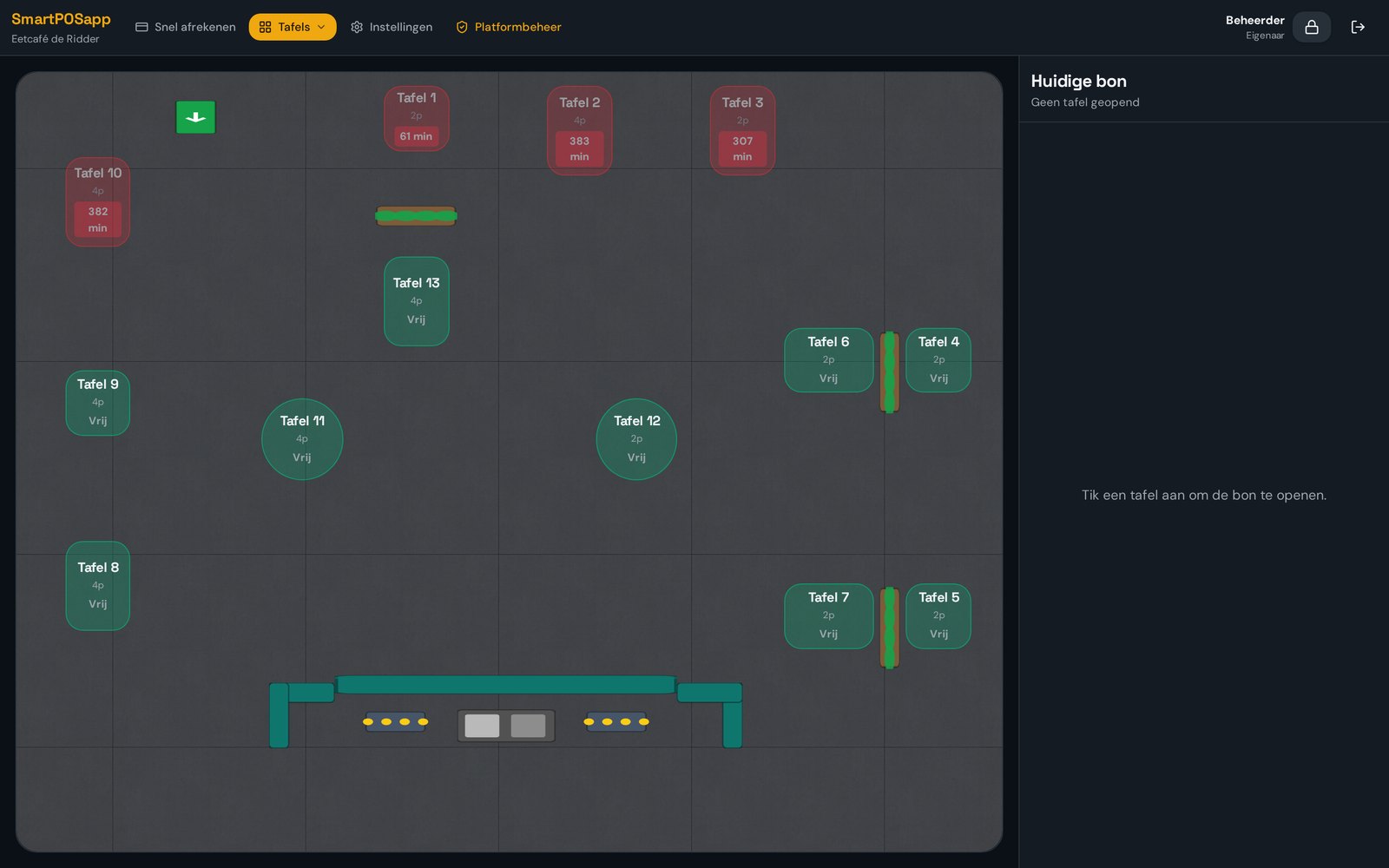
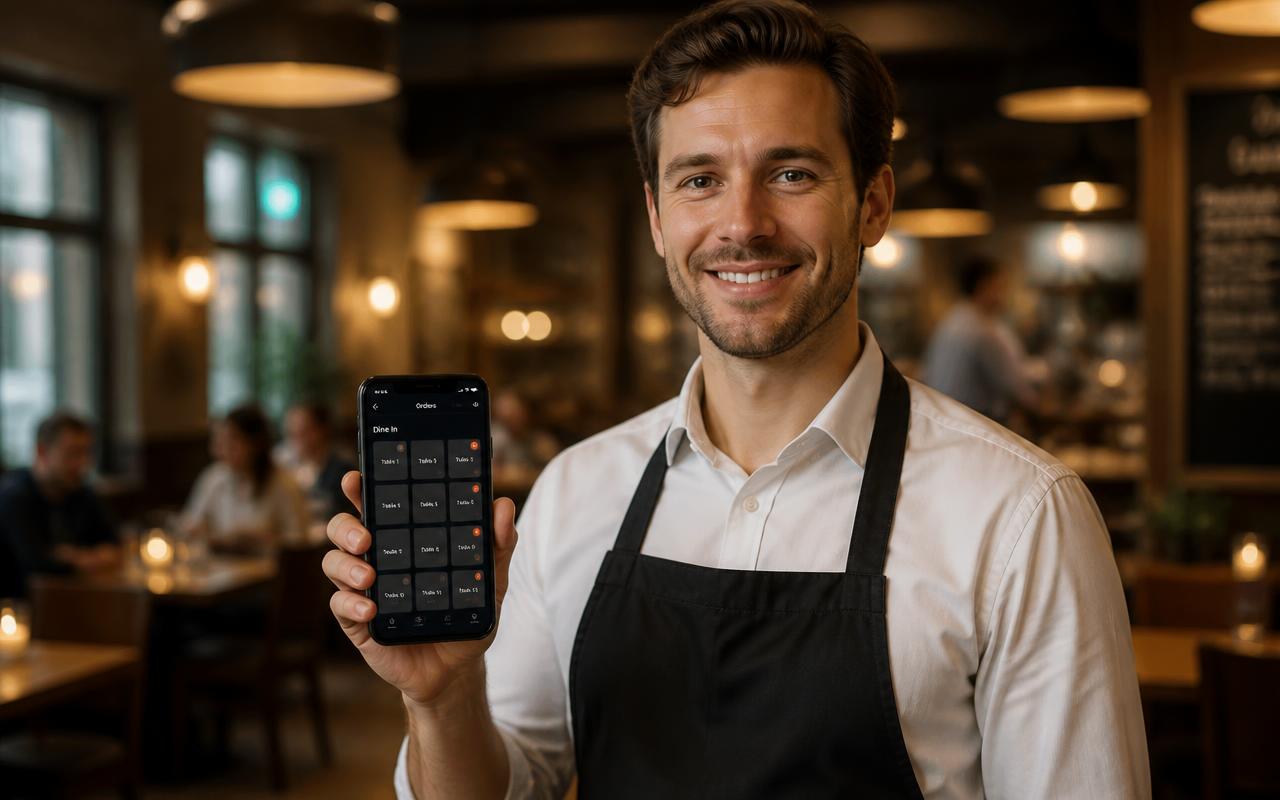
Step 3 — Hall or terrace
Floor plan with free, occupied and overdue tables
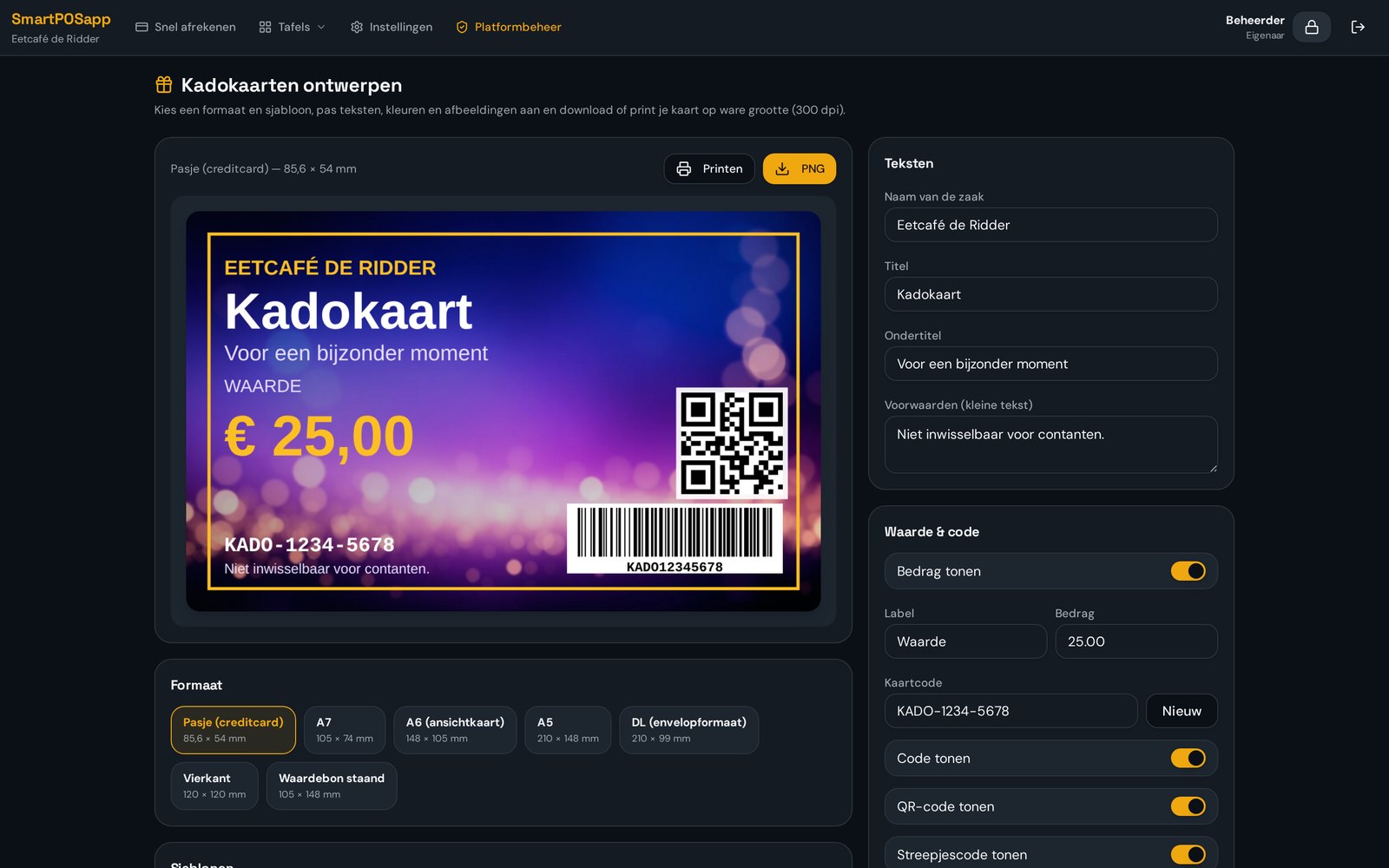
Step 4 — Balance cards
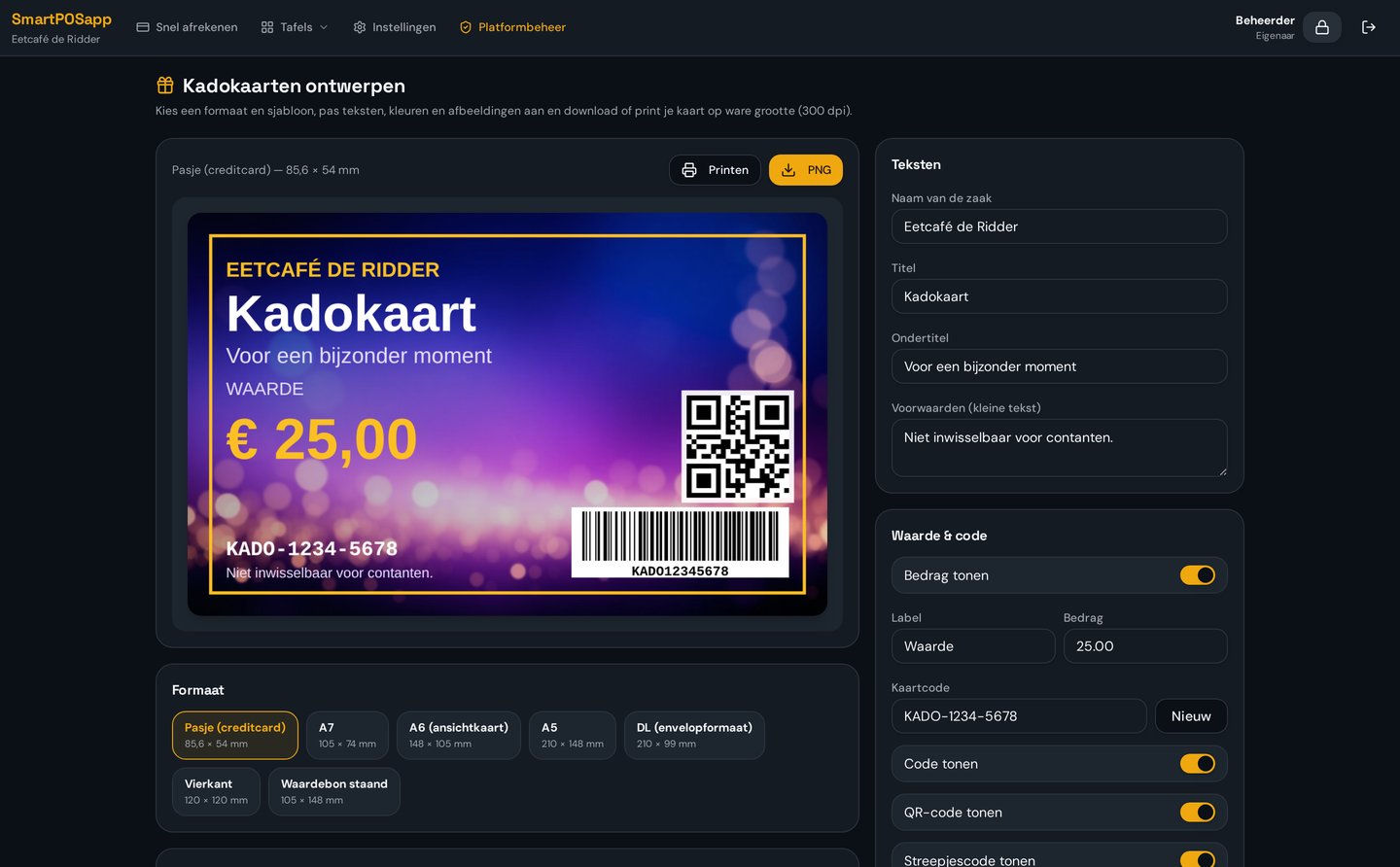
Design your own card with barcode and QR code
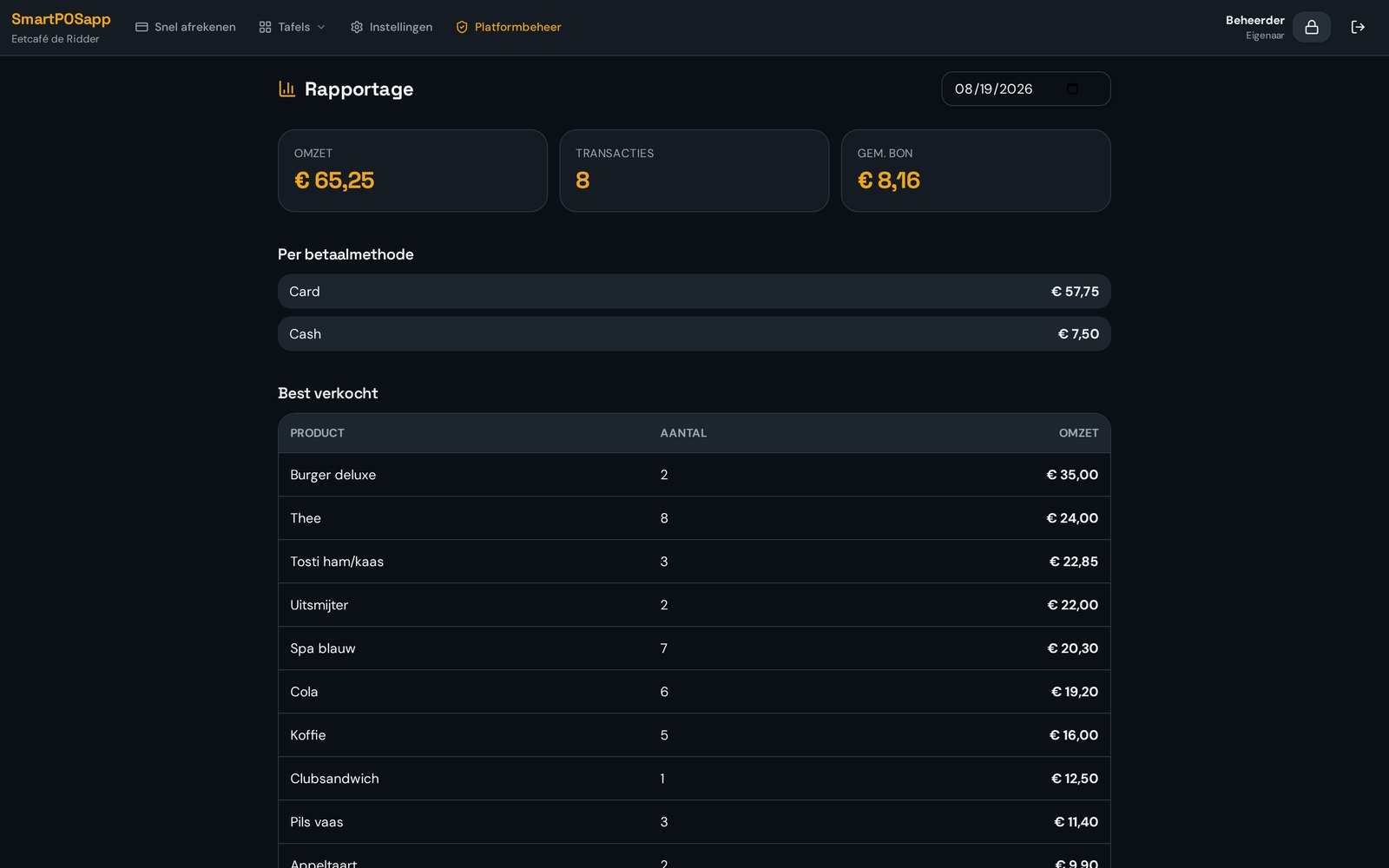
Step 5 — Close up
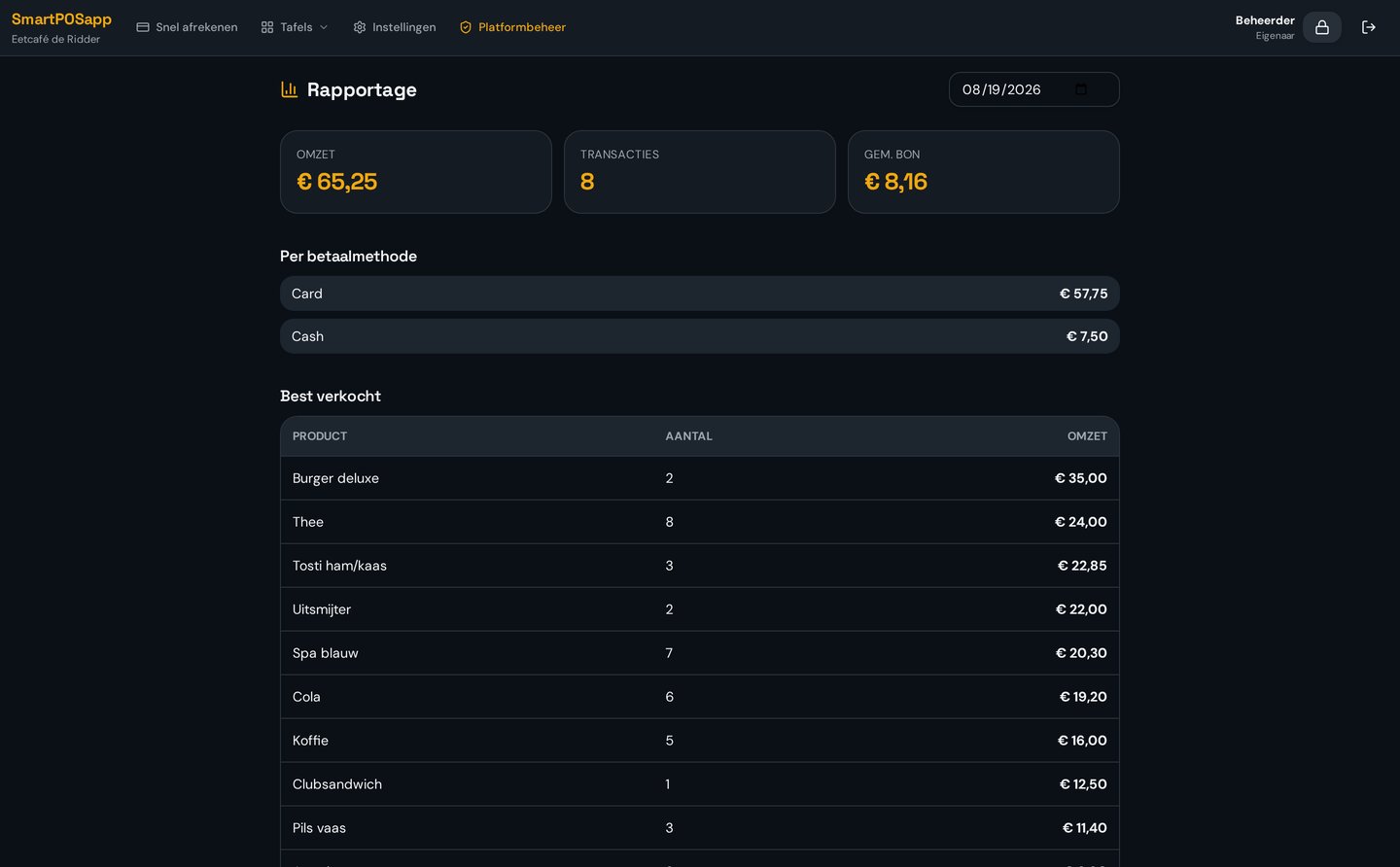
Revenue per shift, payment method and product
Try the canteen till yourself
Log in with a PIN code, ring up a few drinks, pay with a balance card and view the shift's revenue overview. Everything in this demo is sample data.
1. PIN code2. Ordering3. Card payment4. Revenue per shift
A volunteer signs in with a personal PIN code. Try 1234.
Rotating volunteers, no explanation needed
Volunteers log in with a PIN code or scan their badge. They then see one screen with large tiles: tap, check out, done. Roles determine who can and can't access settings and reports.
PIN or barcode badge login per volunteer
Roles such as till, bar, administrator with their own permissions
Automatic log-out after a set time of no activity
Menu and an extra point of sale
Set up the canteen menu with categories and tiles in your own colours. On busy match days you deploy a second point of sale or a phone as a handheld, on the same network.
Categories and subcategories, tiles draggable into your own order
Phone as an extra point of sale via the handheld app
Ticket printer for the bar or kitchen, automatic on ordering
Credit and balance cards
Design your own cards with the club logo and a generated barcode. Members top up an amount and pay by scanning the card; the remaining balance stays on it for next time.
Design module with templates and an automatic barcode
Scan at the till to pay
Remaining balance visible at every transaction
Revenue per shift and per product
After a shift ends you immediately see the revenue, the number of transactions and the split across cash, card and balance card. Handy for the cash count and for ordering new stock.
Day overview with revenue, transactions and average receipt
Split per payment method for the cash close
Best-selling products as the basis for your buying
What does it cost for a club?
You pay a fixed amount per month, with no start-up costs and no till hardware to buy: you get a tablet or PC with the system already pre-installed and set up. Order now and choose the plan with the parts you need.
Pick a topic and see the matching case right away: PIN login, balance cards or revenue overview per shift.
Example
Elke vrijwilliger krijgt een eigen pincode en logt in twee tellen in achter de bar. Geen gedeeld wachtwoord meer, en bij het wisselen van dienst hoef je de kassa niet af te sluiten: de volgende vrijwilliger tikt gewoon zijn code in.
Elke bestelling staat op naam van de vrijwilliger die hem aansloeg.
Nieuwe barvrijwilligers zijn binnen vijf minuten ingewerkt. Ze kiezen hun naam, tikken hun pincode in en zien alleen de knoppen die bij hun rol horen — kortingen en dagafsluiting blijven bij de kantinecommissie.
Rollen bepalen wat iemand mag; inwerken kost minder tijd.
Voorbeeld: tennisvereniging met wisselende baropzet
Frequently asked questions about a sports canteen POS system
Filter by topic and expand only the question you need.
Every volunteer gets their own PIN code or barcode badge. When logging in on the till or tablet, that code is entered or scanned. That way you always know who worked which shift and who made which transactions. See what the till looks like.
An administrator can easily set a new PIN code for the staff member in the web admin. That can be done remotely, without needing to go to the canteen.
Yes. You design your own credit or balance card with the club logo, choose a template and SmartPOSapp automatically generates a barcode. Members pay by scanning the card; the remaining amount stays on the card. Read more about gift cards and vouchers.
During checkout you immediately see the current balance, the amount used and the new remainder. In the report you can see per card how much is still on it.
Yes. After every shift SmartPOSapp shows a day overview with the revenue, the number of transactions, the average receipt and the split across cash, card and balance card. Handy for the cash count and closing up. See plans and reporting options.
Yes, with the handheld app volunteers can take orders on their own phone on the same network. The canteen gets an extra point of sale without extra hardware. More about handhelds and QR ordering.
SmartPOSapp works with a monthly plan per venue. You order the POS system, we deliver it ready to use and pre-installed. Extra handhelds and kitchen displays are optional and can be added per device. See pricing for clubs.
Choose the right modules for your canteen
Start with the plan that fits your club, add reservations for hall rentals and give volunteers extra handhelds.
Choose the number of shifts, whether you need reservations and how many handhelds you use. You'll instantly see which plan fits and what it costs per month.
Aanslaan op grote tegels, barcodescanner, cijferblok en gesplitst betalen.
Buy a POS system — instalments available
Buy the complete till set with touchscreen till, cash drawer and receipt printer. With a yearly contract you pay in monthly instalments. We install and set everything up on site.