Manual
POS system manual
The complete reference guide for the SmartPOSapp POS system: from your first login to the cash closing. Fifteen chapters with step-by-step explanations, images and tips from practice. Read it below online or download the pdf.
36 pages, A4, print-ready. Customers with a subscription receive the printed book with the delivery of their POS system.
Don't see the manual above? Use this link to the pdf.
What's inside?
Fifteen chapters, each with an explanation, numbered steps and a tip from practice.

Chapter 1
Welcome to SmartPOSapp
What the system does for your business and how to find your way around this book.

Chapter 2
Setting up your business
First login, business details, VAT rates, staff and permissions.

Chapter 3
Products and menu
Categories, products, variants and choices such as extras and preparation.
Chapter 4
Working with the till
Ringing up, correcting, giving a discount and neatly closing the bill.
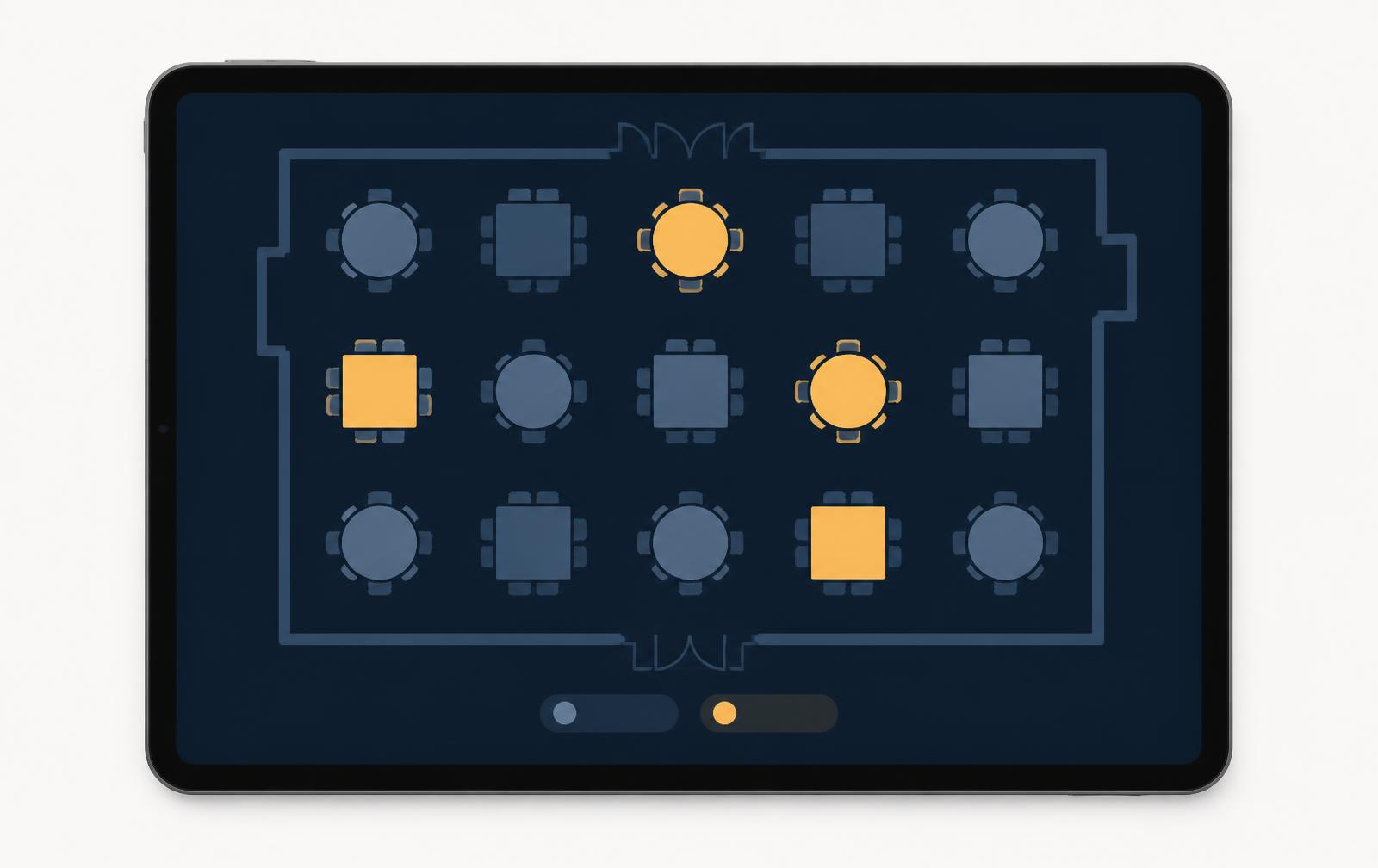
Chapter 5
Tables, courses and bills
Floor plan, ordering at the table, serving courses, splitting and merging.
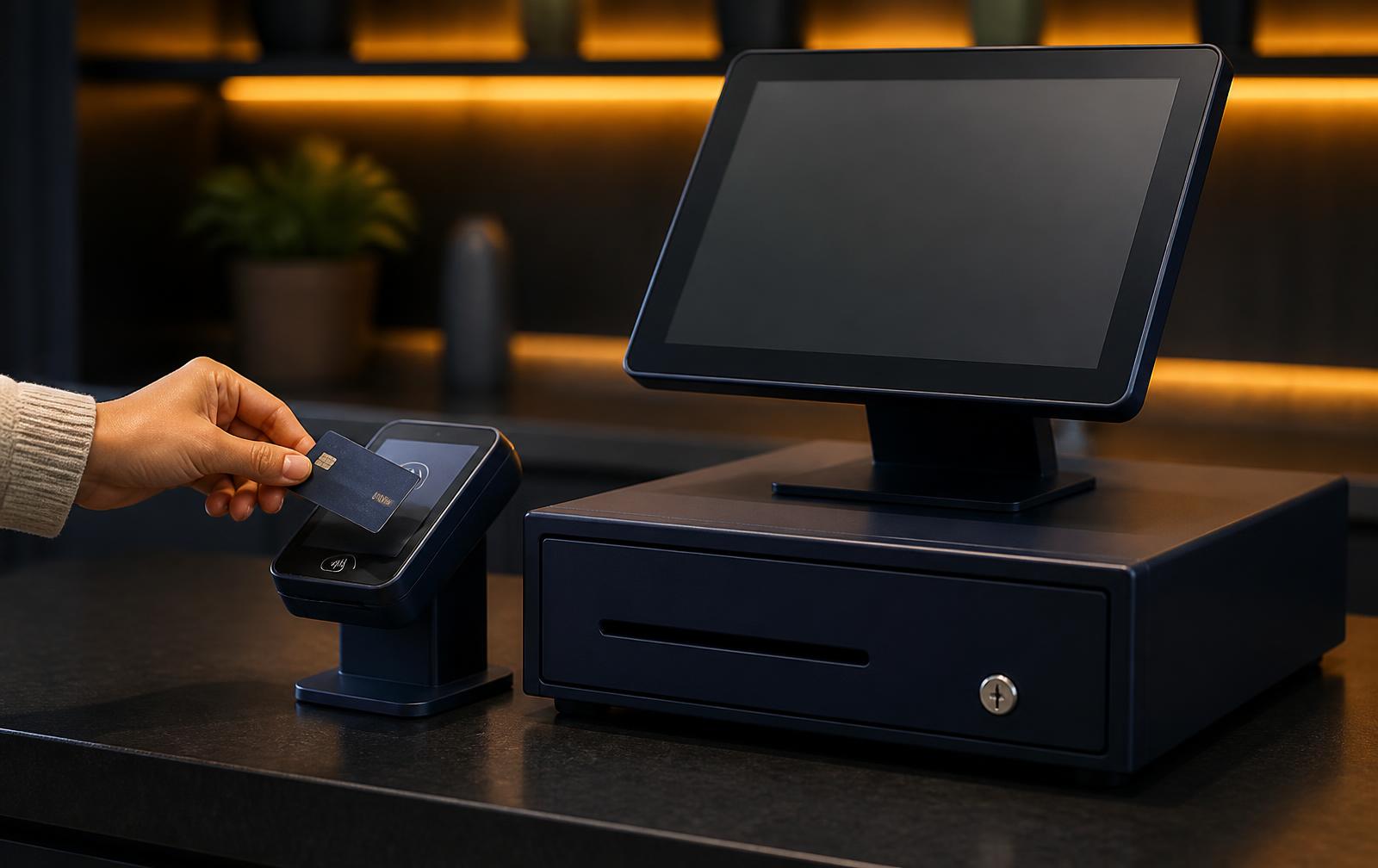
Chapter 6
Checkout and payment methods
Card, cash, gift card, combined payments and splitting tips.

Chapter 7
Handhelds and mobile ordering
Pairing devices, taking orders at the table and working through a shaky network.
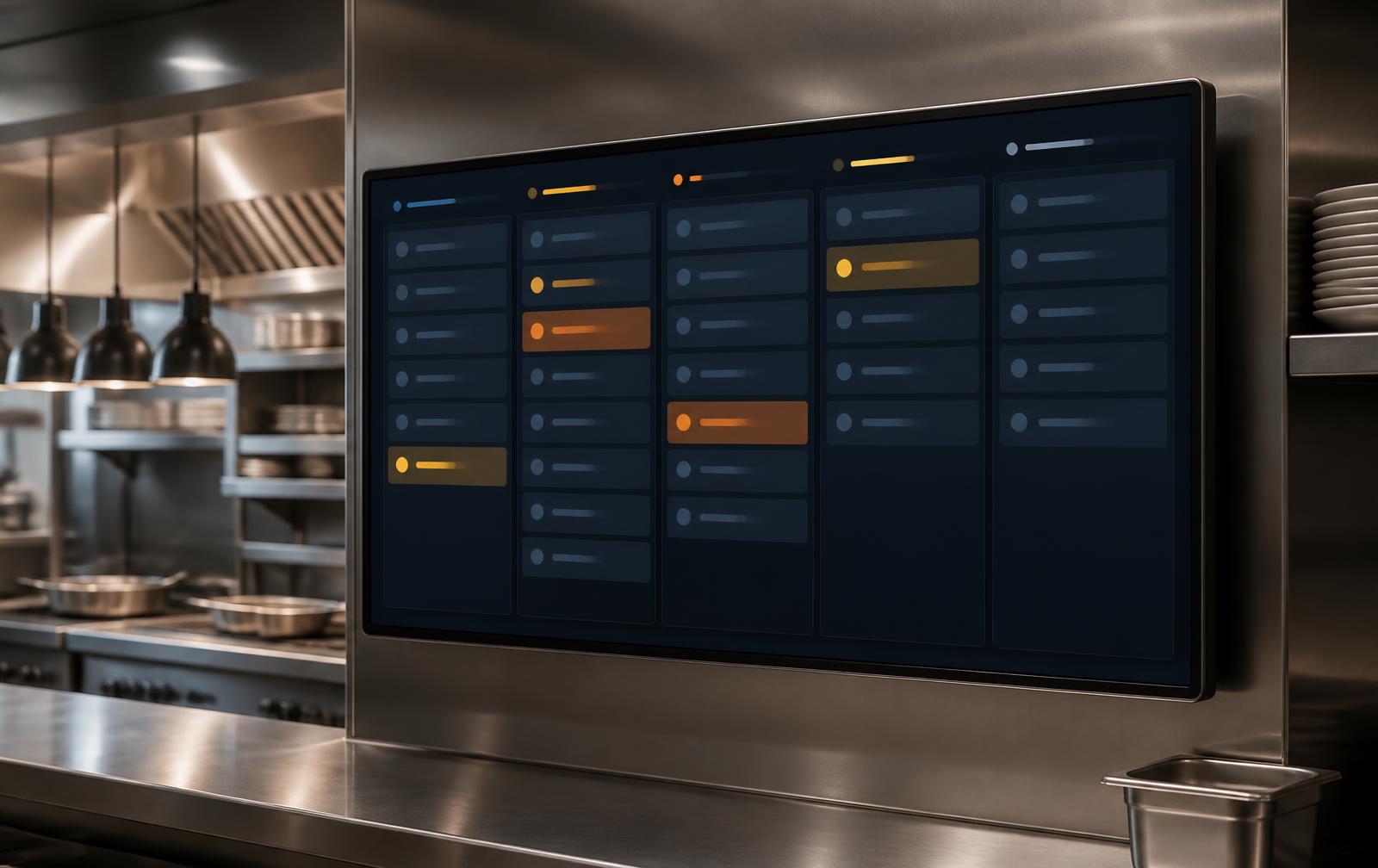
Chapter 8
Kitchen and bar display
Tickets digitally in the kitchen, with times, statuses and courses.
Chapter 9
Stock, purchasing and write-offs
Tracking stock, recipes and food cost, purchase orders and loss.

Chapter 10
Customers, loyalty programme and gift cards
Rewarding returning guests and keeping customer balances secure.
Chapter 11
Reservations and online ordering
Reserving tables, managing capacity, pickup and delivery.

Chapter 12
The customer display
The second screen of the SmartPOS Dual: watching along and standby advertising.

Chapter 13
Cash closing and reporting
Closing the day, reading the figures and passing them on to your accounting.
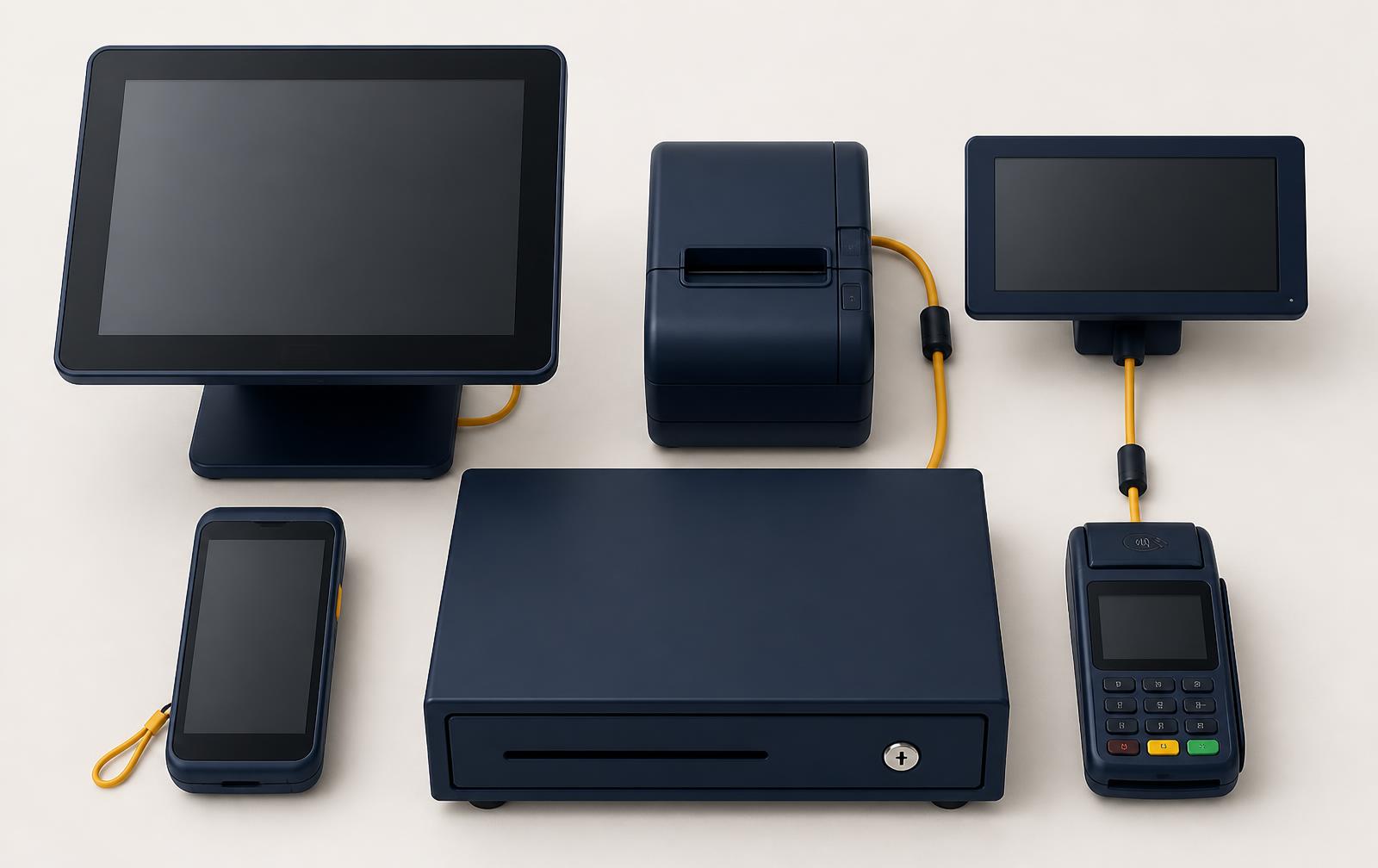
Chapter 14
Hardware and devices
Till, printer, drawer, card terminal, screens and handhelds: pairing and managing them.

Chapter 15
Troubleshooting and checklists
Acting quickly during faults, plus fixed checklists for opening and closing.
Prefer short explanations per topic?
The help centre and knowledge base have individual pages per topic.