SmartPOSapp
Staff member processes an online pickup order on a tablet at the counter

Module for hospitality

Online ordering: pickup and delivery in your till

Let guests order online and capture those orders in the same POS system as your tables and fast checkout. Fixed monthly fee, no commission per order.

One menu, two channels

Your menu from the till is instantly your online menu. Price changes go along automatically.

Orders in the till

New pickup and delivery orders appear in a bar above your floor plan.

No commission per order

A fixed monthly amount as a module, instead of a percentage on every order.

Pickup and delivery without a separate system

Guests order online, you see the order in the same till where you also handle your tables and fast checkout. Accepting, preparing and marking done all happen in one place, without a second tablet from a delivery platform on the counter.

  • Open orders above the floor plan
  • Pickup and delivery side by side
  • Order forwarded to kitchen, bar or receipt printer
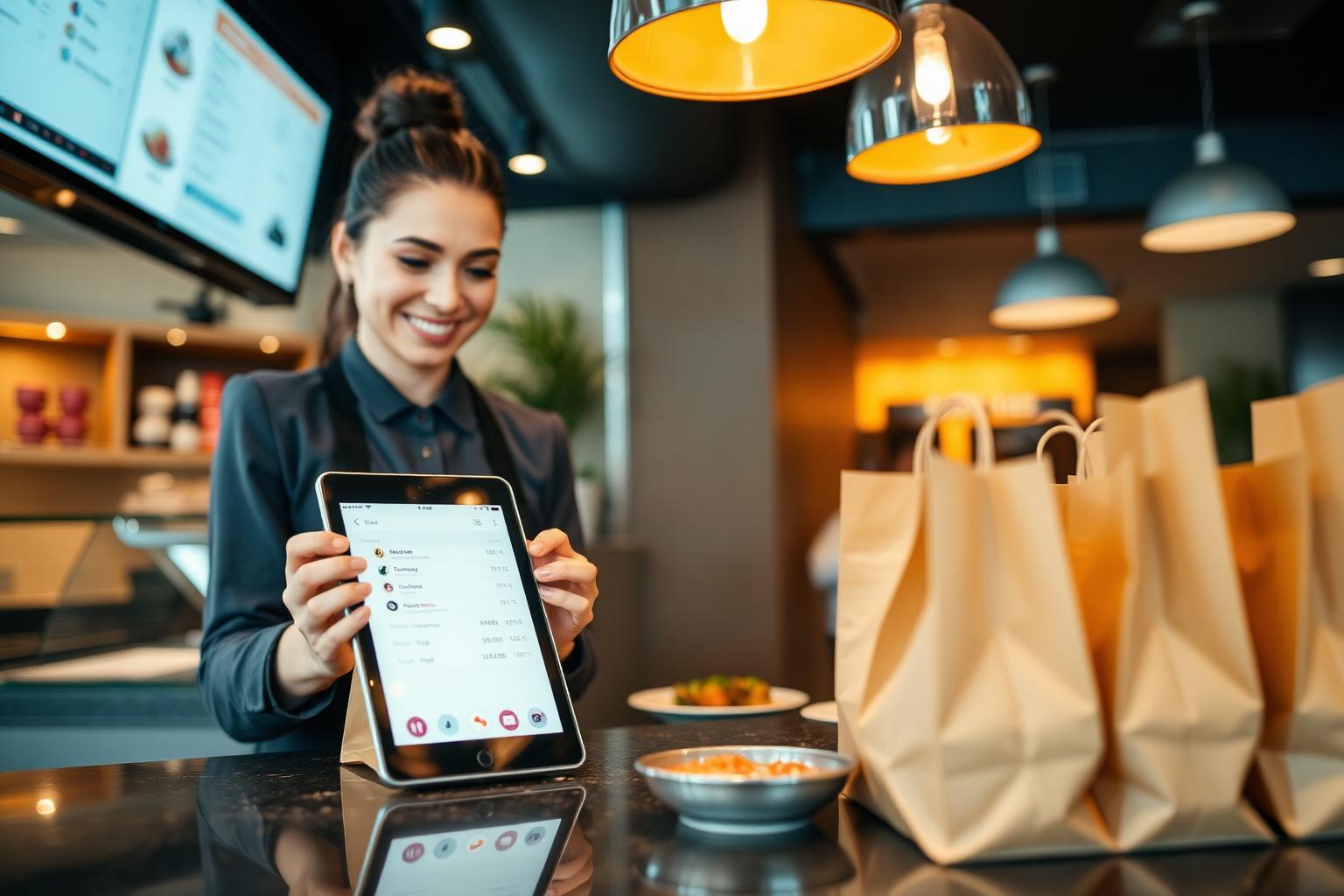
Staff member accepts an online pickup order on a tablet next to ready paper bags

Your menu online automatically

The connection pulls your categories, products and prices straight from the POS system. Mark a product as sold out and it disappears online. So nothing ever appears on the ordering site that you can't make.

  • No double entry of the menu
  • Availability and prices always match
  • Own key per connection, revocable whenever you want
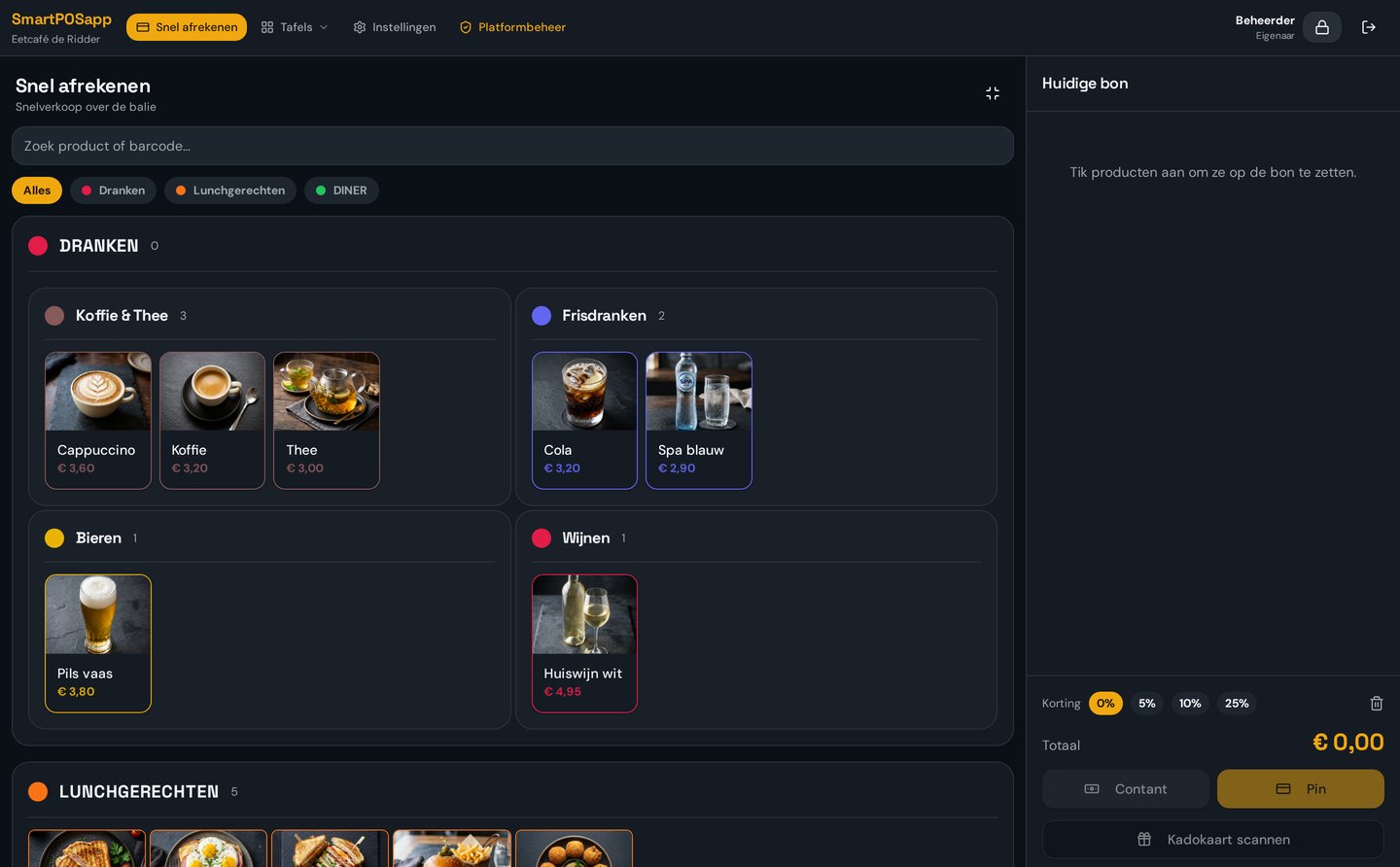
Product management in SmartPOSapp where categories and products are shared with the ordering environment

Set your own rules

Set delivery cost, minimum order, prep time and opening hours per venue. Getting too busy? Pause online ordering with one switch. In your reporting you see pickup and delivery separately.

  • Delivery cost and minimum order configurable
  • Pause online ordering when busy
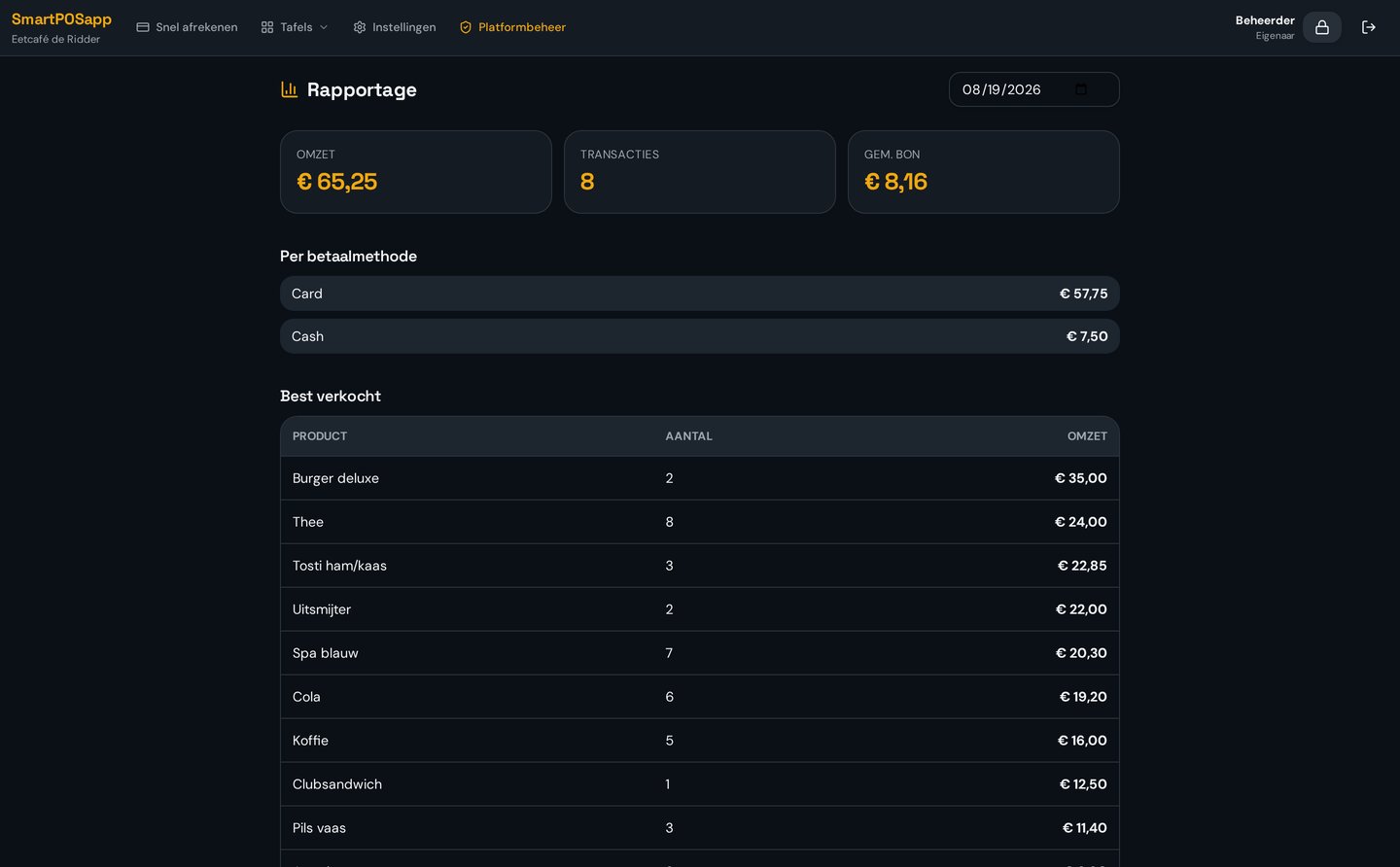
  • Revenue per channel in the day report
Settings screen with delivery cost, minimum order and prep time for online ordering

Online ordering in practice

How different venues combine pickup and delivery with their POS system.

Snack bar and takeaway

Pickup orders come in while the counter keeps moving; the kitchen sees them on the same screen.

POS system for snack bars

Restaurant

A dedicated pickup and delivery channel alongside your tables, with no extra tablet at the bar.

POS system for restaurants

Food truck and events

Pre-order and pick up on time, keeping the queue at the hatch shorter.

POS system for food trucks

Café with kitchen

Combine terrace orders via handhelds with pickup orders from your own ordering site.

POS system for cafés

Frequently asked questions about online ordering

Filter by topic and only expand the question you need.

You connect your ordering site to SmartPOSapp with your own key. Your menu automatically follows to the ordering environment and every order comes back into the till. Above the floor plan you see a bar with open orders that you accept with one tap.

No. The menu you manage in the POS system is the menu shown online. Change a price or availability and it changes online too.

Yes. As soon as you accept an order, the lines are forwarded following your normal settings: dishes to the kitchen display or receipt printer, drinks to the bar display. See the kitchen display.

Yes. Per venue you set whether you offer pickup, delivery or both, what the delivery cost and minimum order are, and how much prep time you allow. You can pause online ordering temporarily when it's busy.

Yes. QR ordering is for guests in the venue, online ordering for pickup and delivery. Both streams come into the same till and count in the same reporting. QR ordering and handhelds.

No. Online ordering is a module in your subscription for a fixed monthly amount. You don't pay a percentage per order like with the big delivery platforms. See the plans.

Guests pay online in the ordering environment, for example with iDEAL. In the till you see the order arrive as paid, so you only need to prepare and mark it done.

Start your own ordering channel

Connect your ordering site, set delivery costs and hours, and capture your first order in the till.

Bekijk in actie

QR-bestellen

Gasten bestellen zelf via een QR-code op tafel.

Buy a POS system — instalments available

Buy the complete till set with touchscreen till, cash drawer and receipt printer. With a yearly contract you pay in monthly instalments. We install and set everything up on site.

View hardware