SmartPOSapp
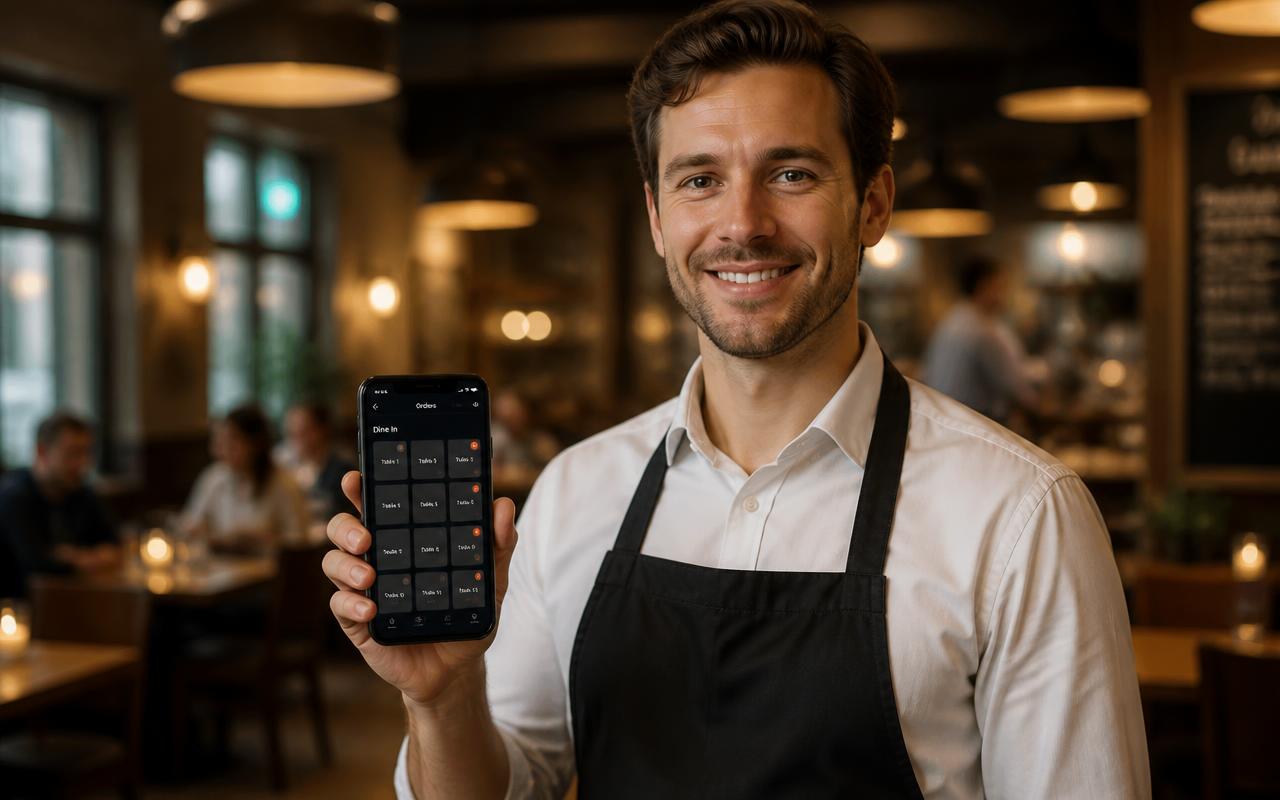
Staff member in a restaurant taking an order with a handheld while the till shows the table plan

For restaurants and eateries

POS system for restaurants

Table plan, courses, split bills, handhelds and kitchen-display routing in one hospitality POS system. Delivered ready to use and pre-installed, fixed price per month.

From table to kitchen in one tap

Tap a table, ring up the order and send it. The ticket automatically prints at the right printer or on the kitchen display.

Overview in colour

Green is free, light blue has an open amount, orange is being paid and red flashes for tables waiting too long.

Everything in one subscription

Till, floor plan, handhelds and reporting sit in the same system. Add modules such as reservations whenever you like.

A table plan that matches your floor

Redraw your floor with round, square and rectangular tables in the size you choose. Add a terrace, hall or floor as a separate plan and place partitions and planters where you need them. The colour of each table tells you the status at a glance.

  • Multiple floor plans for inside, terrace and hall
  • Upload your own background or pick one from the library
  • Colour status and flashing tables at long wait times
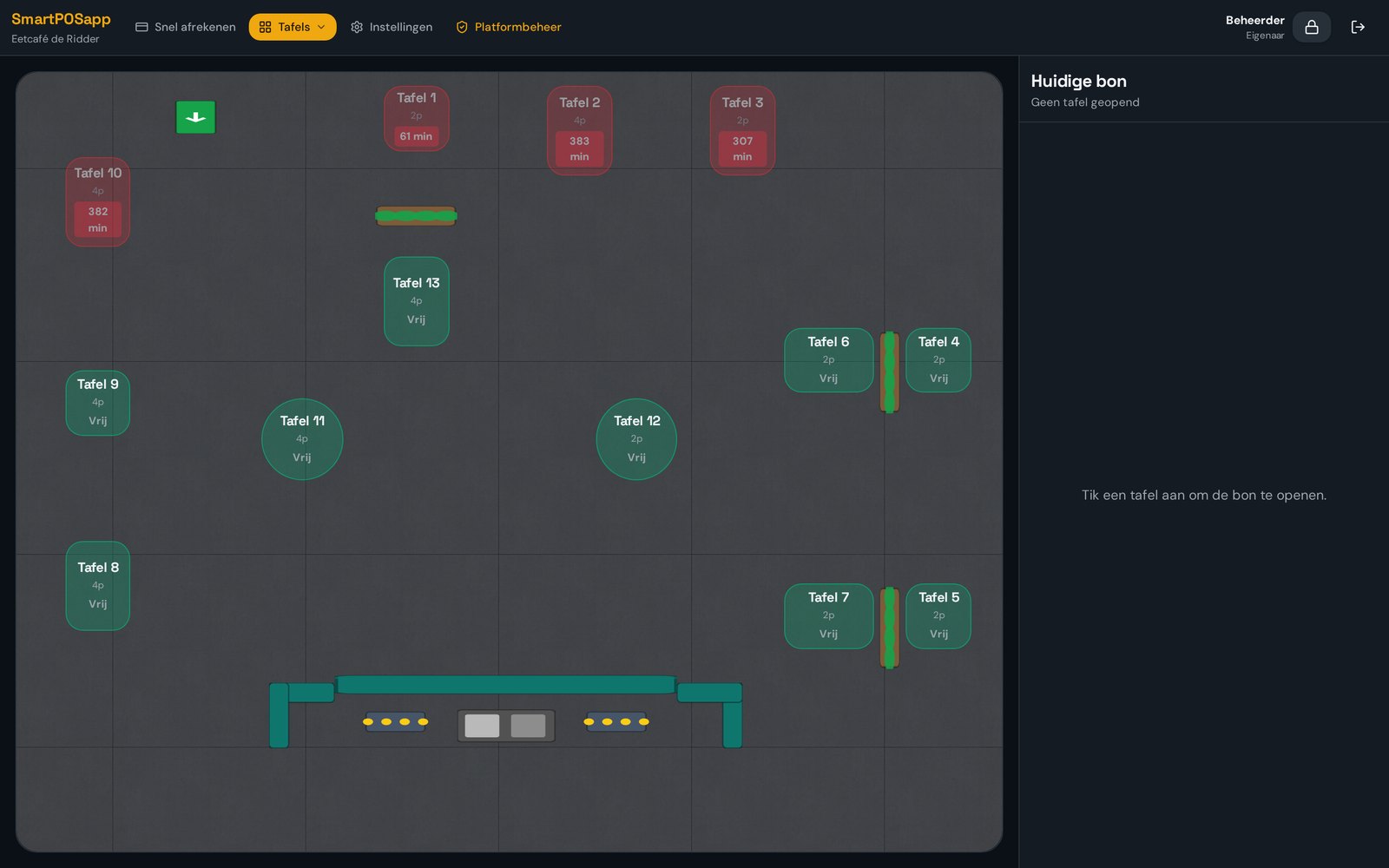
Table plan in SmartPOSapp with round and rectangular tables in colour status for a restaurant floor

Courses: everything at the right moment

You set the course per order line. Starters go through immediately, mains you send when the table is ready. The kitchen then works course by course instead of all at once, and you decide per category or product what goes to the kitchen display or the bar.

  • Freely arranged courses per order
  • Routing per category or per product
  • Kitchen display or receipt printer, or both
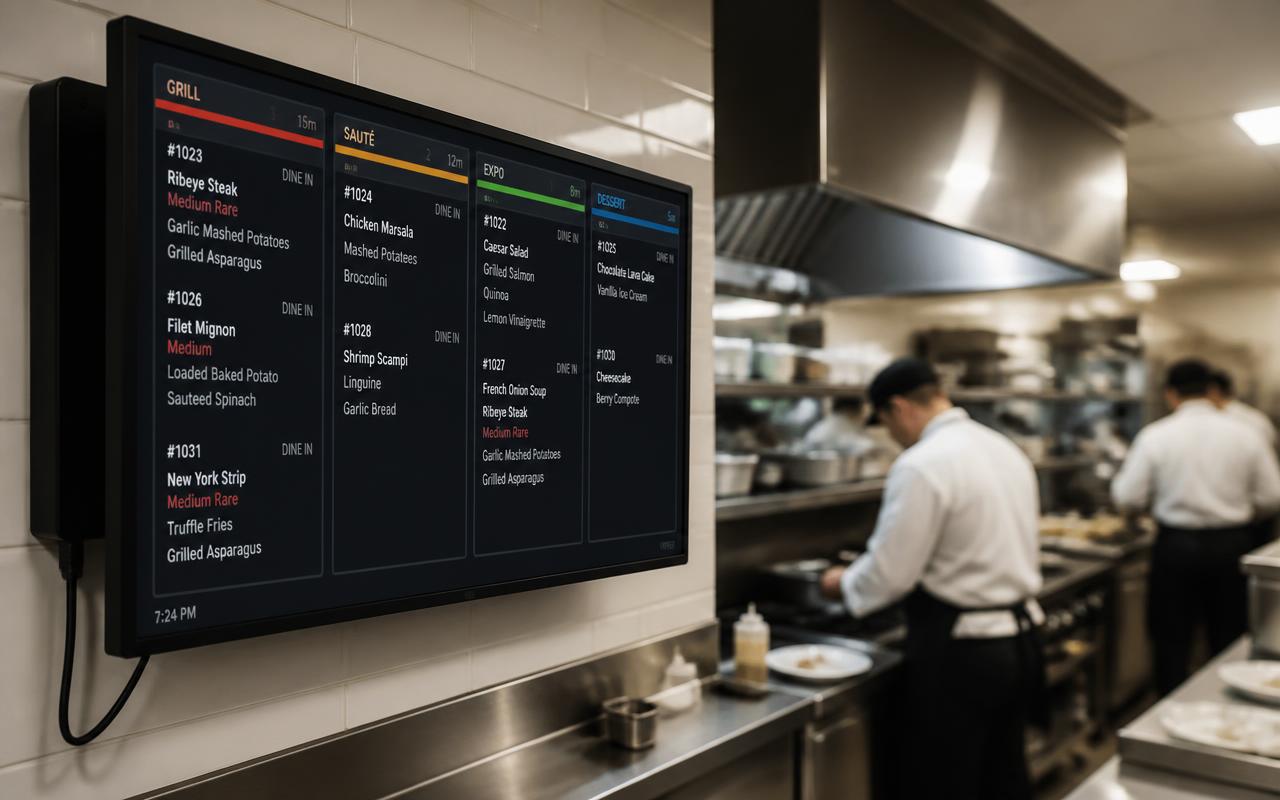
Kitchen display in SmartPOSapp with orders sorted by course for the restaurant kitchen

Split bills without the maths

Split the bill per guest, per product or with a free amount. Combine card, cash and a gift card on the same table. The remainder stays on the table until everything is paid, so you never lose track with a big group.

  • Split per guest, per product or free amount
  • Multiple payment methods on one table
  • Remaining amount always visible on the floor plan
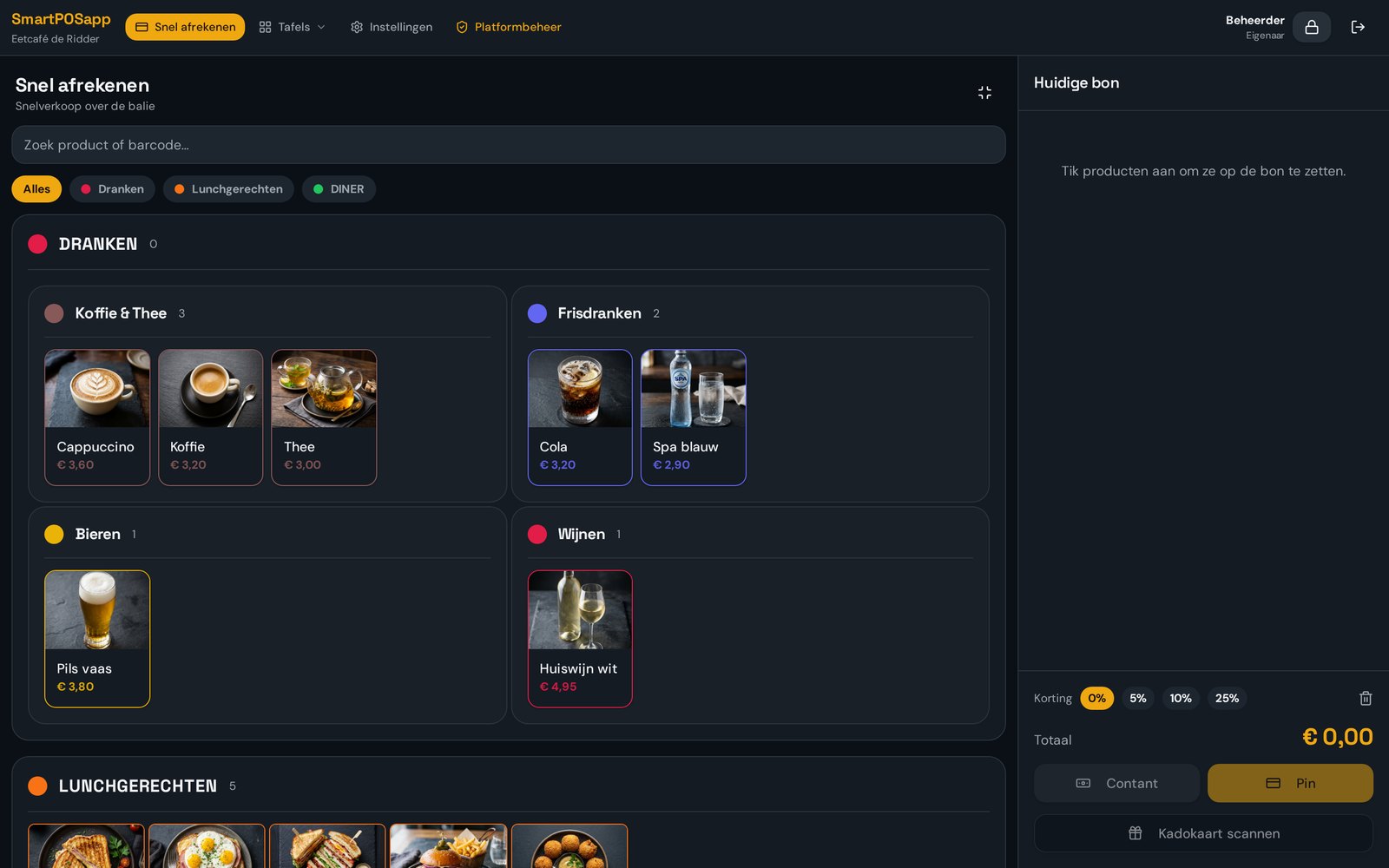
Checkout screen of SmartPOSapp splitting a restaurant bill per guest

Handhelds for your staff

Staff take orders with a regular phone on the same wifi network. Each handheld is paired with its own QR code. The app opens full-screen with large tiles, so you move quickly between tables.

  • One handheld included, extras for a small fee
  • Its own QR code per device
  • Upsell prompts suggested while taking an order
Staff member taking an order at the table with a phone as a handheld in a restaurant

A normal service, step by step

  1. Step 1

    Guests at the table

    Tap the table on the floor plan; the order screen opens immediately.

  2. Step 2

    Taking the order

    Ring up products on the till or the handheld and add the course.

  3. Step 3

    Kitchen and bar

    After 'order', tickets automatically print at the right printer or the kitchen display.

  4. Step 4

    Checkout

    Split the bill where needed; the table turns green again once everything is paid.

Handy for restaurants

Frequently asked questions about POS systems for restaurants

Filter by topic and expand only the question you need.

Yes. You place square, rectangular and round tables in any size you like, add partitions, planters and other props, and can upload your own background image. Multiple floor plans (inside, terrace, hall) are supported. More about table management.

Yes. Empty tables are green, tables with an open bill are light blue, and tables being paid are orange. If a table has had no activity for too long, it flashes red showing the minutes since the last order. You set that time yourself.

You set a course per order line: starter, main, dessert or your own layout. The kitchen receives each course separately, so preparation starts at the right moment instead of everything at once.

Yes. Every handheld is a regular phone on the same wifi network; you scan a QR code per device to pair it. One handheld is included with every plan, extra handhelds cost a small amount per month. See QR ordering and handhelds.

Yes. You split per guest, per product or with a free amount, and you can combine multiple payment methods on one table. The outstanding remainder stays visible on the table until everything is paid.

Yes. When an order is sent, tickets automatically go to the configured printers. Per category or product you decide whether it goes to the kitchen, the bar or the kitchen display. More about kitchen display and printers.

You pay a fixed amount per month per location, with no start-up costs and no mandatory till hardware to buy separately. Modules such as reservations, kitchen display, accounting or gift cards you switch on when you need them. See pricing and plans.

Put your restaurant on SmartPOSapp

Order your POS system, we draw your floor plan and load your menu, so you can run your first service right away. Then choose the plan that fits.

Bekijk in actie

Bestellen aan tafel

Tafel aantikken, gangen indelen en slimme bijverkoopregels.

Buy a POS system — instalments available

Buy the complete till set with touchscreen till, cash drawer and receipt printer. With a yearly contract you pay in monthly instalments. We install and set everything up on site.

View hardware