SmartPOSapp
Staff member in a café taking an order with a POS system on a tablet

For cafés, bars, pubs and terraces

POS system for cafés and bars

Adding rounds to a tab, split bills, a floor plan for inside and the terrace, and handhelds for staff. A hospitality POS system that keeps up with a busy evening.

Inside and terrace in one plan

Separate floor plans for café, terrace and hall, with tables in the shape and size of your venue.

Rounds in two taps

Tap the table, ring up the round, send it — the bar ticket prints automatically.

Splitting made easy

Charge per guest or per line, the remainder just stays on the table.

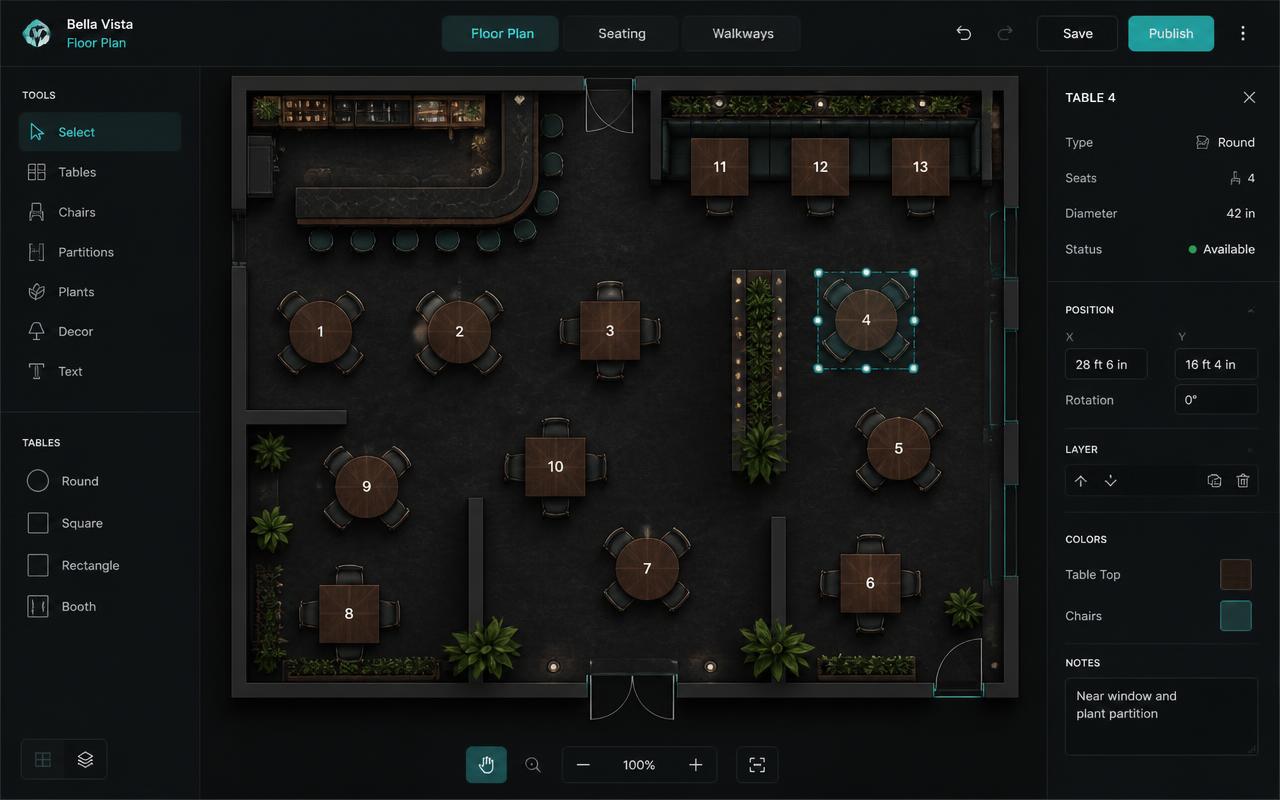
Table plan of a café with terrace tables, status colours and bar

A plan for café, terrace and hall

A plan for café, terrace and hall

Draw your café exactly as it is: high tables, round tables by the window and the terrace as a separate plan. The colour of the table tells you the status at a glance, even when you've just come in for your shift.

  • Square, rectangle or round, size and transparency adjustable
  • Terrace as its own plan under the Tables tab
  • Table flashes red with the number of minutes since the last order
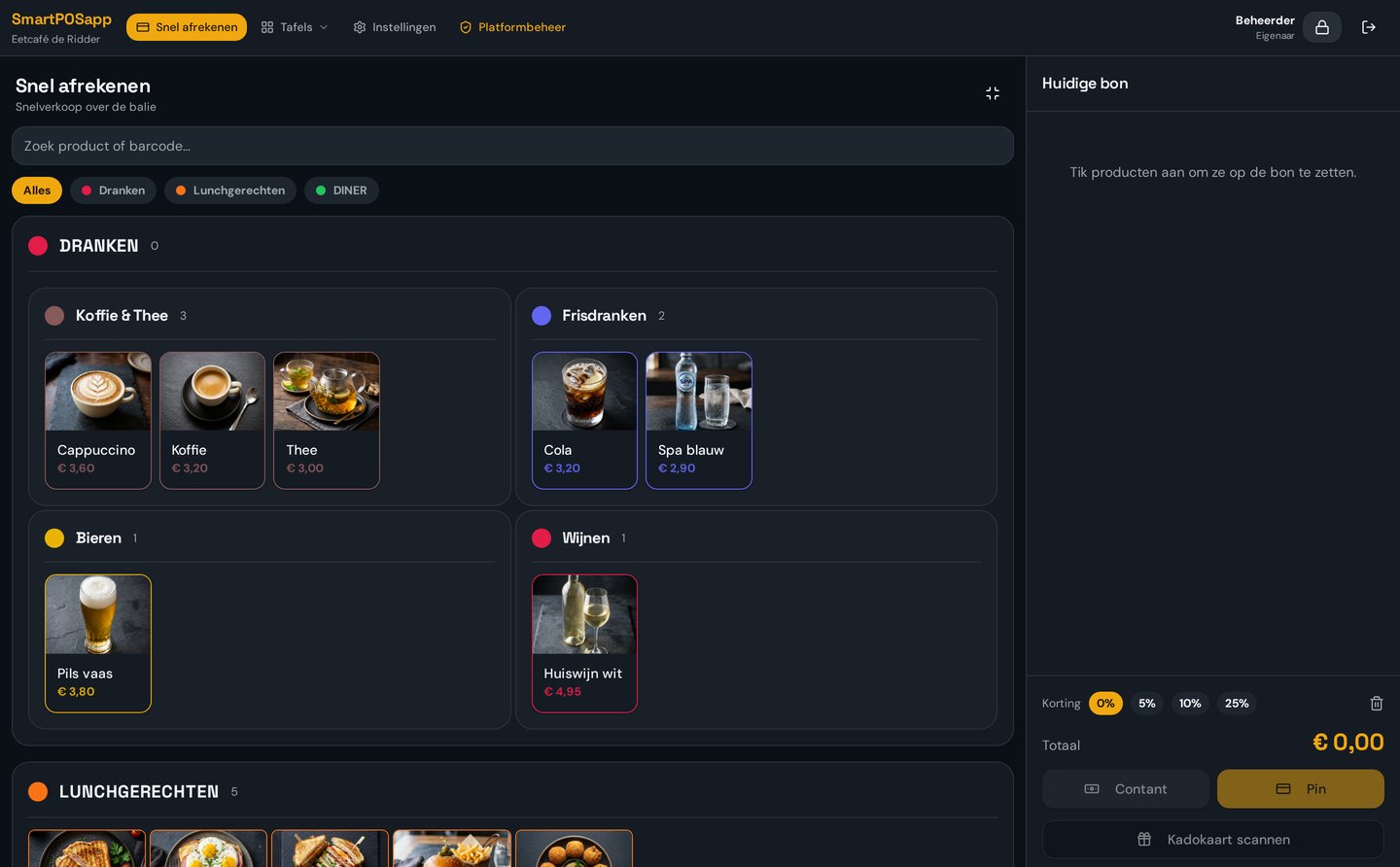
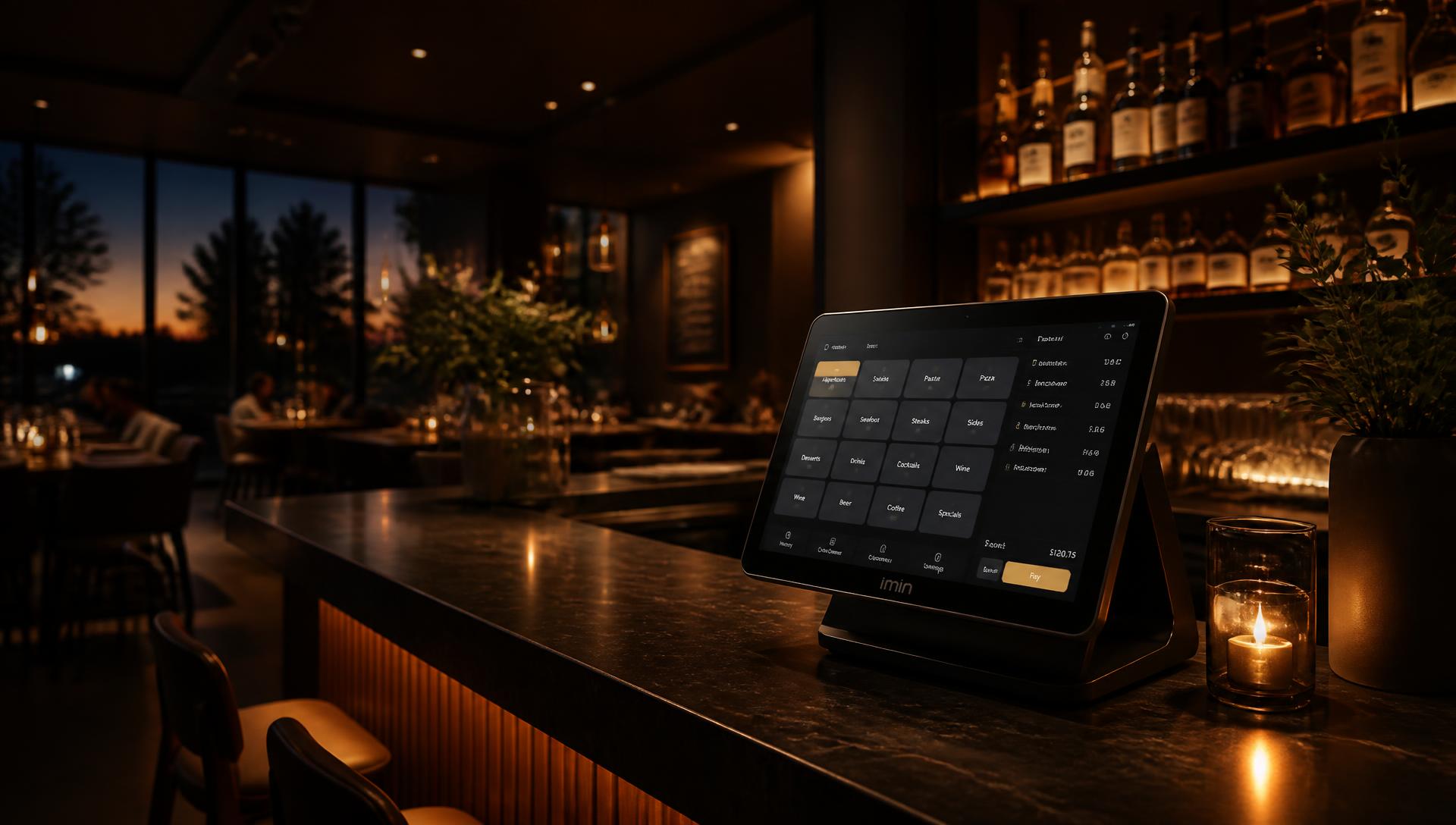
Order screen with drink categories next to the table plan in a POS system for cafés

Adding rounds and informing the bar instantly

Adding rounds and informing the bar instantly

A café runs on rounds. Tap the table, ring up the round on large coloured tiles and send it. The lines join the open bill and the bar ticket prints automatically, while you're already back at the floor plan.

  • Tiles per category and product in their own colour, tiles per row adjustable
  • Upsell prompts automatically suggest a snack or an extra drink
  • Drinks to the bar printer, dishes to the kitchen or kitchen display
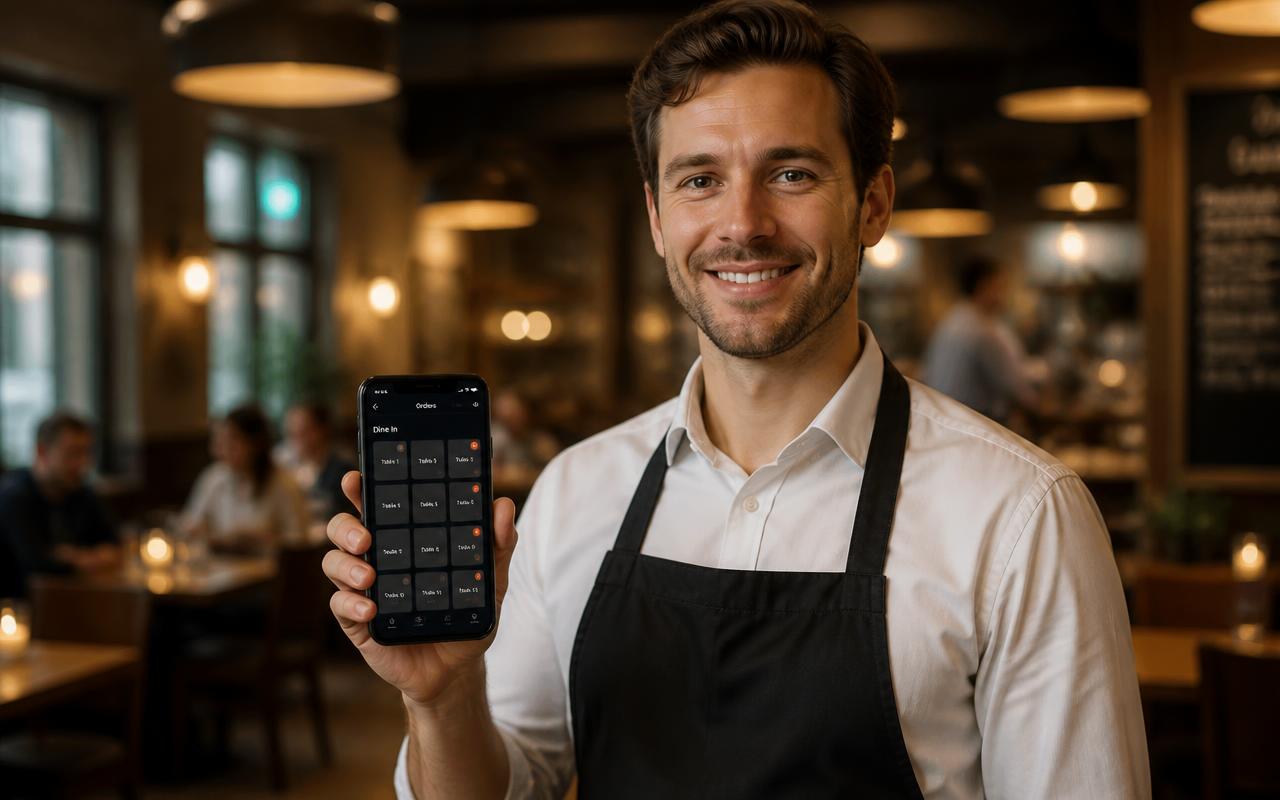
Staff member on the terrace taking an order with a phone as a handheld

Handhelds on the terrace

Handhelds on the terrace

On a busy terrace staff no longer walk back and forth to the till. With the handheld app on a regular phone you take the order at the table; the ticket is at the bar instantly. Each handheld is paired with its own QR code.

  • One handheld included, extra devices added per unit
  • App opens full-screen with large tiles, no menu
  • Works on the same wifi network as the till and printers
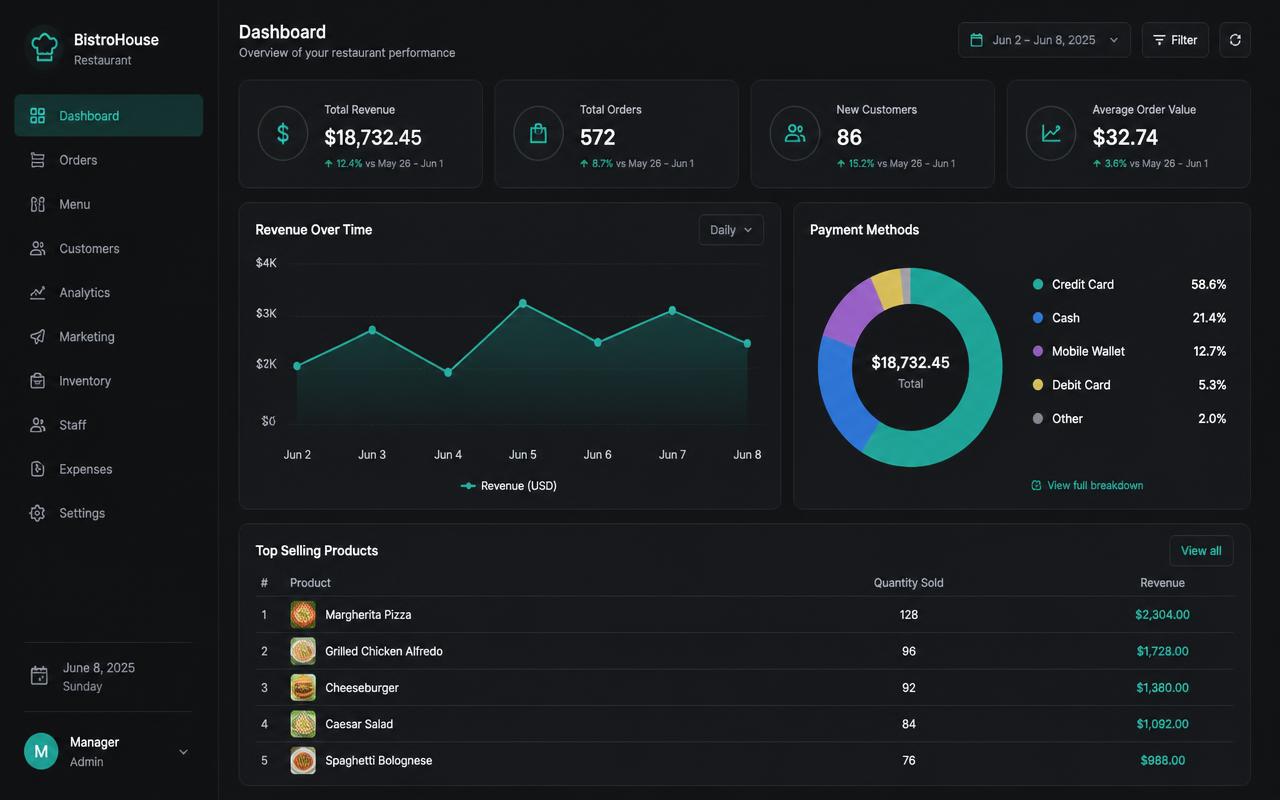
Report with daily revenue, payment methods and revenue per staff member for a café

Checkout, splitting and closing

Checkout, splitting and closing

At the end of the evening you settle up however the guests like: all together, per guest or per line, cash, card or a gift card. Then you close the day and see revenue per part of the day, per staff member and per product group.

  • Split bills with a remainder that stays on the table
  • Staff log in with a PIN or barcode badge
  • Daily closing with a VAT overview for accounting

An evening in the bar

  1. 1. Staff log in with a PIN or badge; everyone works under their own name.
  2. 2. Terrace guests order via the handheld, inside you tap the table on the floor plan.
  3. 3. Drinks go to the bar, the small menu to the kitchen or the kitchen display.
  4. 4. Rounds get added to the same table; the colour shows where a bill is still open.
  5. 5. Checkout can be split, then the table turns green again and you close the day.

Frequently asked questions about POS systems for cafés

Can I add another round to a table's tab?
Yes. You tap the table, ring up the new round and send it. The lines join the table's open bill and the bar ticket prints automatically, so the bar can pour right away.
How do split bills work in a café?
At checkout you choose which lines to pay and with which method. One guest can pay by card and another with cash or a gift card, while the remainder stays on the table.
Does the system work on the terrace?
Yes. Staff take orders with the handheld app on a regular phone, on the same wifi network as the till. One handheld is included with every plan, extra devices are added per unit.
Can I see which table hasn't ordered in a while?
Tables with an open amount turn light blue, tables being paid turn orange and free tables are green. If an occupied table stays quiet too long it flashes red with the number of minutes since the last order. You set that time yourself.
Can I send bar snacks and a small menu to the kitchen?
Yes. Per category or per product you decide whether it goes to the kitchen, the bar or the kitchen display. Drinks print at the bar printer and the kitchen ticket goes to the kitchen or the kitchen display.
What does a POS system for a café cost?
You order the POS system, we deliver it ready to use and pre-installed, and you choose a monthly or yearly plan. All plans and what's included per package are on the pricing page.

Put your café in the system tonight

Order your POS system, we set up your floor plan and you take your first round. Choose the plan that fits your café right away.

Bekijk in actie

Snel afrekenen

Aanslaan op grote tegels, barcodescanner, cijferblok en gesplitst betalen.

Buy a POS system — instalments available

Buy the complete till set with touchscreen till, cash drawer and receipt printer. With a yearly contract you pay in monthly instalments. We install and set everything up on site.

View hardware