SmartPOSapp
Guests at reserved tables in a restaurant where staff work with a tablet

Reservations as an extra subscription option

POS system with reservations for sports canteens and hospitality

Reserve tables or the whole canteen, link them to your own floor plan and take orders with handhelds or QR. Turn on the reservations module whenever you need it — all within one POS system.

For which type of business?

Sports canteen and club

Reserve the canteen for team nights and tournaments, let volunteers log in with a PIN and check out with balance cards. Revenue per shift is right there.

Sports canteen solution

Restaurant and eatery

Link reservations to tables on your floor plan, keep an eye on occupancy per shift and route tickets automatically to bar, kitchen or kitchen display.

See table management

Terrace, snack bar and self-service

Let guests order themselves with a QR code on the table and cover busy terraces with handhelds, without setting up extra tills.

QR ordering & handhelds
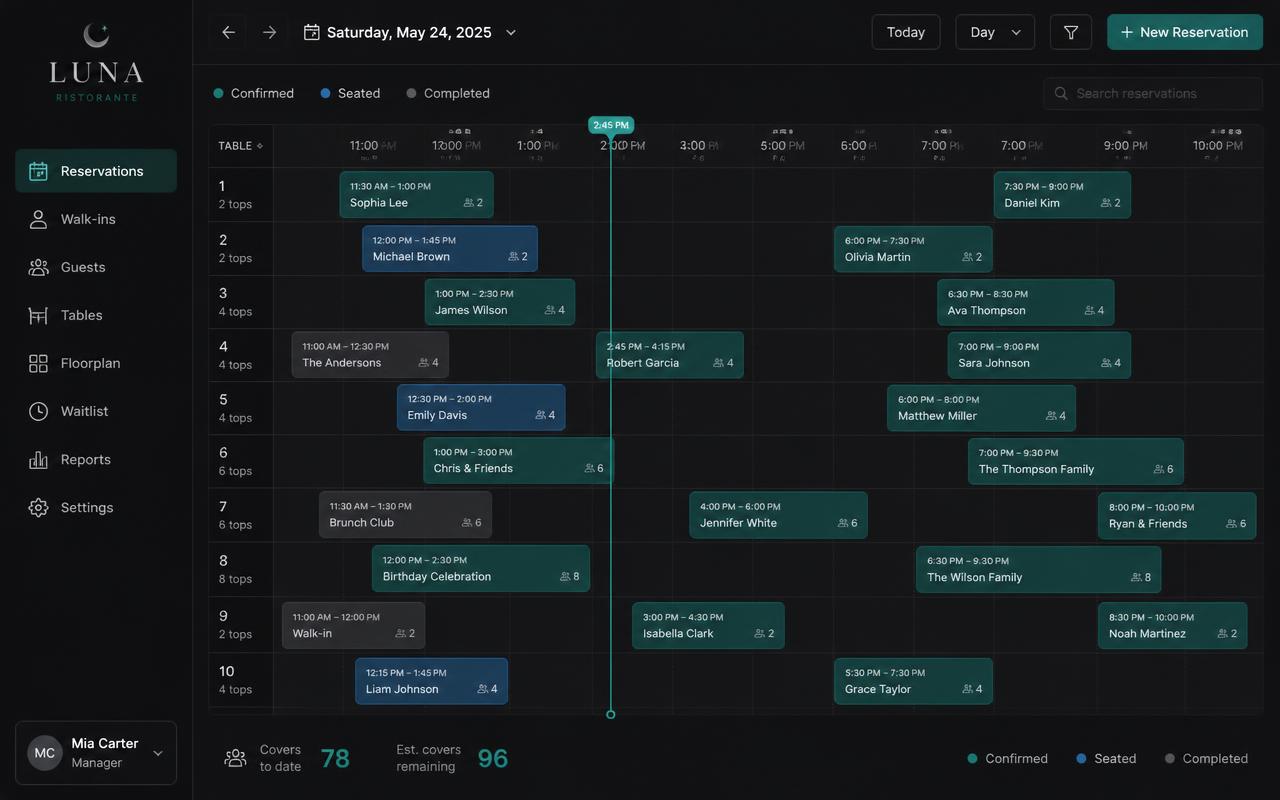
Reservations overview in SmartPOSapp with reserved tables, times and number of guests

Reservations as an extra subscription option

Reservations as an extra subscription option

You only pay for what you use. Reservations can be added and removed per subscription, just like extra handhelds, QR ordering or a kitchen display. Everything is in the same system, so there's no separate reservations tool needed.

  • Toggle per subscription, no new system needed
  • Reservation with date, time, number of guests and a note
  • Overview per day and per shift for your briefing
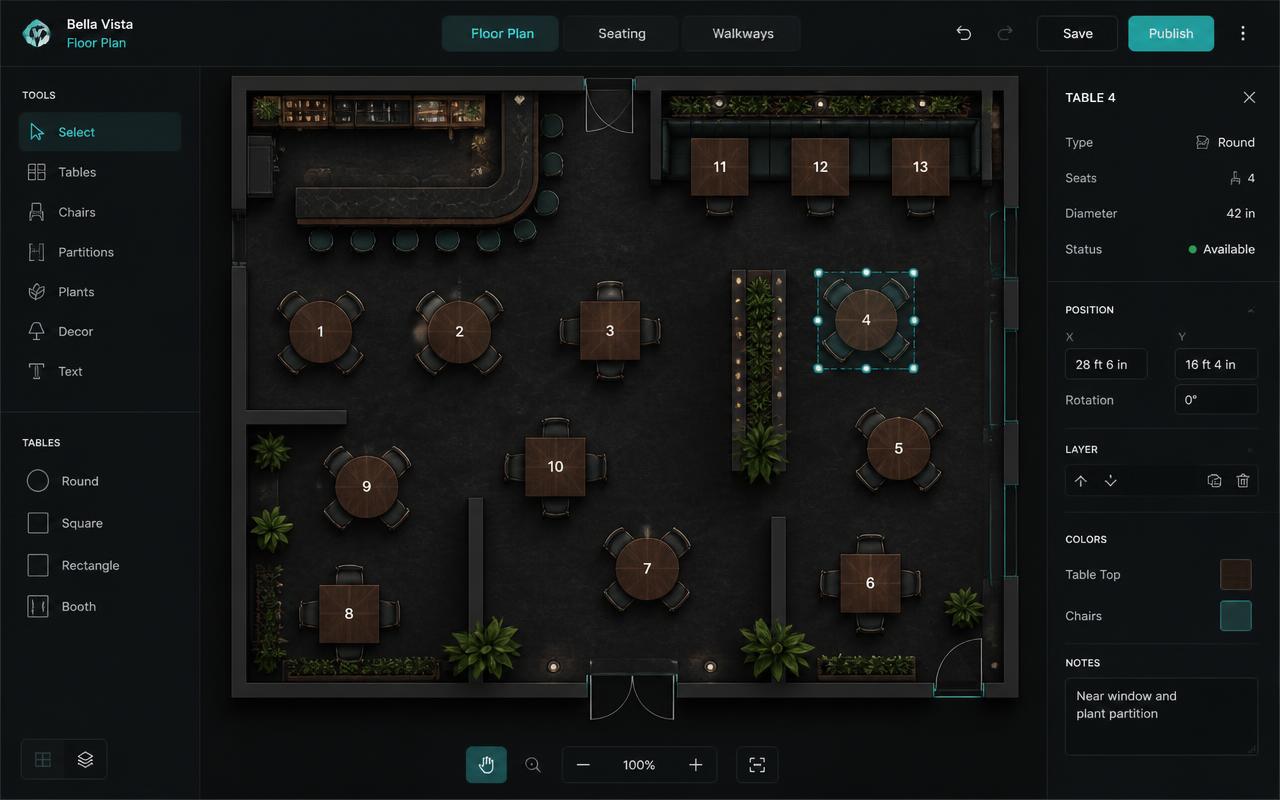
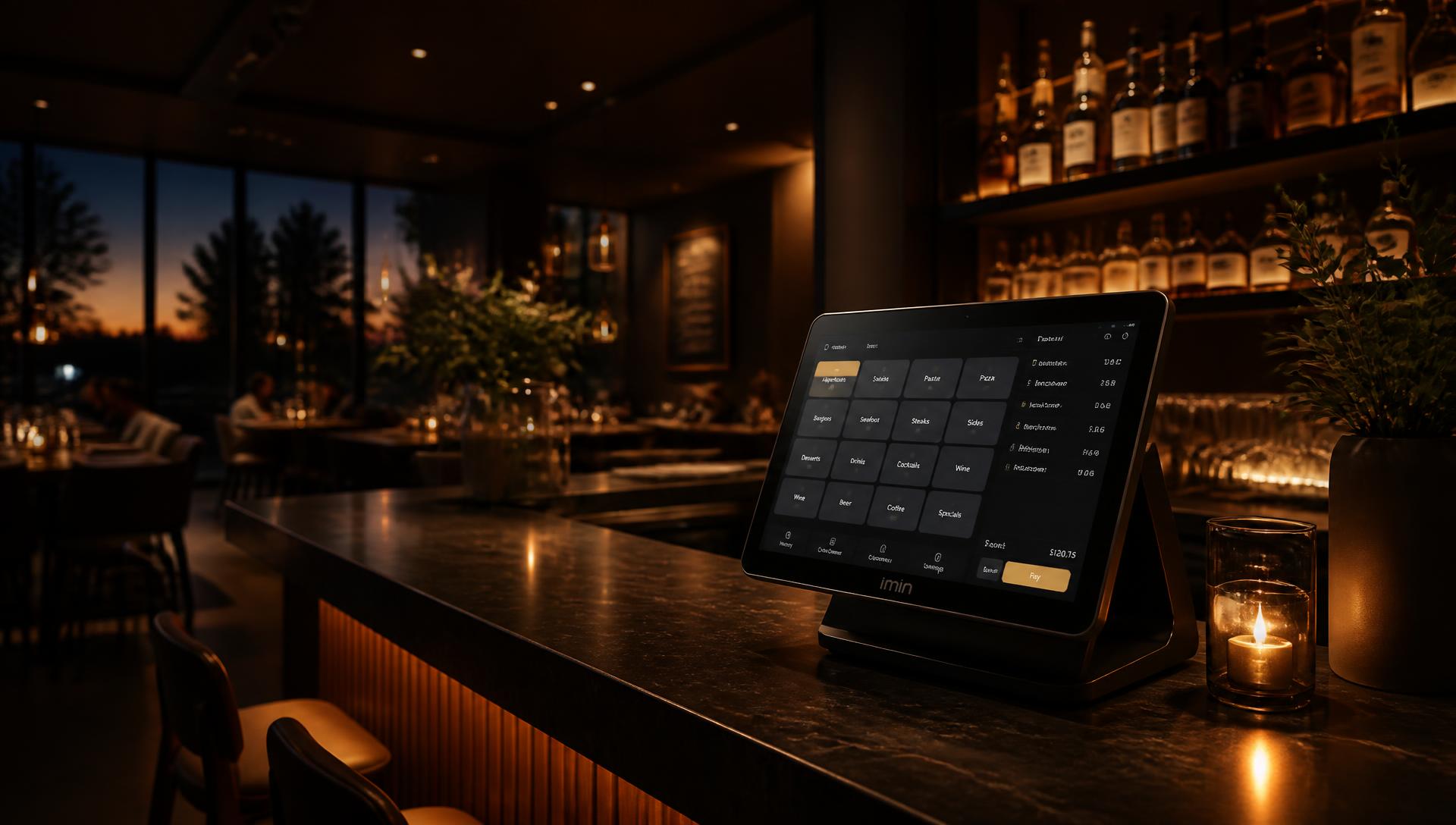
Table plan in SmartPOSapp showing reserved and occupied tables in colour

Directly linked to your table plan

Directly linked to your table plan

A reservation is attached to a real table on your own floor plan. On arrival you tap that table, the product screen opens and the order flows straight through to the kitchen. Colours show what's free, occupied or being paid.

  • Custom floor plans for restaurant, terrace and function room
  • Table status shown in colour, including an alert for long wait times
  • Automatically back to the floor plan after ordering
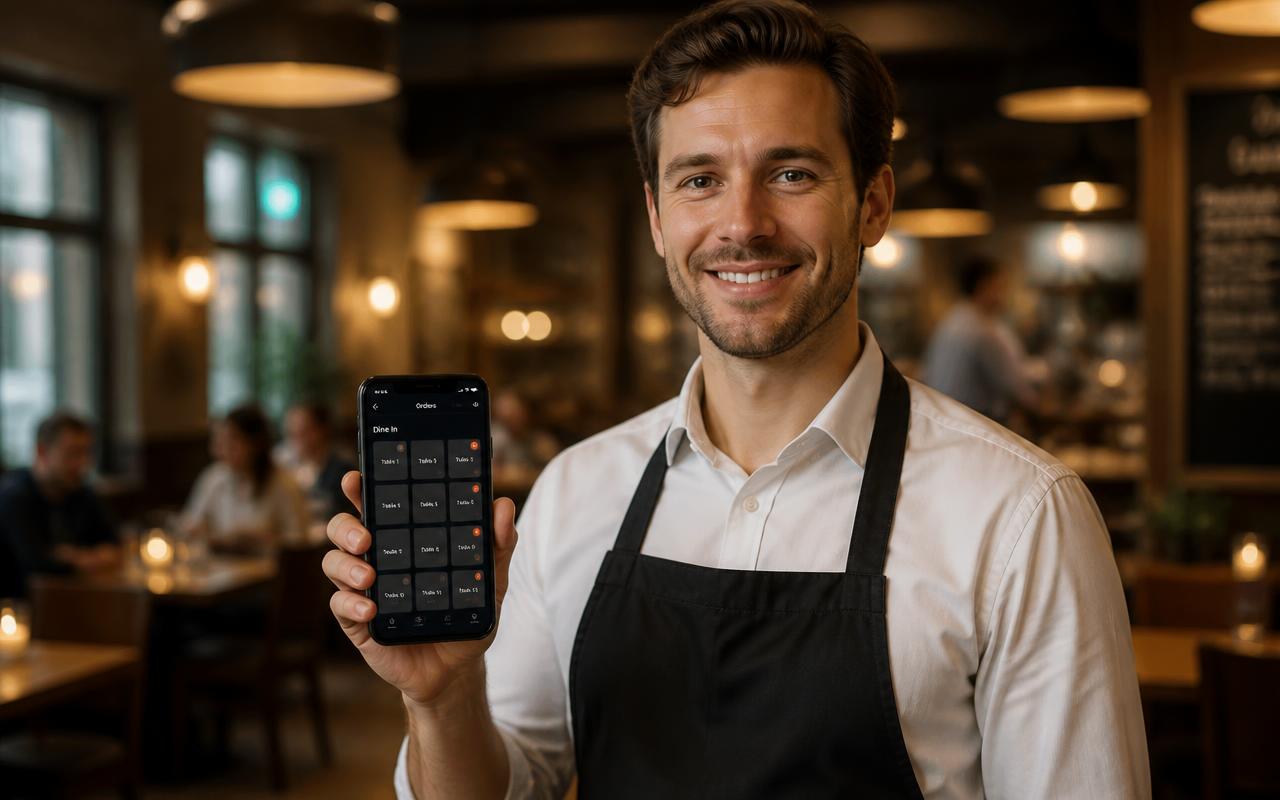
Staff member takes an order at a reserved table using a phone as a handheld

Serving with handhelds and QR

Serving with handhelds and QR

With a full booking you don't want to keep walking back and forth. Serve with the handheld app on regular phones or let guests order themselves via the QR code on the table; everything comes in on the same table.

  • One handheld included, extra devices bookable per unit
  • Upsell rules automatically suggest an extra or a drink
  • QR ordering as a standalone option for self-service
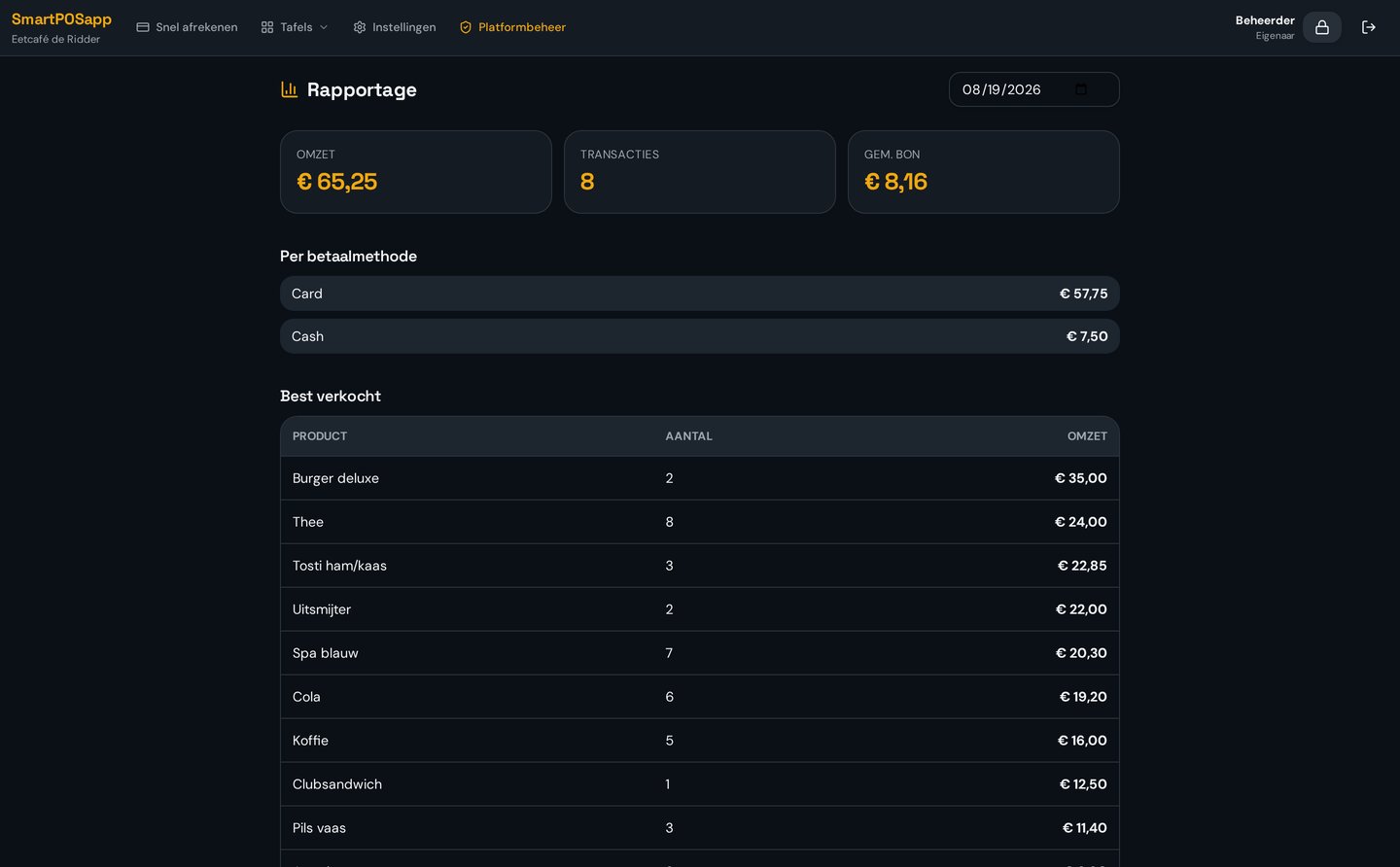
Reporting in SmartPOSapp with revenue per shift, payment methods and number of transactions

Overview per shift and per day

Overview per shift and per day

Afterwards you see exactly how the evening went: revenue per shift, per employee and per payment method. Handy for a club treasurer and for a business owner planning their shifts.

  • Revenue per shift, day and payment method
  • Optional time tracking with clocking in and out
  • Accounting option for a tidy monthly close
Bekijk in actie

Reserveringen

Van online aanvraag tot toegewezen tafel.

Frequently asked questions about reservations

Are reservations included in the subscription by default?
Reservations are an extra option you turn on or off per subscription. You start without it and add the module as soon as you need it; the pricing page shows what's included per plan.
Do reservations work together with the table plan?
Yes. A reservation is attached to a table on your own floor plan, so you immediately see which table is reserved and from what time. On arrival you tap the table and take the order straight away.
Is this also suited to a sports canteen or club?
Absolutely. Clubs use reservations for team nights, tournaments and room hire, while volunteers log in with a PIN and check out with balance cards.
Can guests order themselves alongside a reservation?
Yes, with the QR ordering option the guest scans the code on the table and orders themselves. The order comes in on the same table as the reservation.
What does a POS system with reservations cost?
The subscription determines the base price; reservations, extra handhelds and kitchen displays are added per option. See the plans and pricing page for the current overview.

Add reservations whenever you're ready

Order your POS system and turn on reservations as soon as your business or club is ready for it.

Buy a POS system — instalments available

Buy the complete till set with touchscreen till, cash drawer and receipt printer. With a yearly contract you pay in monthly instalments. We install and set everything up on site.

View hardware