SmartPOSapp
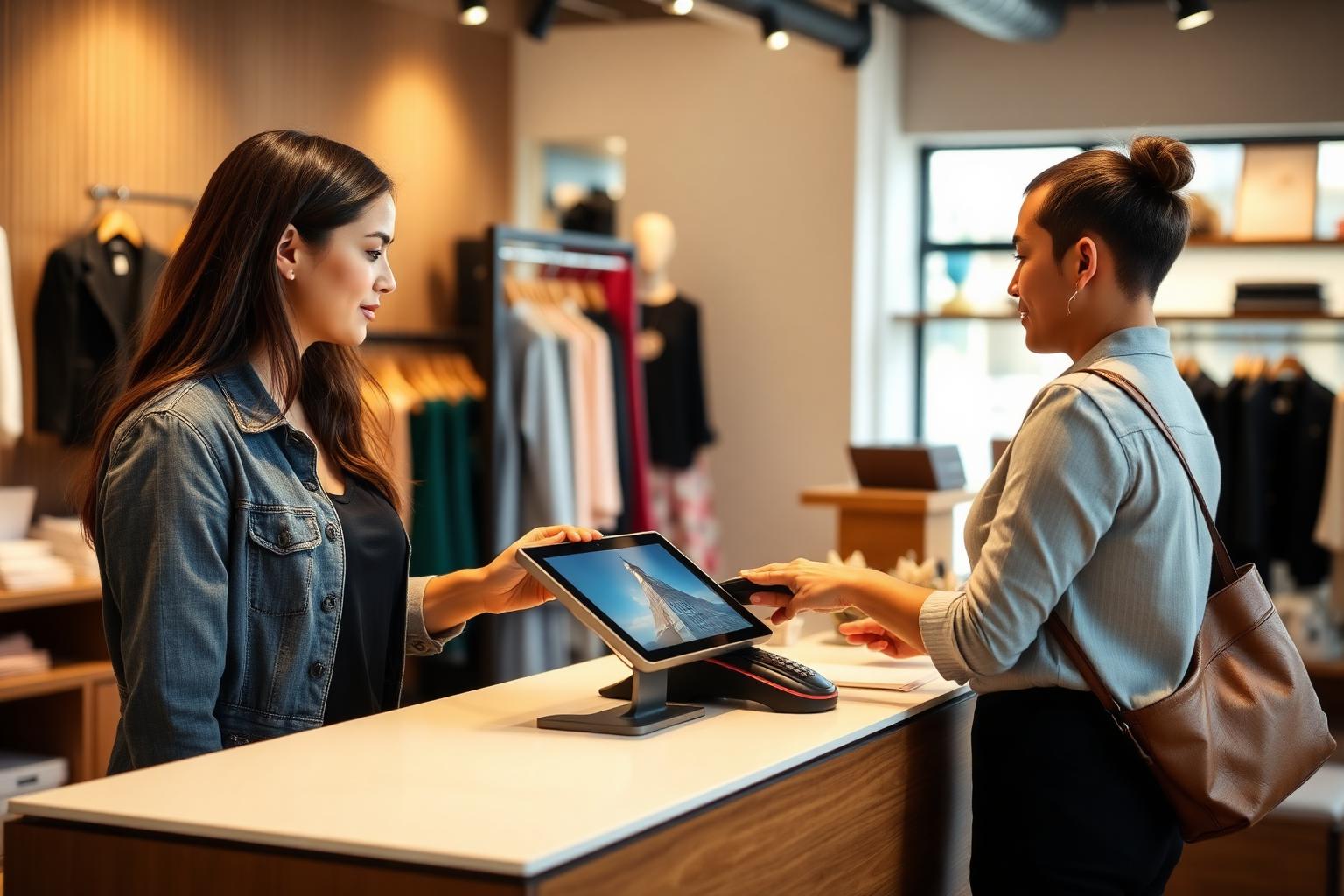
Shop counter where a gift card with a barcode is scanned at the POS system

Module for hospitality and retail

Gift cards in your POS system

Design your own gift card, print it with a barcode and check it out with the scanner. The remaining balance stays on the card — fully integrated in the POS system.

Your own design per industry

Start with a template for your type of business and adjust logo, colours, text and size.

Barcode included

Every card automatically gets a unique barcode. No external card supplier needed.

Remaining balance stays put

Does the customer spend less than the card amount? The remainder stays usable until the card is empty.

Design templates per industry

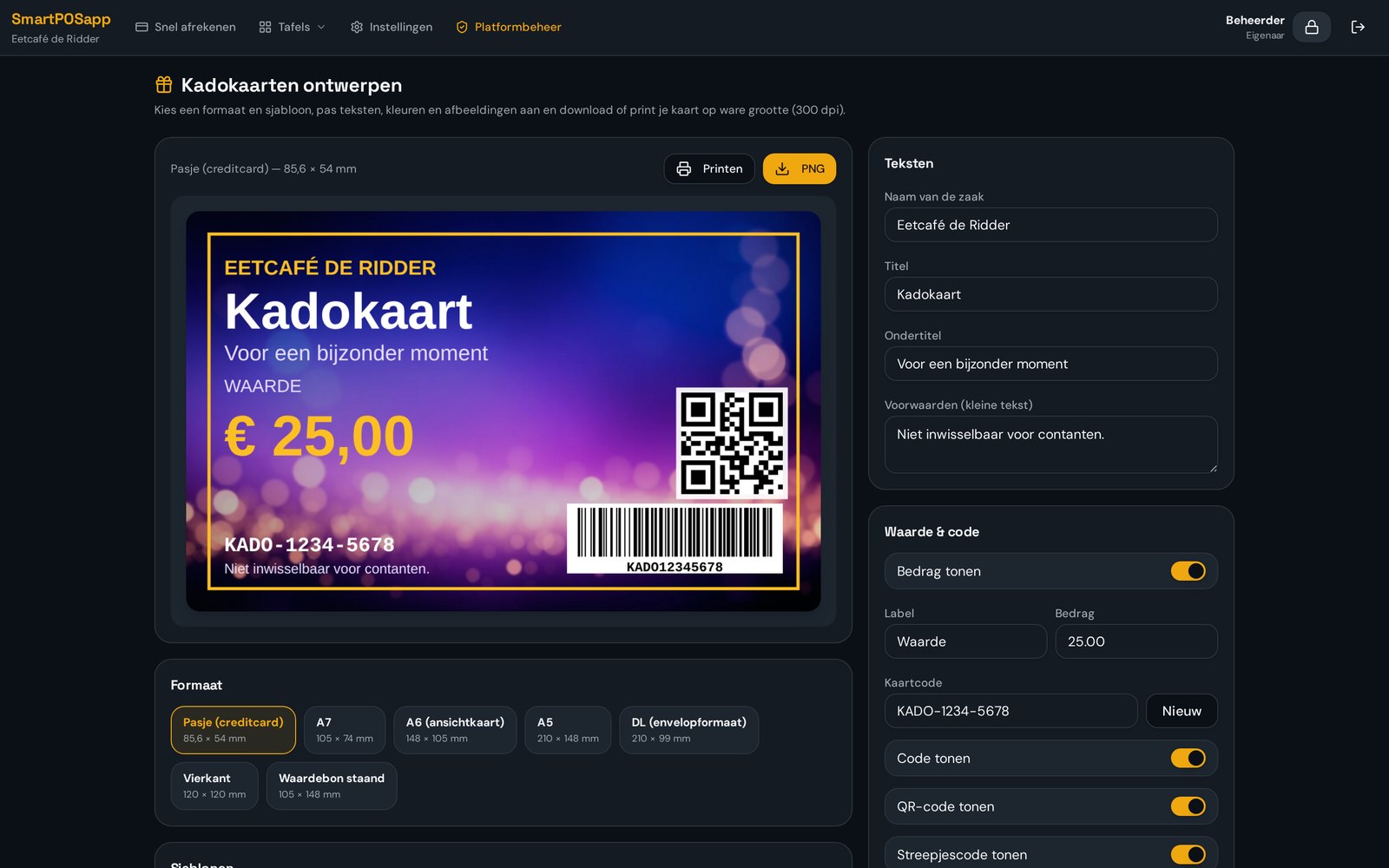
Choose a ready-made template for a restaurant, café, snack bar, ice cream parlour, pizzeria, clothing shop, bookshop, sweet shop or electronics store — or start from a universal one. You adjust background, logo, colours, font and text, and see the result instantly at true size.

  • Templates for hospitality and retail
  • Upload your own logo and background
  • Card size and text fully customisable
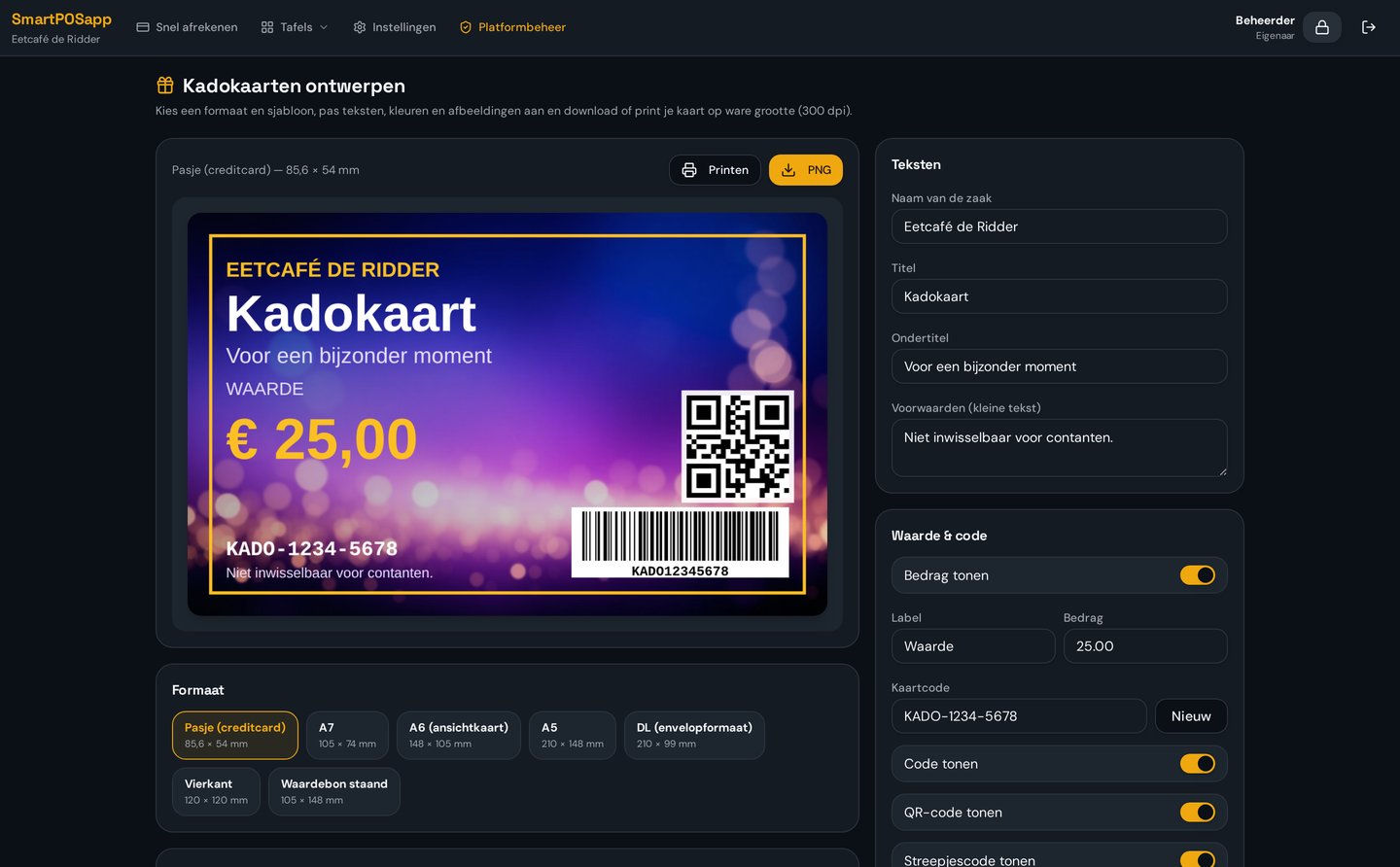
Gift card design module in SmartPOSapp with templates, colours, your own logo and a barcode on the card

An automatic, unique barcode

When a card is issued, SmartPOSapp generates a unique code with a barcode. It appears directly on the design, so you can print the cards yourself. Every card can be tracked: when it was issued, for what amount and what's still on it.

  • Unique code per card, instantly scannable
  • Print yourself or have them printed
  • Block lost or stolen cards
Issued gift card in SmartPOSapp with a unique code, barcode and the current balance

Checkout via the scanner, balance stays put

At the till you scan the card during checkout. The amount is deducted from the card and the remainder stays for a future visit. If the bill is higher than the balance, you settle the difference with card payment or cash.

  • Scan with a barcode scanner or handheld camera
  • Split payment with card or cash
  • Outstanding balance per card in the reporting
Universal gift card design from SmartPOSapp being scanned at checkout with a barcode scanner

Templates per industry

Each template is a starting point: you adjust colours, text and logo to match your own brand.

Gift card template for a restaurant
Restaurant
Gift card template for a café
Café
Gift card template for a snack bar
Snack bar
Gift card template for an ice cream parlour
Ice cream parlour
Gift card template for a clothing shop
Clothing shop
Universal gift card template
Universal
Bekijk in actie

Kadokaarten

Zelf cadeaubonnen ontwerpen, scannen en restantbedrag bewaren.

Frequently asked questions about gift cards

Filter by topic and expand only the question you need.

Yes. In the gift card module you pick a template per industry (restaurant, café, snack bar, ice cream parlour, clothing shop, bookshop, electronics or universal), upload your own logo and background, and adjust the text, colours and size. You can print the cards yourself or have them printed.

You can use common card sizes such as credit-card format and A6, plus a fully custom size. The design is exported at true size, so the barcode stays scannable.

Every card automatically gets a unique code with a matching barcode. You don't need an external card supplier or card reader: a regular barcode scanner or the camera on a handheld reads the code at the till.

No. The balance is stored centrally in your system, not on the card itself. As soon as an amount is deducted, it's instantly visible on every till and handheld. Lost cards can be blocked.

The remainder simply stays on the card. At checkout you see the previous balance, the amount used and the new remaining balance. The customer can use the card again next time until it's empty.

Yes. If the card amount is lower than the bill, the till settles the rest by card or cash. If the card amount is higher, the difference stays as a balance on the card. See how fast checkout works.

Gift cards are an add-on module you can enable on any plan. The pricing page shows which modules are included with each plan and what the module costs. See the plans.

Sell your first gift card this week

Order your POS system, design a card in your own style and scan it at the till.

Buy a POS system — instalments available

Buy the complete till set with touchscreen till, cash drawer and receipt printer. With a yearly contract you pay in monthly instalments. We install and set everything up on site.

View hardware