POS system for restaurants
Courses per dish and calls to the kitchen
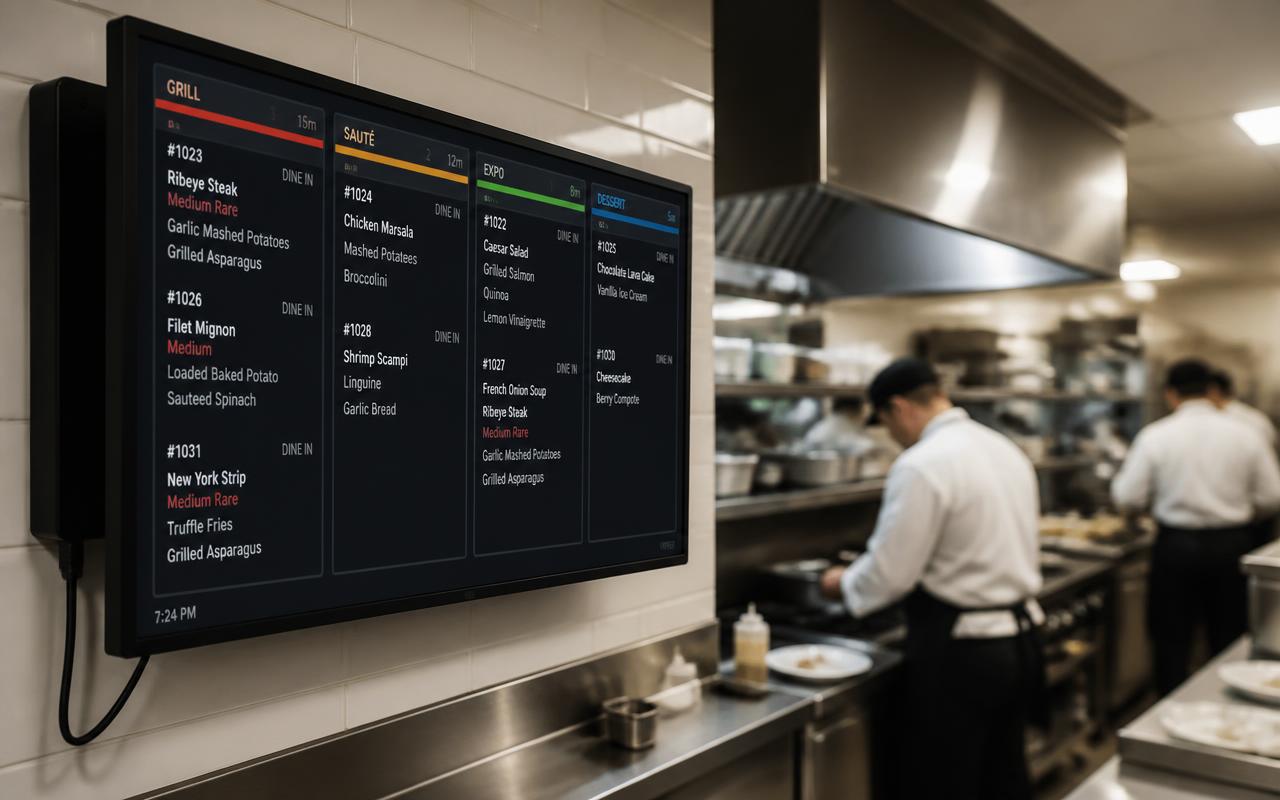
You take the whole menu in one go, but the kitchen only receives each course when the table is ready for it.
Where it often goes wrong
Sending everything to the kitchen at once means cold mains or guests still eating starters. Calling courses verbally goes wrong when it's busy.
How it works
- 1
Course per line
Choose starter, intermediate, main or dessert, or your own layout.
- 2
Change instantly
Picked the wrong course? Change it per dish straight away.
- 3
Call
One tap on the till or handheld sends the next course to the kitchen printer or display.
What you gain
- Dishes at the right moment
- A calmer kitchen
- Less walking back and forth
- Works with printer and kitchen display
Real-world example
A table of eight orders a three-course menu. The kitchen only sees the mains once they are called, so all eight plates arrive together and hot.
Frequently asked questions
Can I create my own courses?
Yes, you can use your own layout alongside the standard courses.
Can staff call courses from a handheld?
Yes, from the till and from every handheld.
More restaurant features
Ready for a calmer service?
We deliver your POS system fully pre-installed and set it up for your venue.