Connect the terminal
Go to Settings › Card terminals, choose your provider and enter the IP address and port of the terminal.
Payment integrations
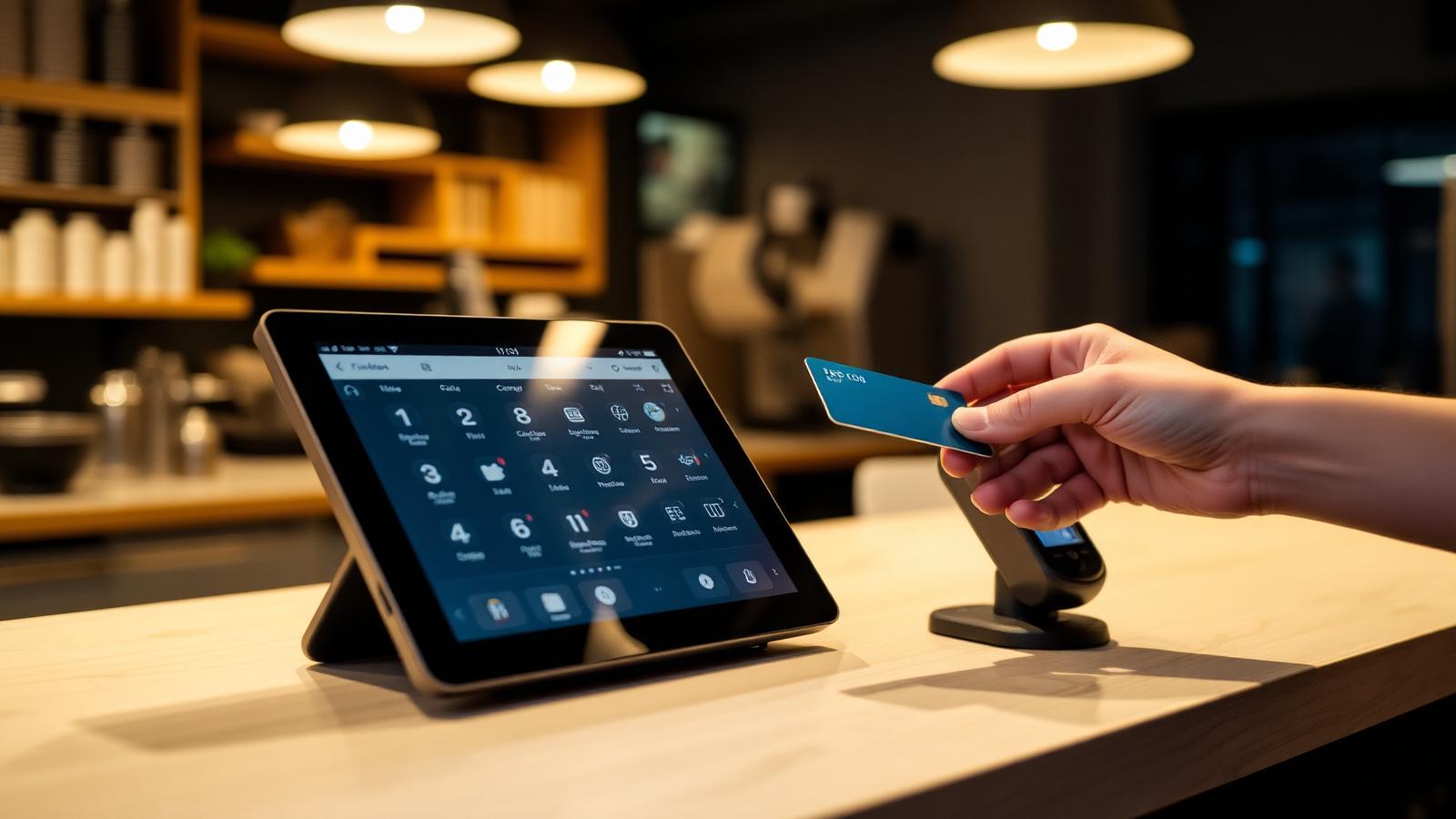
Connect your card terminal to SmartPOSapp and check out without typing amounts. The amount goes to the terminal automatically, the ticket closes itself and prints instantly. Works with CCV, Worldline, Adyen and SumUp.
Go to Settings › Card terminals, choose your provider and enter the IP address and port of the terminal.
Activate the terminal, make it the default for this till and choose whether the ticket should print automatically.
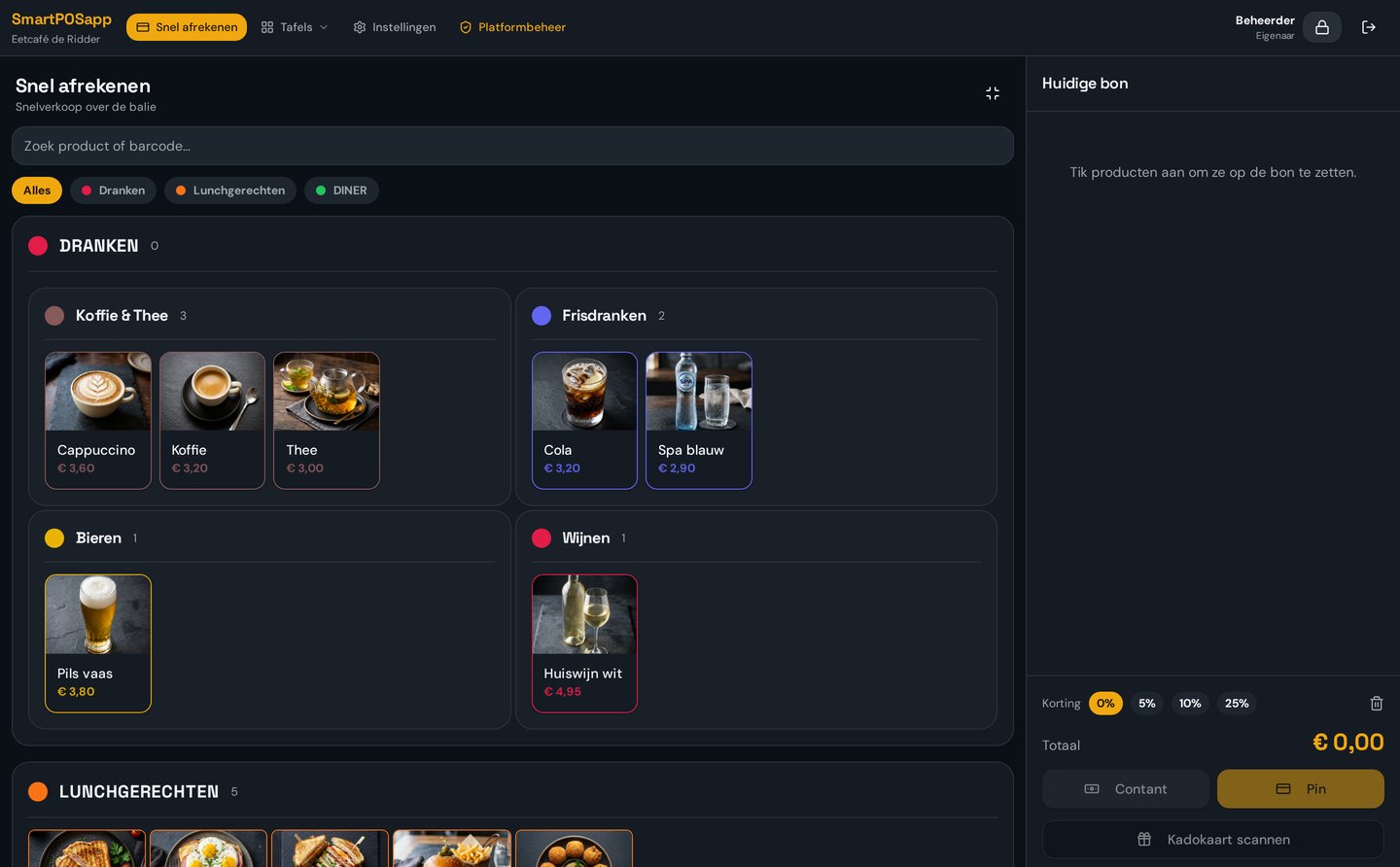
Ring up the order and choose Card. The amount appears immediately on the card terminal.
After approval the ticket closes itself, prints, and the transaction appears in your overview.
No more typing amounts. The till sends the exact amount to the terminal, so no typos and no cash discrepancies.
As soon as the payment is approved, the ticket closes automatically and prints on the configured receipt printer.
The terminal is on the same network as the till. You only enter the IP address and port; no extra hardware needed.
Is the terminal briefly unreachable? Then you confirm or cancel the payment yourself and keep working normally.
Bar, terrace, till or handheld: connect as many card terminals as you need and set a default terminal.
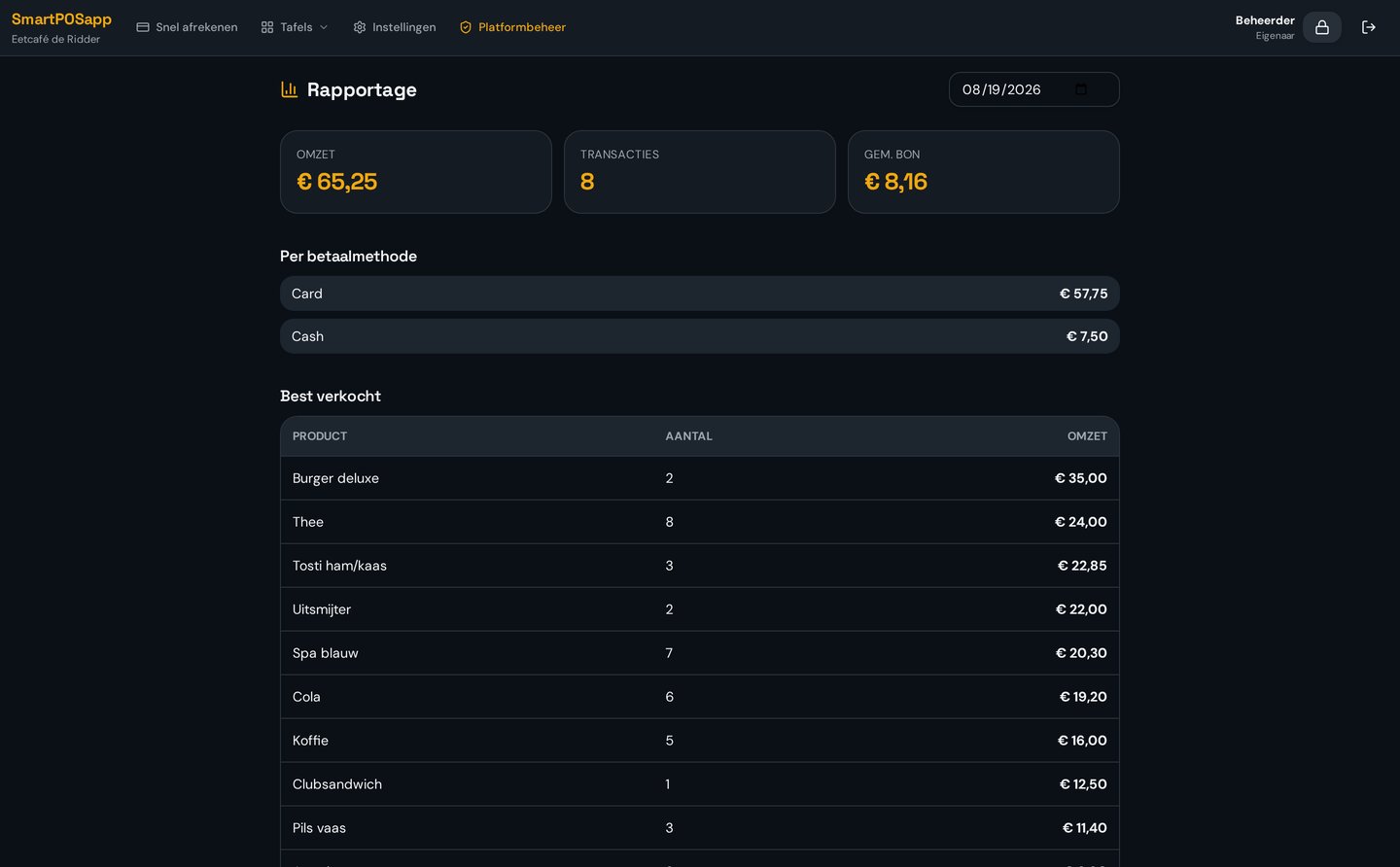
Every card transaction is recorded with status and reference and counts towards the day closing and VAT report.
Bedrag direct naar de betaalautomaat en automatische kassalade.
| Provider | Connection |
|---|---|
| CCV (Pay / Shop) | Network connection via the terminal's local IP address. |
| Worldline / Yomani | Push the amount to the terminal, status comes back into the till. |
| Adyen Terminal API | Connection via terminal number within your own Adyen account. |
| SumUp | Suited to smaller venues, food trucks and markets. |
| Other terminals | Standalone terminal: log the card payment and confirm manually. |
You keep your own contract with your payment provider: SmartPOSapp only connects with the terminal you already use.
SmartPOSapp works with terminals from CCV (Pay and Shop), Worldline/Yomani, Adyen Terminal API and SumUp. Have a terminal from another provider? Then you use the 'standalone terminal' mode: you log the card payment in the till and confirm it manually, so revenue and payment methods always add up.
At checkout you choose Card. The till sends the exact amount over the wifi network to the terminal. The customer pays, the terminal reports approval back and the ticket closes and prints automatically. No one has to type in an amount anymore.
The transaction stays 'pending' and you can approve or cancel it manually. The till never blocks: you can always keep working and the overview of card transactions stays complete.
No. SmartPOSapp connects with the terminal you already have and you keep your own contract and rates with your payment provider. You only enter the IP address and port of the terminal in the Card terminals screen.
Yes. You connect as many terminals per venue as you want, for example one at the bar and one on the terrace. You designate a default terminal and can choose a different one at checkout.
All card transactions appear with time, amount, status and reference in the Card terminals overview. Together with the day closing and VAT report, your cash reconciliation is accurate to the cent.
Want to know more about related features? See POS system with accounting, hardware and receipt printers or QR ordering and handhelds.
Order your POS system, connect your terminal in a few minutes and process your first payment without typing an amount.
Buy the complete till set with touchscreen till, cash drawer and receipt printer. With a yearly contract you pay in monthly instalments. We install and set everything up on site.