SmartPOSapp
Bar display with open drink orders behind the taps in a busy café

Module for hospitality

Bar display system (BDS) for your POS system

Drink orders go automatically to the bar, dishes to the kitchen. Fully integrated in the POS system, without paper tickets behind the taps.

Drinks separate from the kitchen

The bar only sees drink lines, the kitchen only sees dishes. No searching on a shared ticket.

No paper tickets behind the taps

Orders appear directly on the screen as soon as staff send them.

Visibility on wait times

You see how long each ticket has been open, so a forgotten round doesn't get left behind.

All drink orders on one screen

As soon as an order is sent from the till, a handheld or via QR ordering, it appears as a card on the bar display. With table number, time, quantities and any notes on a drink.

  • Tickets from till, handhelds and self-service
  • Table number and notes visible straight away
  • Dismissed tickets disappear automatically
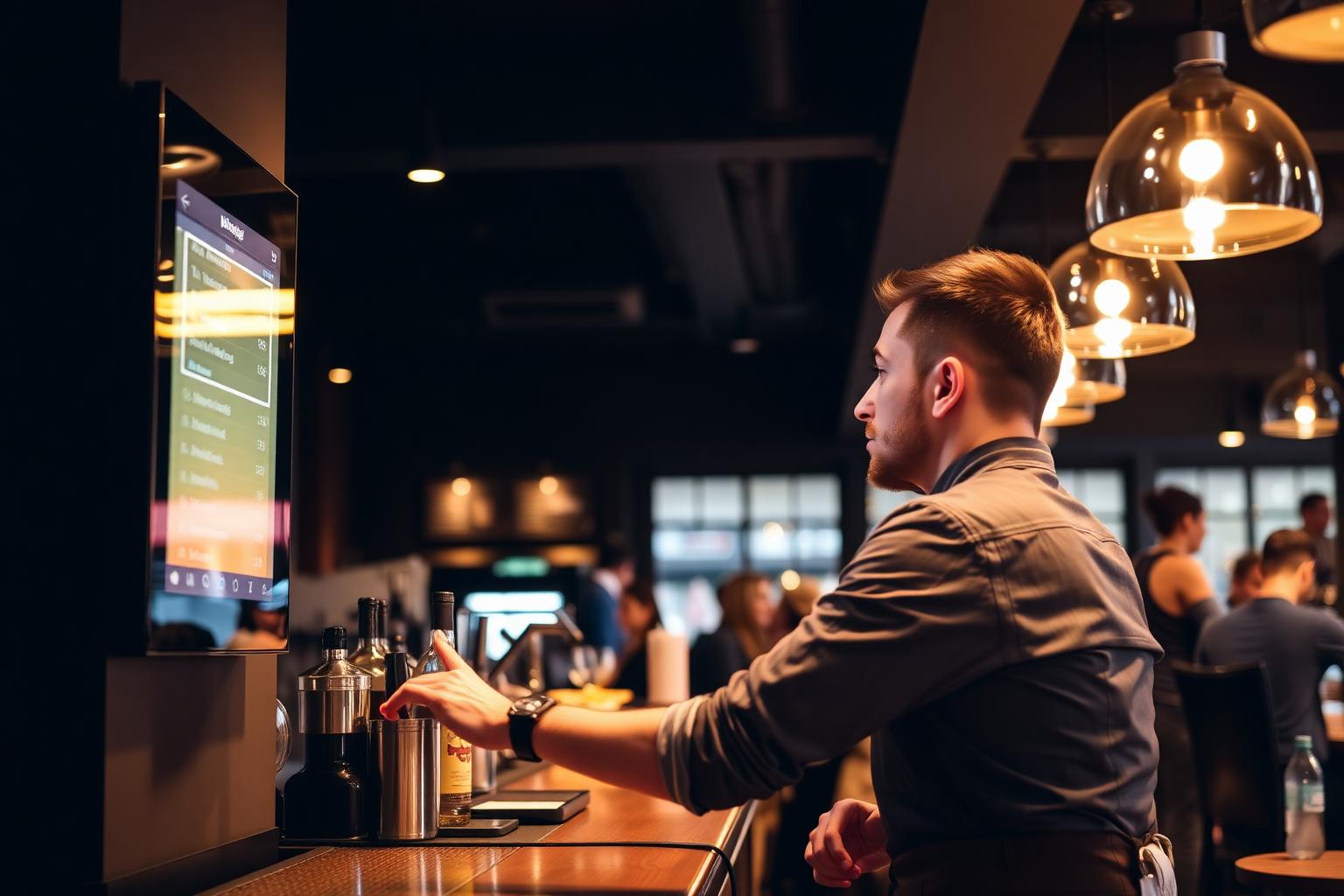
Bar staff member looks at open drink orders on a bar display above the taps

You decide what goes to the bar

Per category you switch on whether it's sent to the bar. Products follow that choice, but you can deviate per product. That way a coffee goes to the bar and a dessert coffee can still go to the kitchen.

  • Setting per category with exceptions per product
  • Works alongside your existing kitchen display rules
  • Adjust instantly, no restart needed
Settings where you choose per category whether products go to the bar or the kitchen

Faster service at busy moments

Front-of-house takes the order at the table with the handheld, the bar starts pouring right away. By the time the server reaches the bar, the drinks are ready. That saves walking and waiting on the terrace.

  • Order is at the bar before the server arrives
  • Fewer mix-ups than shouting or notes
  • Ideal for terraces, canteens and events
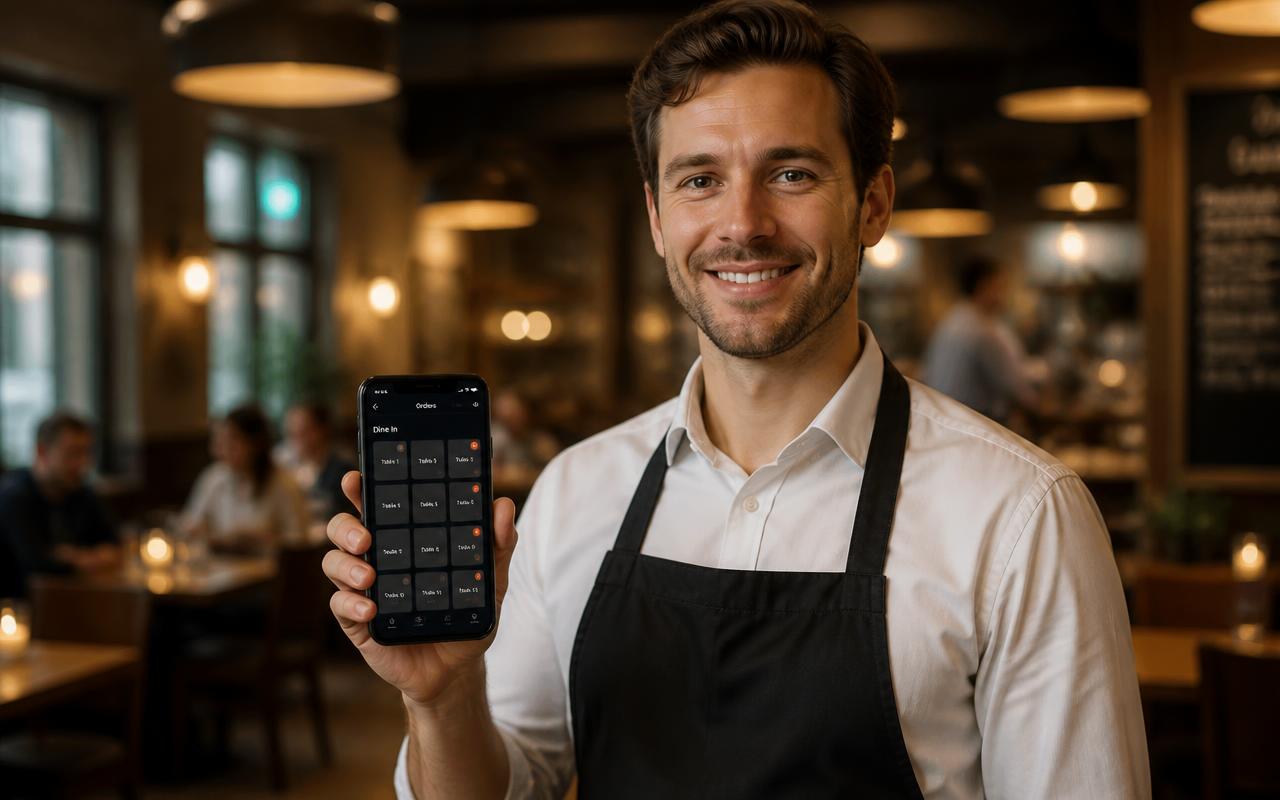
Staff member takes a drink order at the table with a handheld

The bar display in practice

How different venues run the bar alongside the rest of their POS system.

Café and bar-restaurant

Rounds go straight to the tap while staff move on to the next table.

POS system for cafés

Restaurant with a bar

Kitchen and bar work on their own screens, so dishes and drinks are ready at the same time.

POS system for restaurants

Sports canteen and clubs

Volunteers behind the bar see exactly what's been ordered, even when it gets busy after the match.

POS system for sports canteens

Events and festivals

Multiple tap points each with their own bar display per location, without paper tickets.

POS system for food trucks and events

Frequently asked questions about the bar display

Filter by topic and only expand the question you need.

A bar display, also called a Bar Display System, is a screen behind the bar that automatically shows drink orders as soon as they're sent from the till or a handheld. The bar sees straight away what needs to be prepared, without paper tickets.

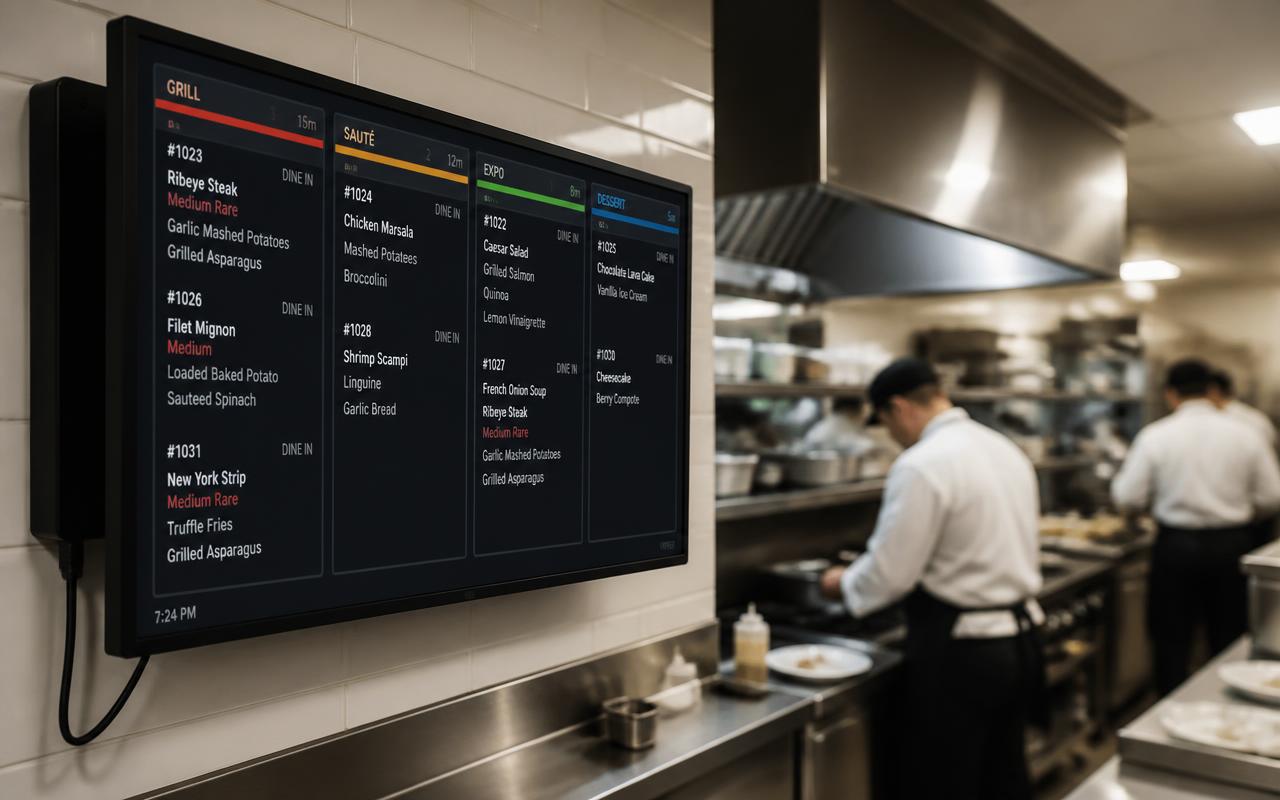
The bar display works the same as the kitchen display, but only shows the lines you send to the bar. That way the kitchen gets the dishes and the bar gets the drinks, each on their own screen. See the kitchen display.

Per category you set whether it goes to the bar. Products follow their category by default, but you can deviate per product: send it to the bar or not. Handy for things like milkshakes or desserts with a drink component.

No. The bar display is a pre-installed app on a screen with wifi. We set the screen up for you and get it ready in full screen. Hardware that works.

Yes. Every ticket shows as a card on the screen with the table, the time and the lines. As soon as the drinks are ready the bar dismisses the ticket and it disappears from the list. The time since ordering stays visible so you quickly see which ticket has been open too long.

Yes. Orders from handhelds, fast checkout, tables and self-service via QR all come in on the same bar display. QR ordering and handhelds.

The bar display is a module you switch on within your plan. On the pricing page you can see per plan which modules are included and what an extra module costs. See the plans.

Put your bar on a screen

Choose which categories go to the bar; we mount the screen and set it up for you.

Bekijk in actie

Keuken- en barscherm

Bonnen direct op het scherm in de keuken en achter de bar.

Buy a POS system — instalments available

Buy the complete till set with touchscreen till, cash drawer and receipt printer. With a yearly contract you pay in monthly instalments. We install and set everything up on site.

View hardware