SmartPOSapp
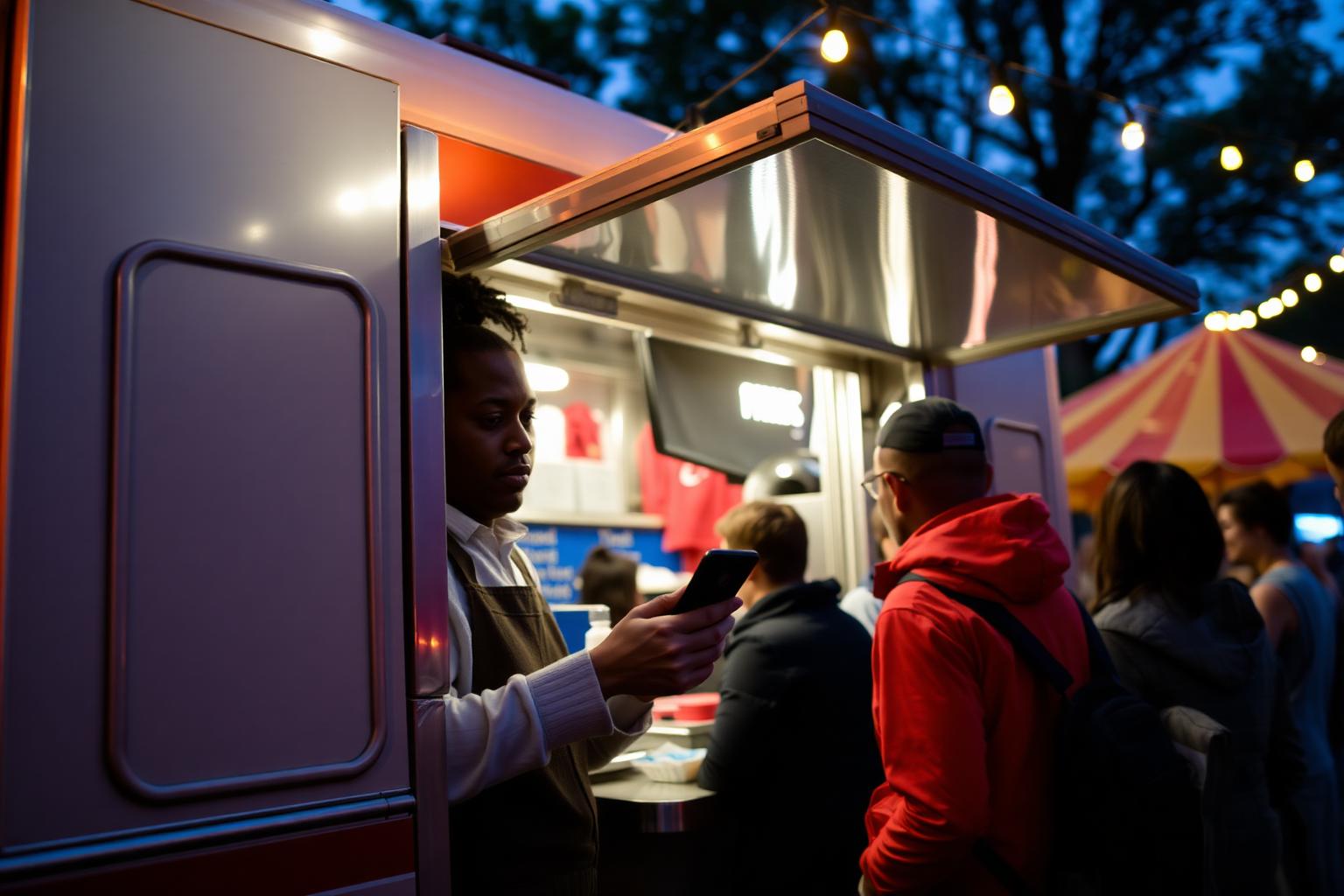
Staff member of a food truck at a festival taking an order with a phone as a till handheld

For food trucks, events, markets and catering

POS system for food trucks, events and market stalls

Check out on a tablet or phone, take orders with handhelds and let tickets print automatically on your own network — a hospitality POS system that travels with you.

Set up in ten minutes

Turn on the router, switch on the till, let it find the printer, and sell. Everything pre-installed, no till hardware to buy.

Multiple points of sale

Till in the truck, phones in the queue and a second stall: all on the same network and in one revenue overview.

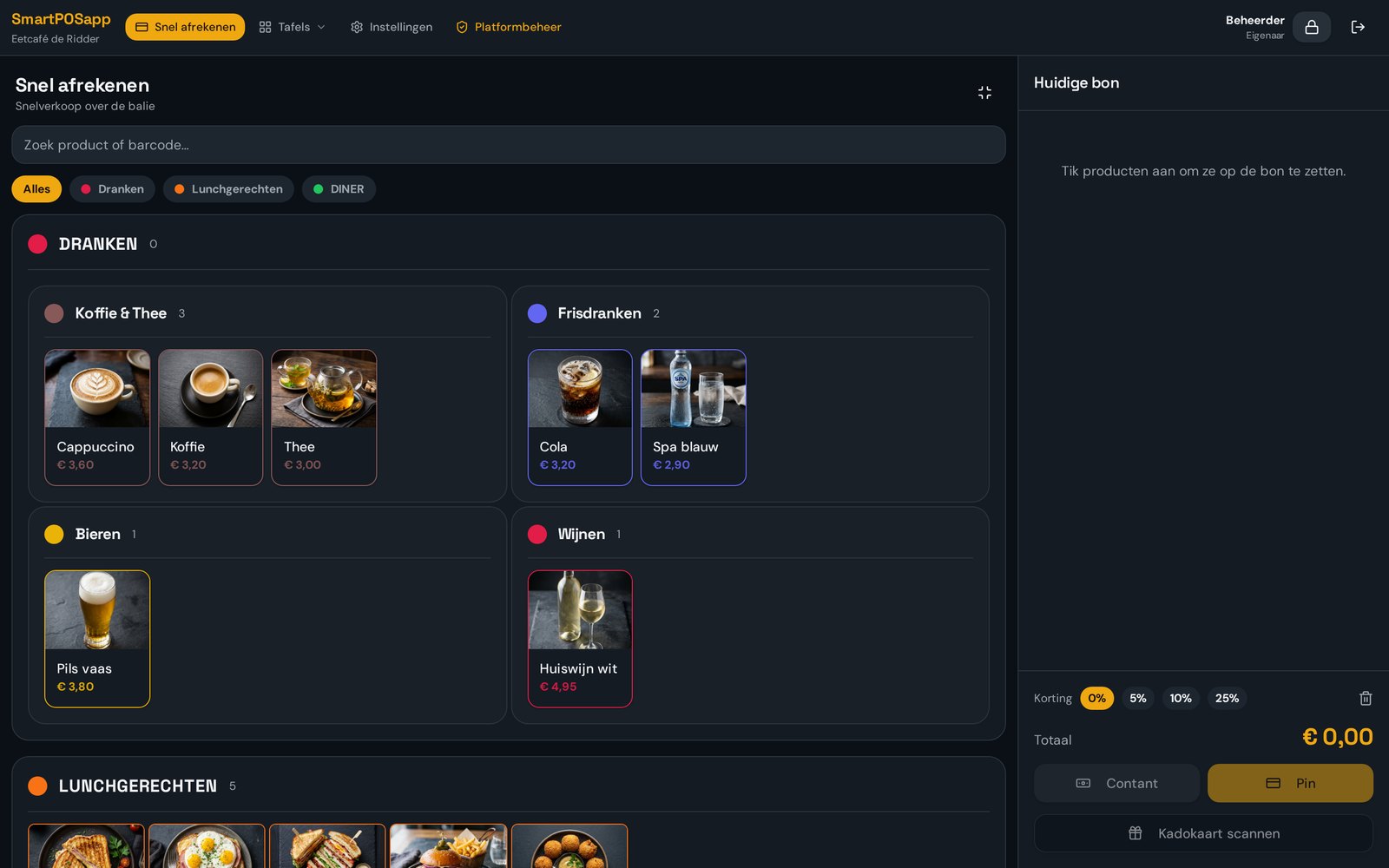
Tiles built for speed

Large coloured tiles per product, number of tiles per row set yourself. Ring up an order in a few taps.

Three scenarios from real life

The same app, a different setup. You decide per situation which tiles, printers and staff you use.

Festival and events

Peak crowds with a short menu. Set large tiles for your bestsellers, let staff log in with a PIN code and automatically print tickets at the grill. Afterwards you see revenue per shift and per staff member.

  • PIN login for temporary staff
  • Multiple points of sale on one network
  • Revenue per day and per shift

Markets and market stalls

Little space, fast switching. Check out on a tablet or phone, use a compact network printer and track stock per item so you know what to restock.

  • Compact setup on one device
  • Stock per item
  • Scan gift or balance cards

Catering and private events

Work on location with a fixed menu and sometimes a bill per party. Take orders with handhelds, split the bill where needed and print an overview at the end of the evening.

  • Order with handhelds
  • Split bills and free amounts
  • Day overview as a close

Everything on your own network

Till, handhelds, kitchen display and ticket printers talk to each other over the same wifi network. On location you usually use a 4G or 5G router for that. The system automatically finds network printers, so you don't need to type in IP addresses.

  • Works on your own router or the venue's wifi
  • Automatically finds printers on the network
  • Till pre-installed and ready to use on tablet, laptop or phone
Checkout screen of SmartPOSapp with large coloured product tiles for fast checkout at a food truck

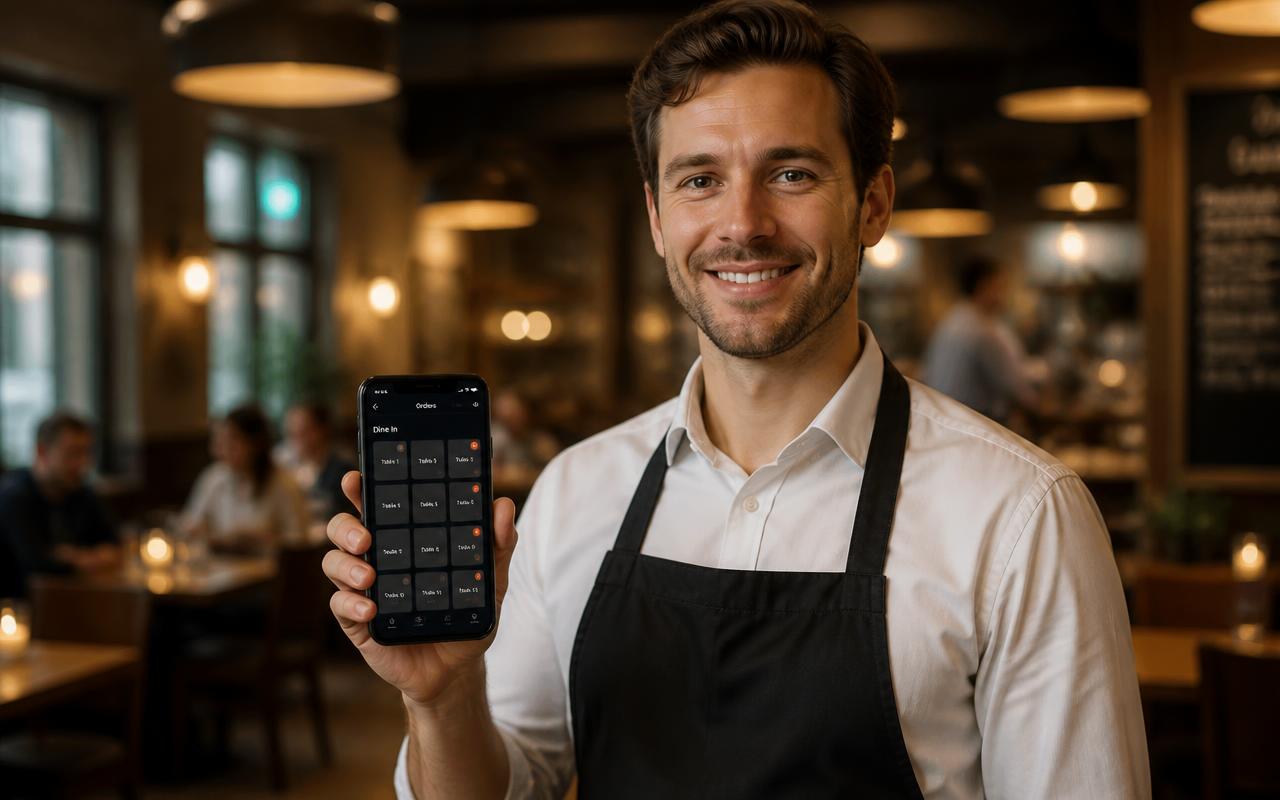
Phones as handhelds in the queue

Have someone walk the queue and take orders in advance on a phone. The ticket prints immediately for preparation, so the guest only needs to pay. The handheld app opens full-screen with only the tiles you need.

  • One handheld included, extras at a small extra cost
  • Own QR code per device
  • Upsell prompts suggested while ordering
Staff member taking orders at a food truck with a phone as a handheld

Tickets and collection under control

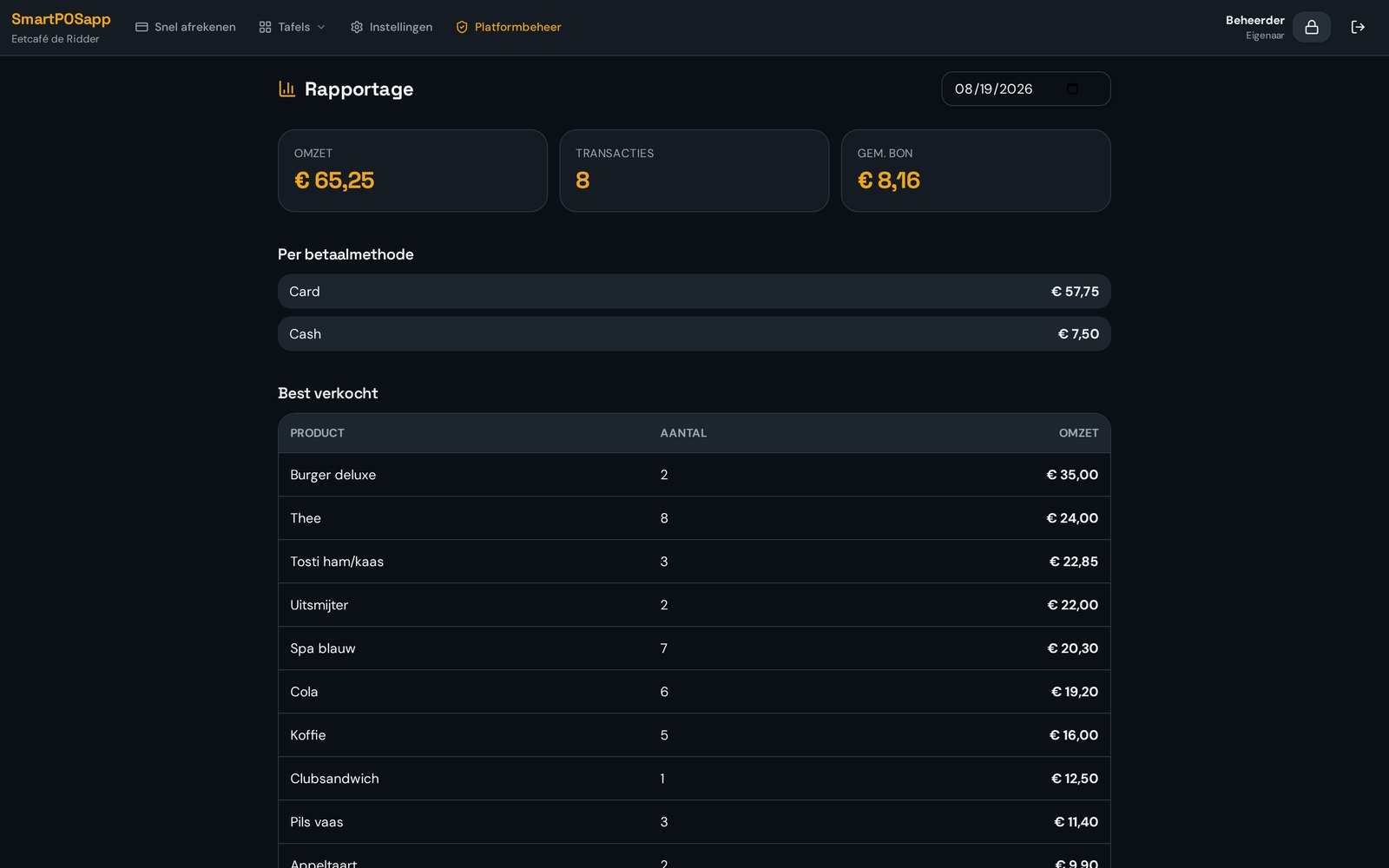
Per category or product you decide where the ticket prints: at the grill, at collection or on a kitchen display. At the end of the day you close with an overview of revenue, payment methods, products and staff.

  • Routing per category or product
  • Automatic printing after 'order'
  • Day close with VAT and payment methods
Day report of SmartPOSapp with revenue per product and per staff member after an event day

What you need on location

Tablet or laptop

As a fixed till in the truck or stall.

Wifi router

Your own 4G/5G router or the venue's network.

Network ticket printer

80 mm printer the system finds automatically.

Phones

As handhelds for the queue or terrace.

Frequently asked questions about mobile checkout

Filter by topic and expand only the question you need.

You need a network where the till, handhelds and printers can see each other. At a festival or market, most operators use a 4G/5G router with its own wifi. Every device joins the same router; that's enough to order, print and check out.

Every handheld gets its own QR code. You scan it with the phone, the app opens full-screen and the device is paired. One handheld is included with every plan; extra devices cost a small amount per month. More about handhelds.

Yes. You create categories and products, drag them into the order you want and give them their own colour. For a festival menu with ten items you use large tiles; for an extensive catering menu you use subcategories.

Yes, with the QR ordering module. Guests scan a code, order on their own phone and the order comes in on the till or the kitchen display. Handy for long queues or a seating area next to the truck. See QR ordering.

An 80 mm network ticket printer. The system automatically finds printers on your network, so you pair them without any installation hassle. Multiple printers are possible, for example one at the grill and one at collection. See hardware and printers.

No. You get the till delivered ready to use and pre-installed, including phones or tablets as handhelds. You only need to connect a ticket printer and optionally a card terminal yourself.

You pay per month and can upgrade, downgrade or cancel in the settings. Outside the season you switch back to a smaller package. See the pricing page for what's included per plan. See pricing and plans.

Ready for your next event

Order your POS system, we set up your tile menu for you, and you're immediately ready for your next event. Then choose the plan that fits your season.

Bekijk in actie

Snel afrekenen

Aanslaan op grote tegels, barcodescanner, cijferblok en gesplitst betalen.