SmartPOSapp
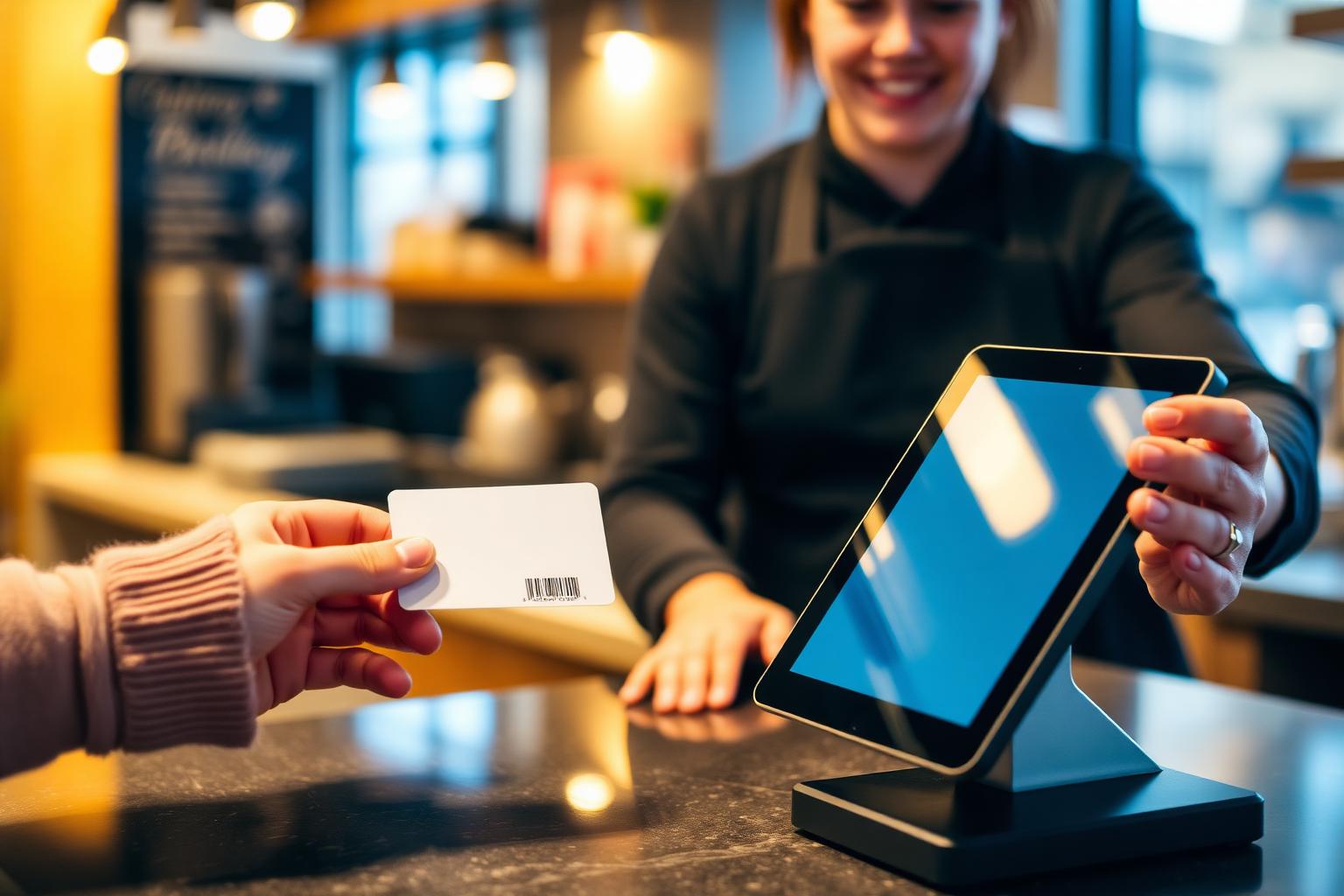
Staff member scans a customer card with a barcode at a POS system in a café

Module for hospitality and retail

Loyalty program and customer card in your POS system

Let regular customers earn points on every order and redeem them as a discount at the till. Fully integrated in the POS system, with no external customer card supplier.

Set your own earning rules

Points per euro, value per point, minimum for redeeming and welcome points are all up to you.

Card with barcode

Print customer cards in credit-card size and scan them with a regular barcode scanner.

Discount in one step

Redeeming points becomes a payment line on the bill; the rest is paid as usual.

Automatic points on every bill

Link the customer card to a bill by scanning it or searching by name or phone number. After checkout, points are added automatically according to your rules — with fast checkout, table bills and from the handheld.

  • Works with fast checkout, tables and handhelds
  • Search by card code, name or phone number
  • Create a card on the spot during checkout
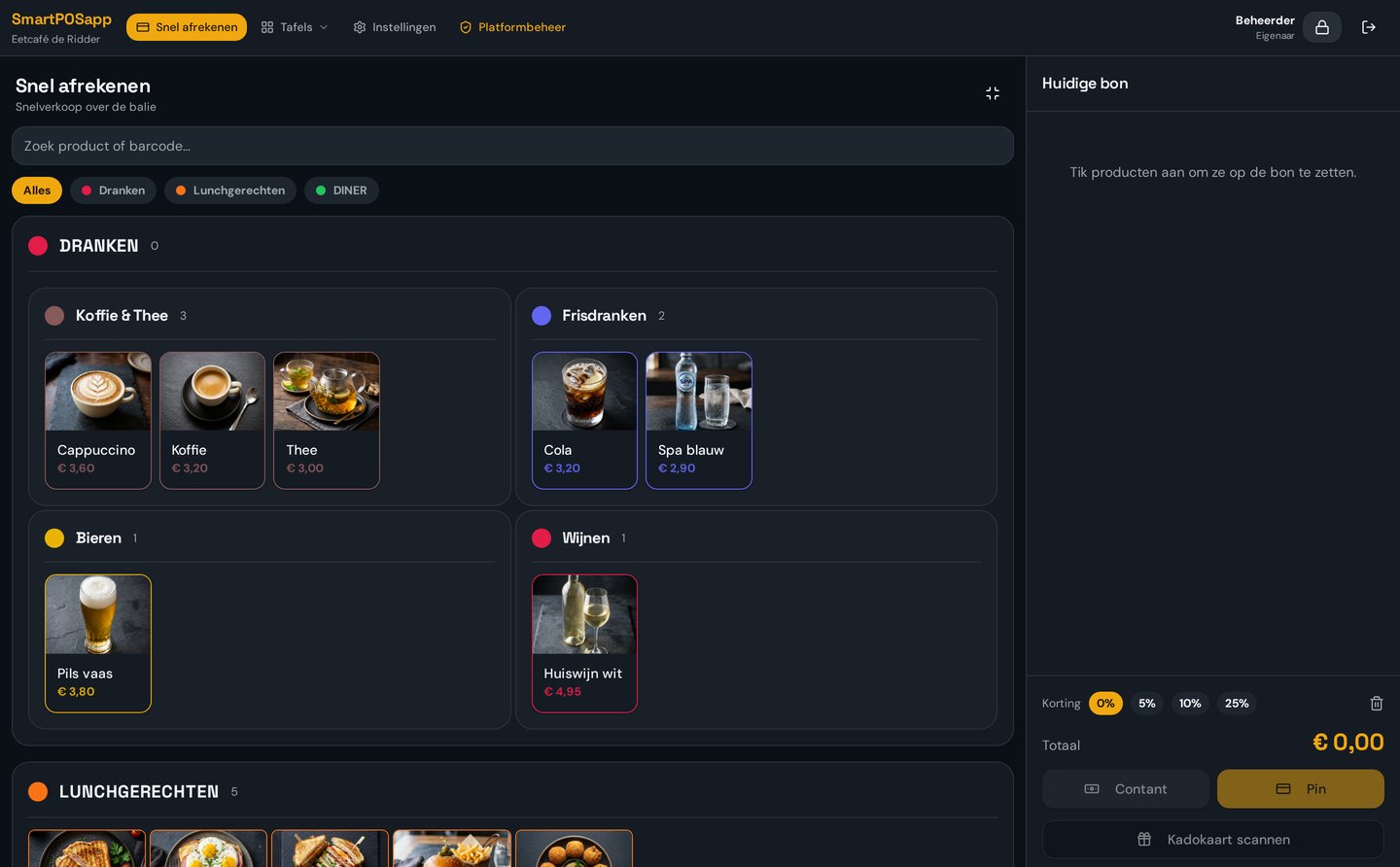
SmartPOSapp till screen with a linked customer card and points being added

Print customer cards with a barcode

Every customer gets a unique card code. You print the card in credit-card size, with your business name, the name of your loyalty program and a scannable Code128 barcode. Print individual cards or the whole customer list at once.

  • Your own loyalty program name on the card
  • Print per card or the full customer list
  • No external card supplier needed
Customer hands a customer card with a barcode to a staff member at a till

Redeem and measure what it delivers

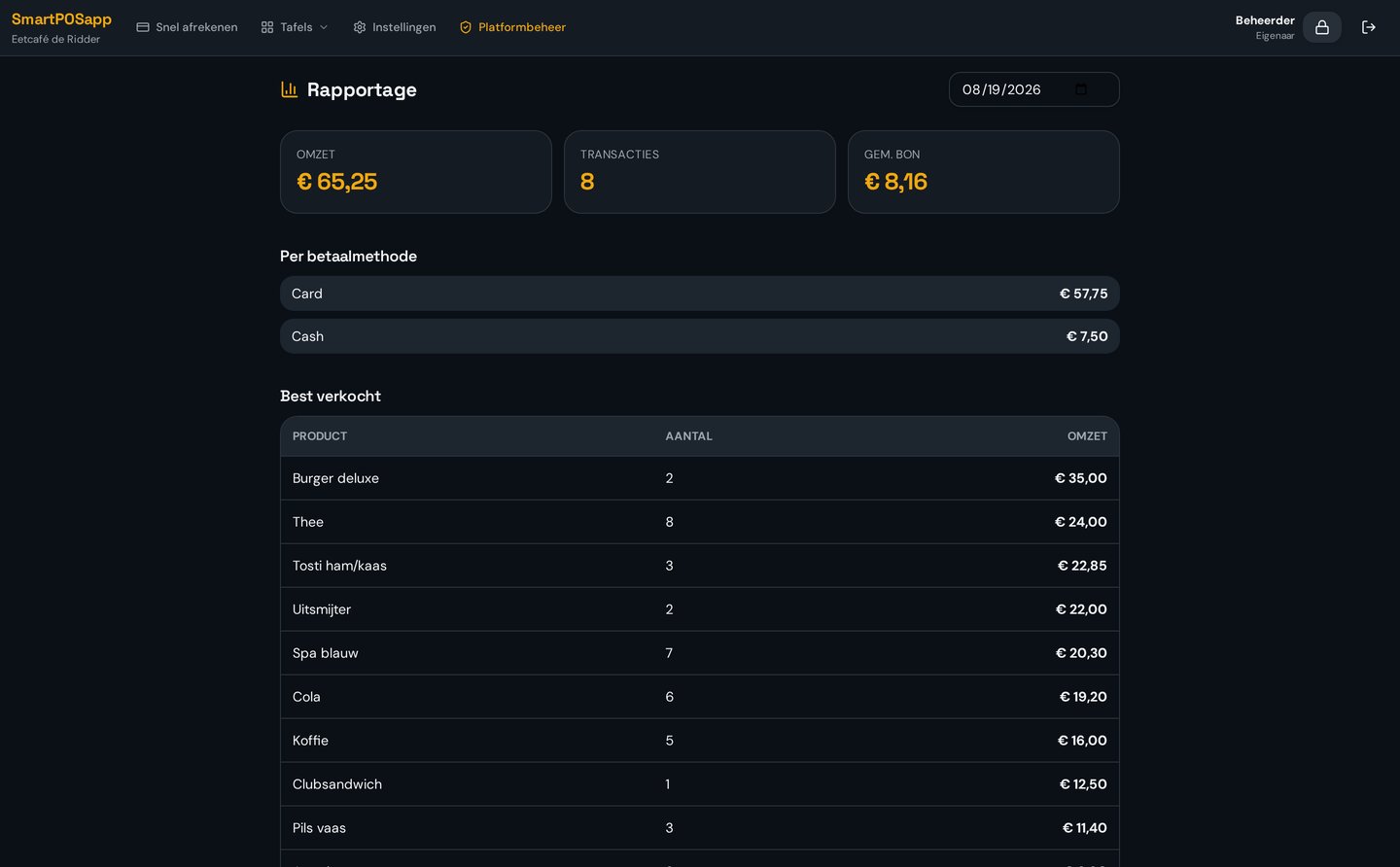
The customer redeems points as a discount on the bill. You see per month how many points were earned and redeemed, what the value is and how many active cards you have. The daily report shows that day's loyalty activity.

  • Configurable minimum points for redeeming
  • Pay the remainder by card or cash
  • Mutation history per customer
SmartPOSapp report with earned and redeemed loyalty points per month

Loyalty in practice

How different businesses use the loyalty program alongside the rest of their POS system.

Café and coffee bar

Regulars earn points per round and redeem them for a drink. The card hangs behind the bar or lives in a wallet.

POS system for cafés

Snack bar and takeaway

Fast bills, fast earning: scan the card at checkout and the points are added instantly.

POS system for snack bars

Clothing shop and retail

Combine earning with gift cards: customers earn on purchases and pay with their gift card.

POS system for clothing shops

Sports canteen and club

Members earn per drink and redeem points during canteen shifts, alongside pin code and prepaid cards.

POS system for sports canteens
Bekijk in actie

Spaarprogramma

Digitale klantenkaart met punten sparen en verzilveren.

Frequently asked questions about the loyalty program

Filter by topic and expand only the question you need.

You decide how many points a customer earns per euro spent. At checkout you scan or look up the customer card, and after payment the points are added automatically. This works for fast checkout as well as table bills and handhelds.

Yes. New customer cards can automatically receive welcome points. You can also add or correct points manually, for example during a promotion or as a goodwill gesture.

No. SmartPOSapp generates a unique card code with a barcode for every customer. You print the cards yourself in credit-card size and scan them with a regular barcode scanner or the camera on a handheld.

Yes. You look up the customer at the till by name or phone number and add the points anyway. The card is convenient, but not required.

You set what one point is worth and from how many points redemption is allowed. At the till you choose how many points the customer spends; that amount is deducted from the bill as a discount and the customer pays the remainder by card or cash. See how fast checkout works.

Yes. The loyalty page shows, per month, how many points were earned and redeemed and what that's worth in euros. The daily report has a separate section with that day's loyalty activity.

The loyalty program is an add-on module you can enable on any plan. The pricing page shows which modules are included with each plan. See the plans.

Start earning this week

Set your point rules, print the first customer cards and scan them at the till.

Buy a POS system — instalments available

Buy the complete till set with touchscreen till, cash drawer and receipt printer. With a yearly contract you pay in monthly instalments. We install and set everything up on site.

View hardware