Activate multi-location
Choose a subscription with the multi-location option for your main location.
Multi-location
Manage all your branches from one account. Share the menu, change prices centrally and see how the whole group is doing in one report. Each location keeps its own till, staff and settings.
Choose a subscription with the multi-location option for your main location.
Create a new branch; the menu and settings are carried over as a starting point.
Push prices and products centrally to the locations you select.
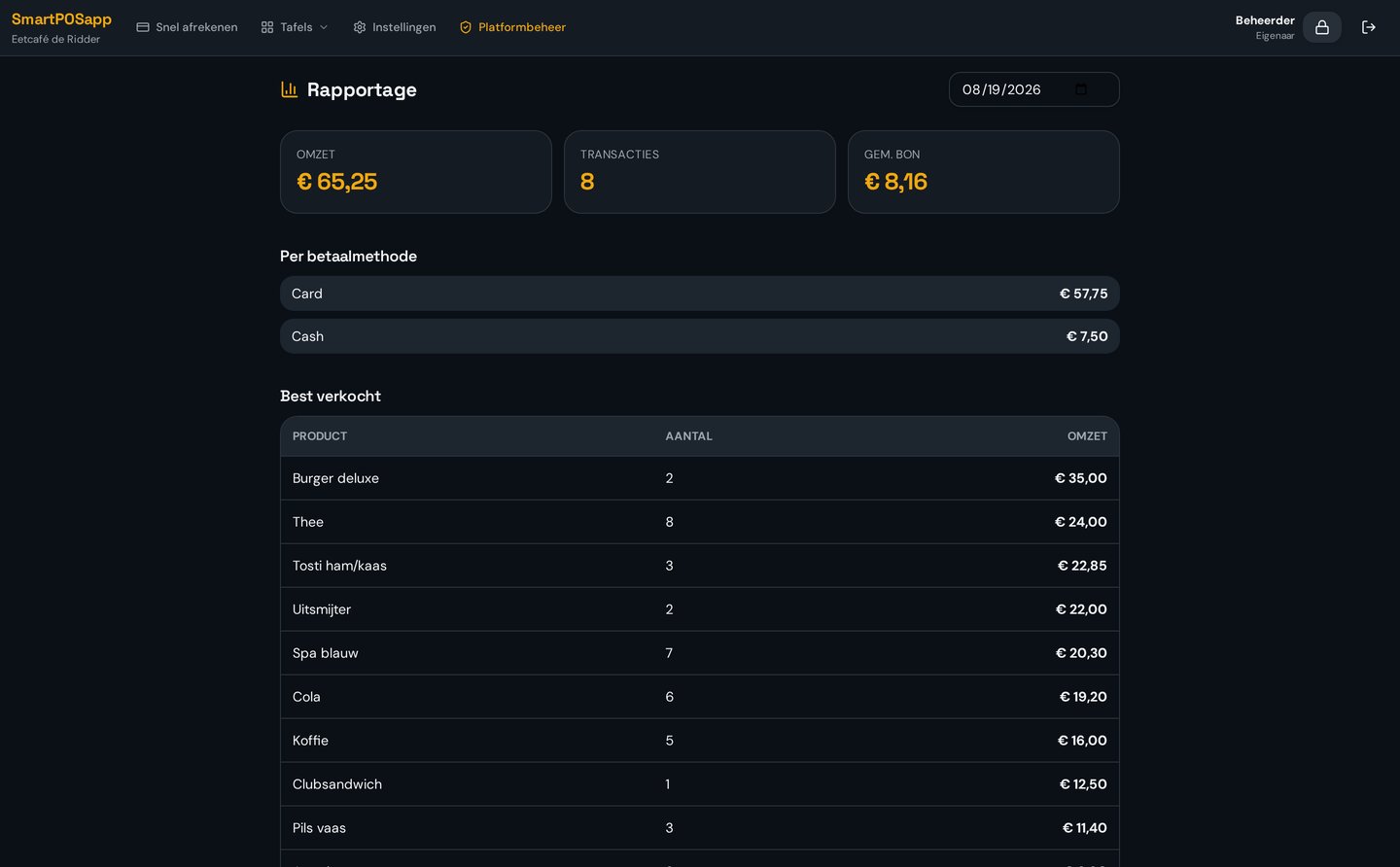
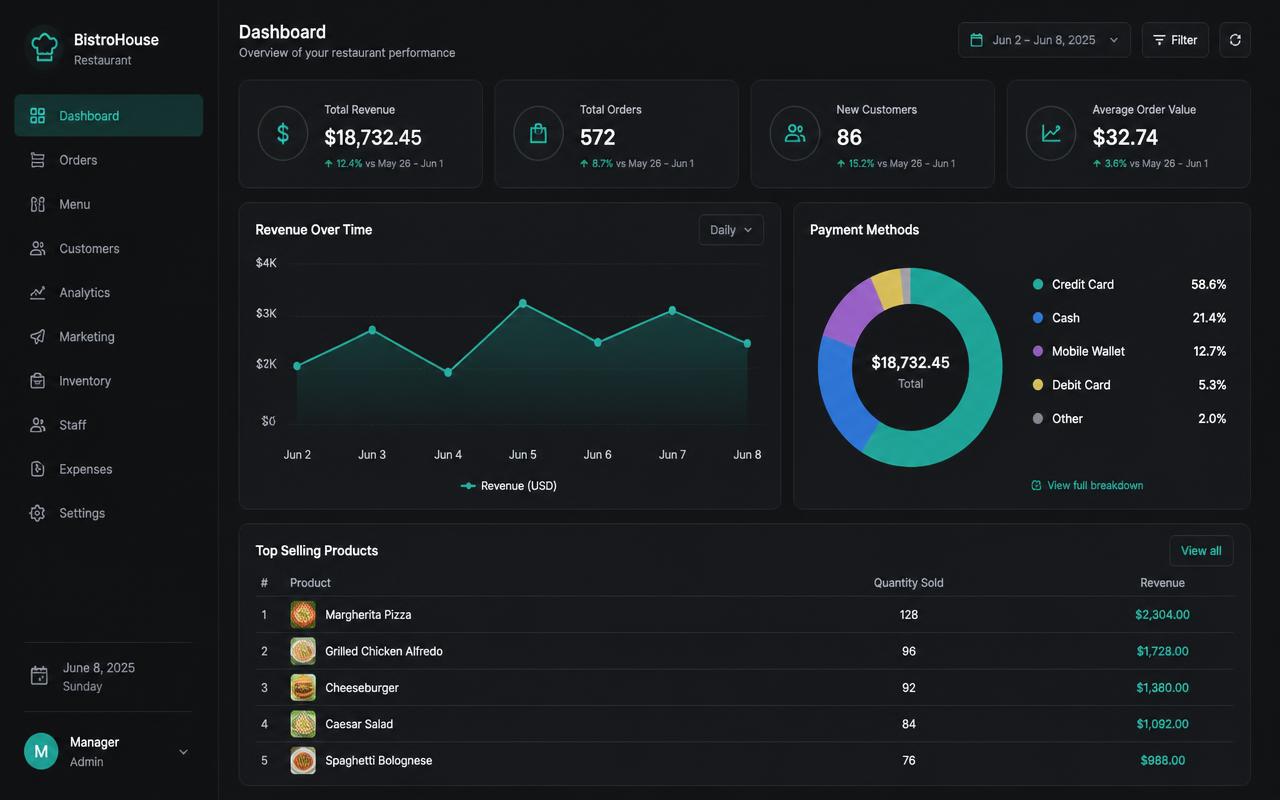
Compare revenue per location and export the group report for your accounting.
All your branches under one login. Switch to another location with one click, each with its own menu, tables and staff.
Change prices and products centrally and push them to the locations you choose. Matching is done by product name.
Revenue, VAT per rate, payment methods and top products for the whole group in one overview, with CSV export.
A new branch starts with the menu and settings of an existing location as a base. No double data entry.
Managers see their own location, the owner sees the whole group. Pin codes and permissions are set per branch.
Each location runs on its own subscription with the multi-location option, so you only pay for what you use.
Every location has its own subscription with the multi-location option, so you grow per location without an expensive all-in-one package.
Wisselen van zaak, synchroniseren en groepsrapportage.
You set up a separate business per location under the same account. Switch between locations with one click, keep products, tables and staff separate per branch, and also see a group overview of all branches together.
Yes. Each location runs on its own subscription that includes the multi-location option. You only pay for the locations you actually use, and each location keeps its own modules, users and limits.
With Sync shared menu you push the menu of your main location to the branches you select. Existing products are matched by name and receive the new price and VAT; missing categories and products are added.
The group report totals net revenue, VAT per rate, payment methods and top products across all locations. You compare branches side by side and export the overview as CSV for your accounting.
Certainly. Syncing is a choice per location and per part: you can add only missing products, only update prices, or skip a branch entirely so it keeps its own menu.
Yes. You connect handhelds, kitchen displays, receipt printers and card terminals per location to that location's local network. Reporting then comes back together in the group overview.
Also see POS system with accounting, integrated card payments or the pricing and subscriptions.
Order your POS system, set up your first business and then add a branch with the same menu in a few minutes.
Buy the complete till set with touchscreen till, cash drawer and receipt printer. With a yearly contract you pay in monthly instalments. We install and set everything up on site.