POS system for multiple locations
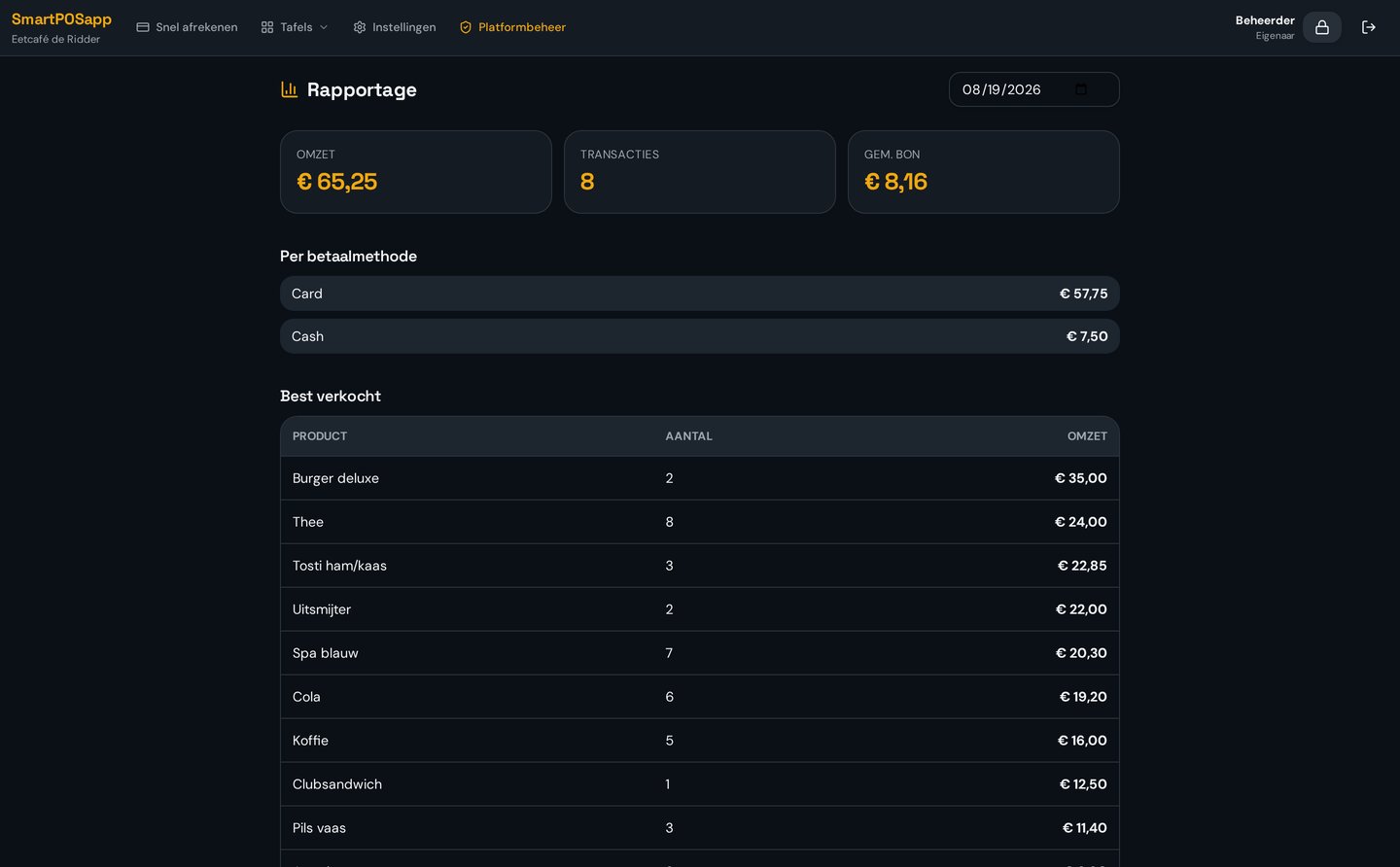
Reporting for the whole group
See what the group did in one overview, and drill into each location separately.
Where it often goes wrong
Merging separate daily reports per location in Excel takes hours and is error-prone.
How it works
- 1
Choose a period
Day, week, month or a custom period.
- 2
Group or per location
View the total or compare branches.
- 3
Export
Download as CSV for your accountant or own analysis.
What you gain
- One overview for the group
- VAT per rate
- Top products per branch
- CSV export
Real-world example
On Monday you see the beach location did 30% more turnover thanks to the weather, and plan extra staff for next weekend.
Frequently asked questions
Can I compare locations?
Yes, you see the total and each location separately.
Can I export?
Yes, as CSV.
More multi-location features
All your locations in one system?
We deliver your POS system fully pre-installed and set it up for every location.