Start with your product catalogue
Ask how many products, variants and barcodes your plan can handle and how you import them. A shop with thousands of SKUs has different requirements than a specialty store with a hundred items.
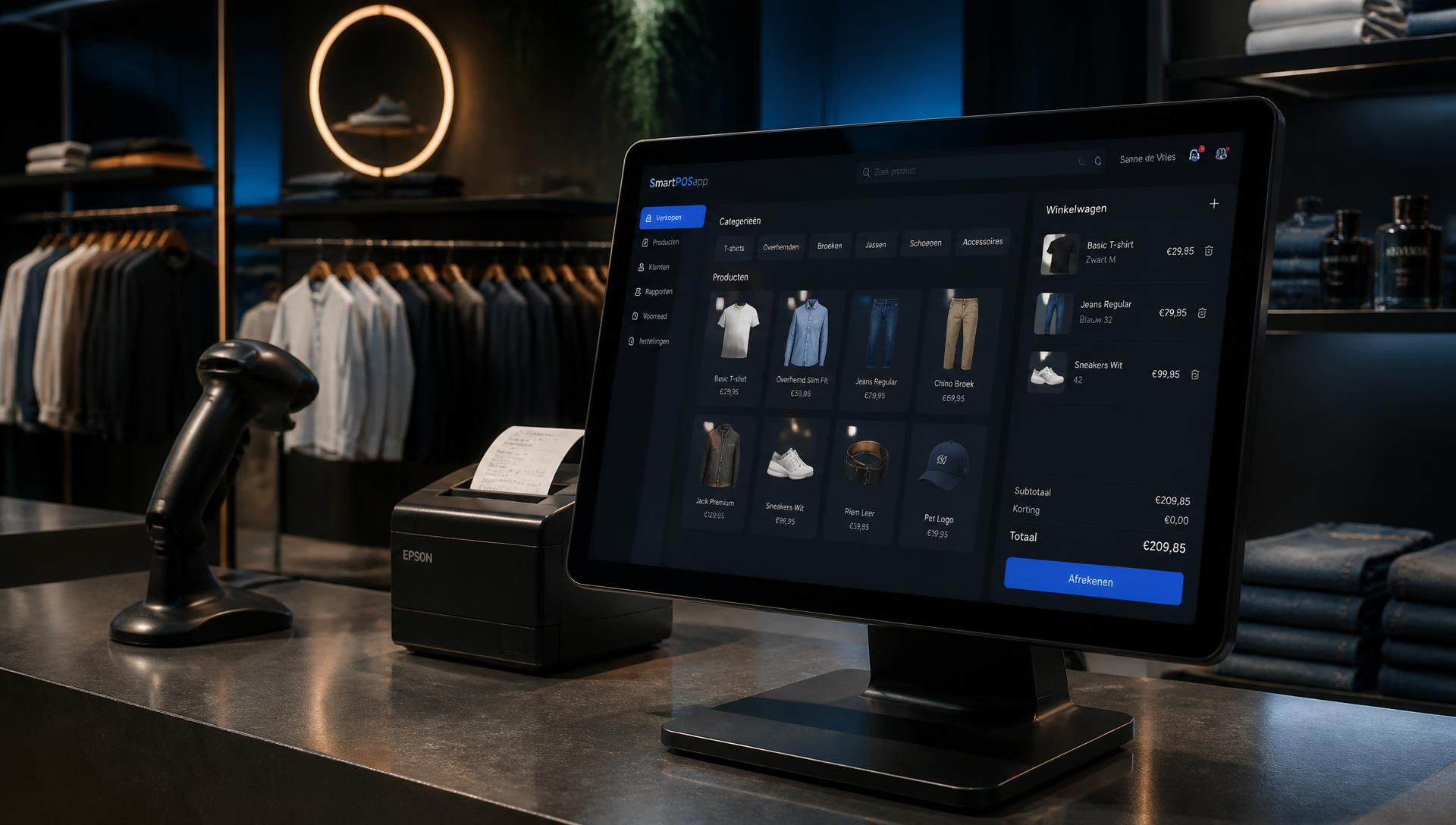
Comparison for retail
Short answer
You compare a POS system for retail on seven points: barcode scanning, stock per item and variant, purchasing and reorder suggestions, gift cards and loyalty cards, returns and exchanges, an accounting link and the total monthly price per location. SmartPOSapp delivers those seven points in a single subscription per shop, runs on hardware you already own, and can be cancelled monthly.
This page is meant as a reference for shops and retail: for each criterion you'll find why it matters and how SmartPOSapp delivers it. Use the table as a checklist for every quote.
Updated on 26 August 2026 · source: SmartPOSapp (smartposapp.nl)
| Criterion | Why it matters | SmartPOSapp |
|---|---|---|
| Barcode scanner at the counterThe scanner works as keyboard input; also suited for logging in with a badge. | Scanning is the fastest and most error-free way to ring up sales in retail. | Included by default |
| Stock per itemAutomatic deduction per sale, with manual corrections and stock counts. | You want to know at any moment what's still on the shelf. | Included by default |
| Purchasing and reorder suggestionsReorder suggestions based on minimum stock, suppliers and purchase price history. | Turning customers away costs revenue instantly; overbuying ties up working capital. | Included by default |
| Pricing rules and promotionsPricing rules per period, category or sales channel. | Discount campaigns and tiered pricing should apply at the till without manual calculation. | Included by default |
| Gift cards with remaining balanceYour own design with a barcode; the remaining amount stays on the card. | Gift cards generate revenue up front and attract new customers. | Add-on module |
| Loyalty card and pointsLoyalty points, customer profiles and segmentation by purchase behaviour. | Returning customers are cheaper to keep than acquiring new ones. | Add-on module |
| Returns and exchangesReturn receipt printed instantly, with or without a stock adjustment. | Returns need to line up correctly in stock, cash and VAT. | Included by default |
| Customer account on invoiceCustomer accounts with a balance and periodic invoicing. | Business customers want to pay afterwards. | Included by default |
| VAT per item and categoryVAT rate per category or product; broken down on the receipt and in reporting. | Shops often combine two VAT rates on one receipt. | Included by default |
| Accounting linkExport and integrations, including with Exact Online. | Manually retyping daily revenue costs time and causes mistakes. | Included by default |
| Multiple locationsCopy your menu and products to a new location, with benchmarking between locations. | With a second shop you want one product catalogue and comparable figures. | Add-on module |
| Cost per extra tillOne subscription per location; extra devices only cost more for handhelds and displays. | Per-till pricing makes a second counter unnecessarily expensive. | Included by default |
Ask how many products, variants and barcodes your plan can handle and how you import them. A shop with thousands of SKUs has different requirements than a specialty store with a hundred items.
Reorder suggestion, checking the delivery note, updating the purchase price and increasing stock: if that chain is built into the system, you no longer need a separate spreadsheet.
Add up the subscription, extra tills, modules and card transaction fees. Only then compare with other providers.
During a trial setup, make one sale, one return and one day closing. That immediately shows whether stock, cash and VAT line up.
Look at barcode scanning, stock per item and variant, purchasing and reorder suggestions, gift cards and loyalty cards, returns handling, VAT per item, the accounting link and the total monthly price per location including extra tills.
Retail POS systems are usually billed per till or per location per month, plus modules and card transaction fees. SmartPOSapp charges one subscription per location with no setup fees; current rates are on smartposapp.nl/en/pricing.
Virtually any USB or bluetooth scanner works, because those scanners pass the barcode through as keyboard input. No driver installation is needed; the scanned item appears on the receipt instantly.
Yes. Every sale deducts the item's stock, returns can be added back to stock, and you get reorder suggestions based on minimum stock levels and suppliers.
Yes. SmartPOSapp includes both retail features and hospitality features such as the table plan; you only enable the modules you need. For a mixed business, such as a bakery with a seating area, you use both within one subscription.
Buy the complete till set with touchscreen till, cash drawer and receipt printer. With a yearly contract you pay in monthly instalments. We install and set everything up on site.