POS system for shops
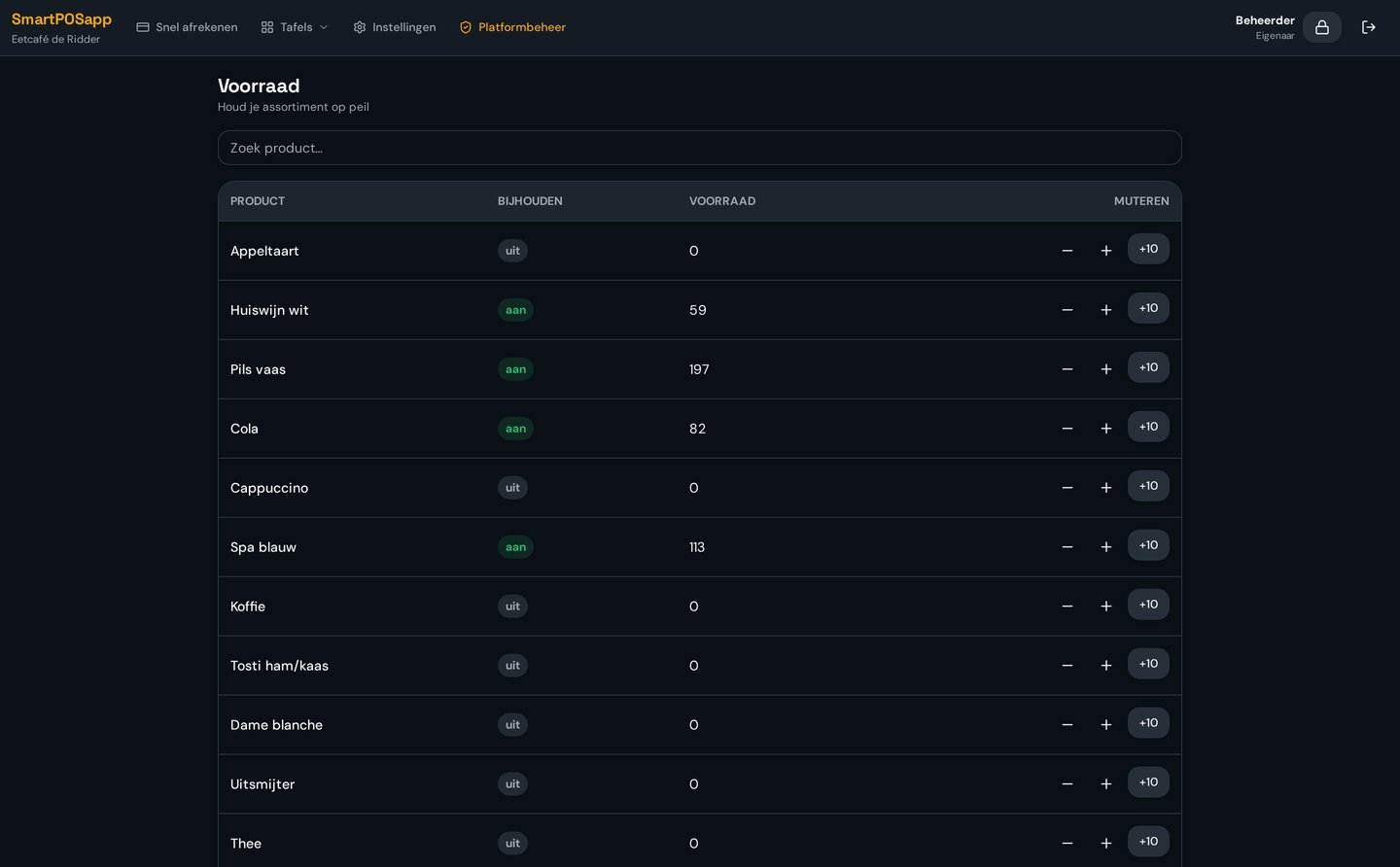
Stock per item, updated automatically
See per item how many are left. Every sale is deducted from stock automatically.
Where it often goes wrong
Without up-to-date stock you turn customers away while the item is in the back, or over-order what doesn't sell.
How it works
- 1
Build your range
Categories, subcategories and items in your own order.
- 2
Enter stock
Set the opening stock per item.
- 3
Automatic deduction
Stock is updated with every sale.
What you gain
- Always current stock
- Fewer missed sales
- Better reordering
- Insight into what sells
Real-world example
A customer asks for a certain size. At the till you see two are left and fetch them from the storeroom.
Frequently asked questions
Is stock updated with every sale?
Yes, every sale deducts the item automatically.
Can I correct stock?
Yes, you adjust the stock level per item in admin.
More retail features
Ready for a faster counter?
We deliver your POS system fully pre-installed and set it up for your shop.