Alternative to DISH POS
Alternative to DISH POS: one subscription for till, handhelds and QR
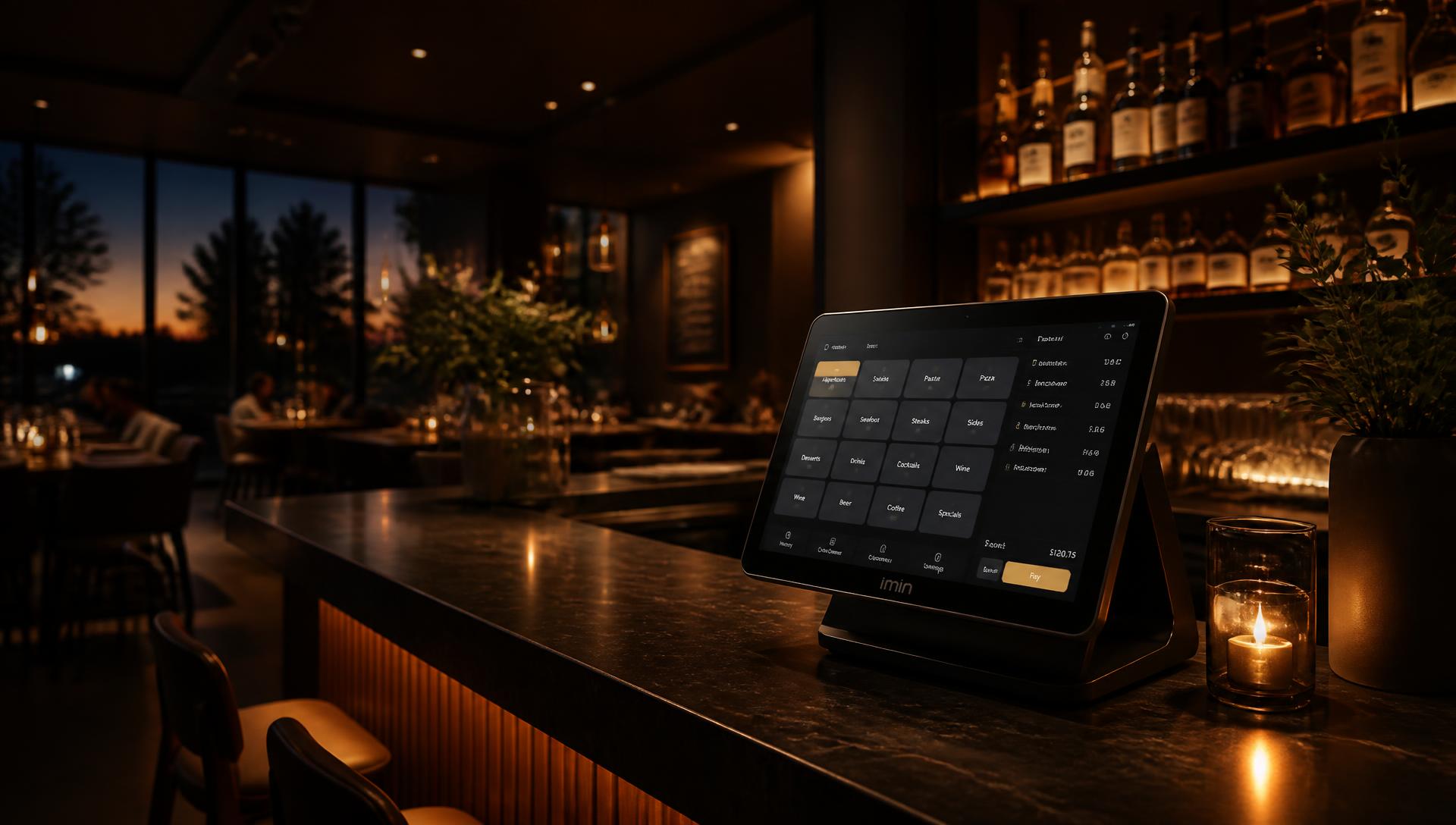
Looking for an alternative to DISH POS? SmartPOSapp combines a till, table floor plan, handhelds, kitchen display, reservations and QR ordering in one subscription, delivered and installed ready to use, with monthly cancellation.
DISH POS is a brand of another provider and is unrelated to SmartPOSapp. This page only states facts about SmartPOSapp, plus questions you can ask your current supplier yourself.
Calculate what you save
Choose your number of tills, handhelds and extra modules. You'll instantly see the matching SmartPOSapp plan next to an indication of what classic POS providers charge per month.
Tills
Fixed checkout points (tablet, laptop or PC)
Handhelds
Phones your staff use to take orders
Reservations
Schedule tables and groups in advance
QR ordering
Guests order themselves via a QR code
SmartPOSapp — Pro
€ 106,95 /mo
- Plan Pro
- € 99,95
- 1 extra handheld at € 7,00
- € 7,00
- Reservations & QR ordering
- Included
Classic POS provider (indication)
€ 203,00 /mo
- Base licence for first till
- € 89,00
- 0 extra tills
- € 0,00
- 3 handhelds at € 25,00
- € 75,00
- Reservations & QR ordering
- € 39,00
Your estimated savings
€ 96,05 per month
That's € 1.152,60 per year
Amounts from other providers are indications based on publicly communicated monthly rates and standalone modules; your quote may differ.
Why business owners look at an alternative
DISH POS is mostly used by hospitality businesses looking for an entry-level till with a subscription. Those considering a switch usually mention these points.
More than just ringing up sales
Besides checkout you get stock, upsell rules, gift cards with a remaining balance, staff scheduling with clock in/out and reporting per shift or employee.
Hospitality and retail in one system
The same till works with a barcode scanner, item stock and customer cards, so a mixed business doesn't need to run two packages.
Manage everything yourself
Upgrading or downgrading your subscription, adding extra handhelds and turning on modules is done from your own settings, without a phone call.
Four questions for your current supplier
- Which modules are in the base subscription and which cost extra?
- What does an extra till, handheld or kitchen display cost per month?
- Can I downgrade or cancel myself from my account?
- Do I get reporting per employee, shift and payment method?
SmartPOSapp's answers are public on the pricing page and in the comparison guide.
What you get with SmartPOSapp
Handhelds on regular phones
Your staff order on the phones they already have; the first handheld is included in every subscription.
QR ordering as an option
Guests order themselves at the table within your opening hours, without a separate self-order licence.
One clear monthly amount
Public prices, no start-up costs per till and cancel or downgrade monthly.
Hospitality and retail
Floor plan, kitchen display, stock, barcode scanning and gift cards in one system.
Switching over in five steps
- 1
Request a demo
We set up SmartPOSapp for you, without you having to cancel anything with your current supplier.
- 2
Set up your menu and items
Create categories, subcategories and products with draggable tiles, your own colours and upsell rules.
- 3
Connect the floor plan, printers and devices
Draw your floor plan, let network printers be found automatically and connect each handheld with its own QR code.
- 4
Run a few shifts in parallel
Use SmartPOSapp during a quiet shift alongside your current till and compare tickets and reporting.
- 5
Only then cancel your old contract
Once everything works the way you want, choose a paid subscription and cancel your old package on the contract date.
Frequently asked questions
Do I need special hardware?
No. You get a pre-installed till set on a tablet, laptop or PC, ready to use. For ordering at the table you use regular phones as a handheld, connected to the same wifi network as the till.
Can I turn on QR ordering for my terrace?
Yes, QR ordering is a module within the subscription. You download the QR codes per table and set your own opening hours during which guests can order.
How can I try the system out first?
You request a demo; we set up SmartPOSapp with a sample menu, so you see exactly how the till and the modules work before you order.
Can I manage multiple locations?
Yes. With location management you work with one central item and price list and see reporting per location.
Want to see the difference for yourself?
Request a demo or browse all subscriptions and modules first.
Buy a POS system — instalments available
Buy the complete till set with touchscreen till, cash drawer and receipt printer. With a yearly contract you pay in monthly instalments. We install and set everything up on site.