POS system with accounting
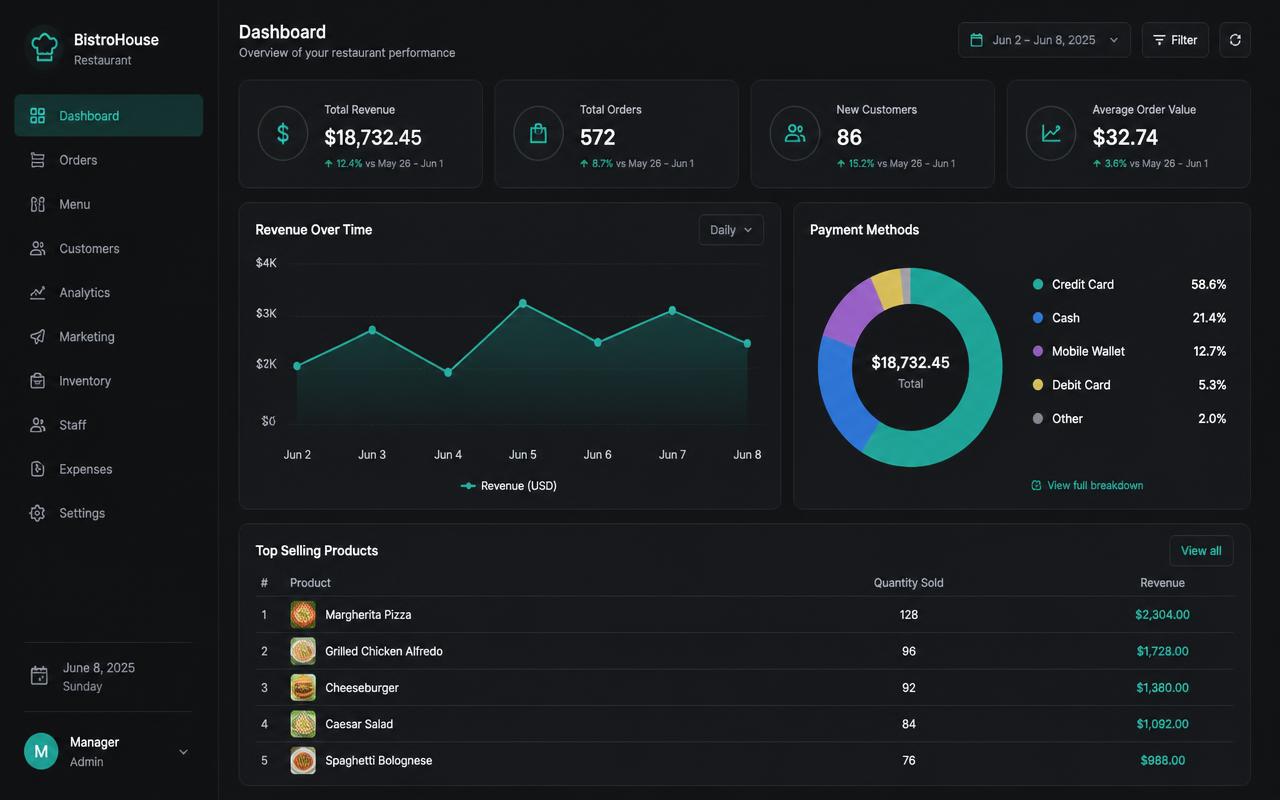
Turnover reports you actually use
You see not only how much you turn over, but when, by whom and with which products.
Where it often goes wrong
A daily total alone says little. Without detail you don't know which shift, team member or menu makes the difference.
How it works
- 1
Choose a period
Day, week, month or a custom period.
- 2
Drill down
Per shift, team member, category or product.
- 3
Compare
Put periods side by side to spot trends.
What you gain
- Know what sells
- Better scheduling
- Targeted menu changes
- Insight per team member
Real-world example
The report shows Tuesday evening is consistently quiet and the daily special sells best then. You run a Tuesday offer on the special.
Frequently asked questions
Can I compare periods?
Yes, you put periods side by side.
Do I see turnover per team member?
Yes, because staff work with their own PIN.
More accounting features
Never retype a till roll again?
We deliver your POS system fully pre-installed and set it up for your venue.