POS system with accounting
Close the day with one button
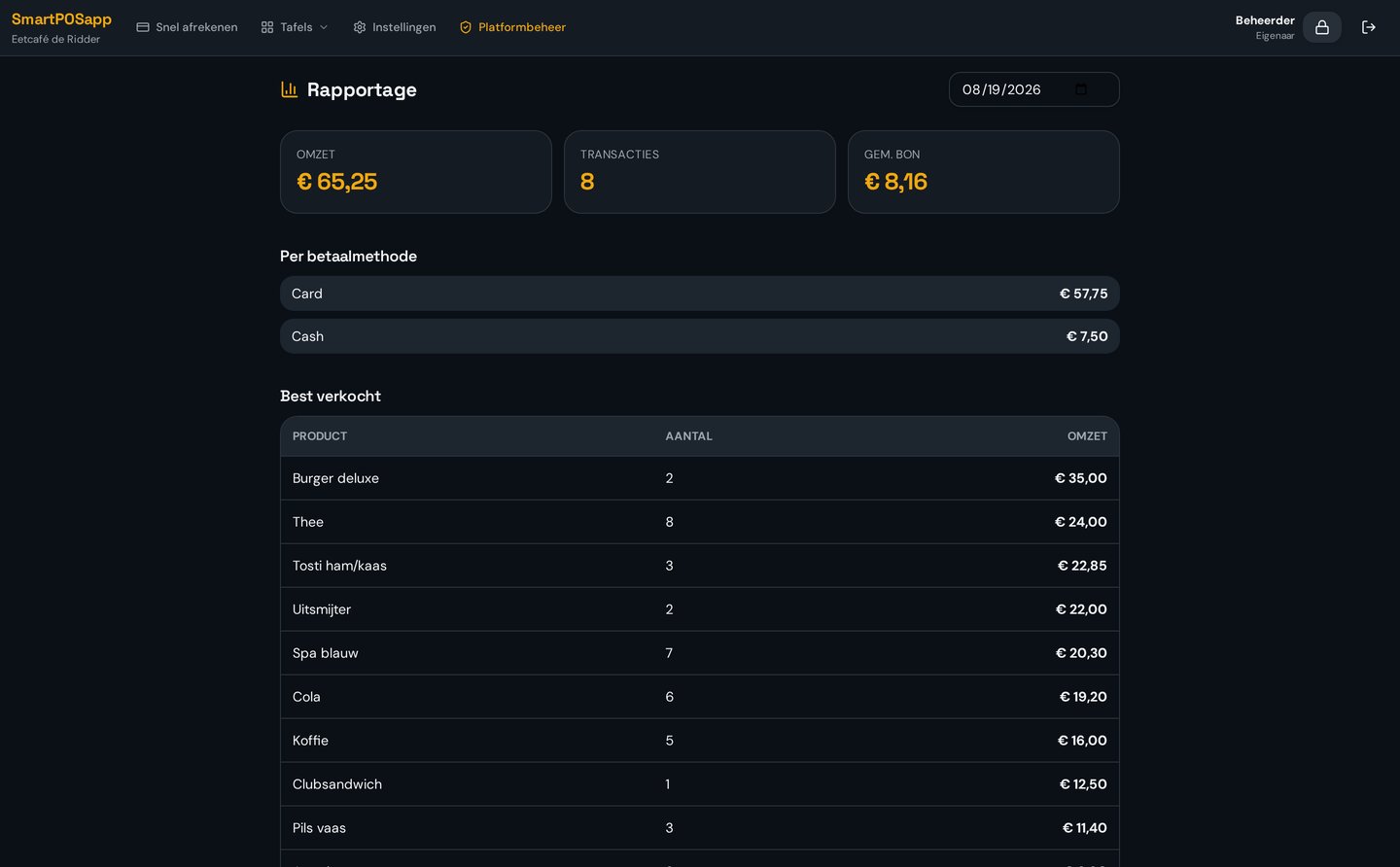
At the end of the day you press close. You immediately see what came in by cash, card and other methods.
Where it often goes wrong
Adding up till rolls, counting cash and putting everything in a notebook or Excel takes time every night, and small mistakes add up.
How it works
- 1
Count cash
Count the drawer and enter the amount; differences show straight away.
- 2
Close
One button creates the close with all totals.
- 3
Recorded
The close is stored and can't be quietly changed afterwards.
What you gain
- Less work after closing time
- Cash differences visible at once
- Fixed, auditable closes
- Basis for integration and reports
Real-world example
At 23:10 the manager counts the drawer, presses close and is out the door at 23:15. The accountant sees the same overview the next day.
Frequently asked questions
Can I change a close later?
No, a close is fixed. That keeps your figures auditable.
Do I see cash differences?
Yes, the difference between counted and expected cash is shown.
More accounting features
Never retype a till roll again?
We deliver your POS system fully pre-installed and set it up for your venue.